This glossary explains the words you meet in VirgilTrack, in alphabetical order. Words in bold are written exactly as they appear on screen. Each entry links to the page that explains it in full. For every status and badge side by side, see Statuses and labels.
Can’t find a word? Search this manual with /, or ask Virgil Copilot inside VirgilTrack with Ctrl + K.
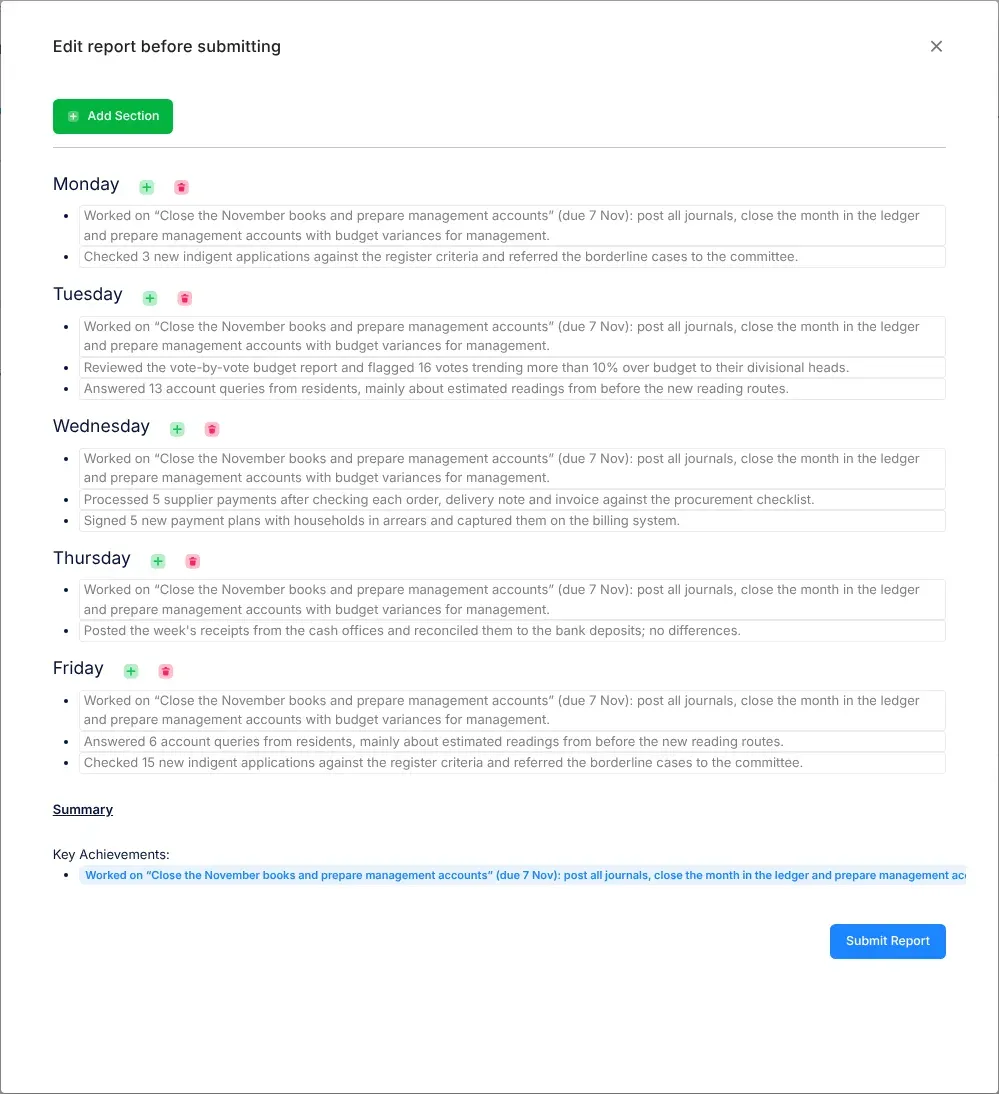
Something that went well. In a work report’s summary, Key Achievements lists the main things done that week. A progress note found in your email can also be an Achievement. See Submit your weekly report.
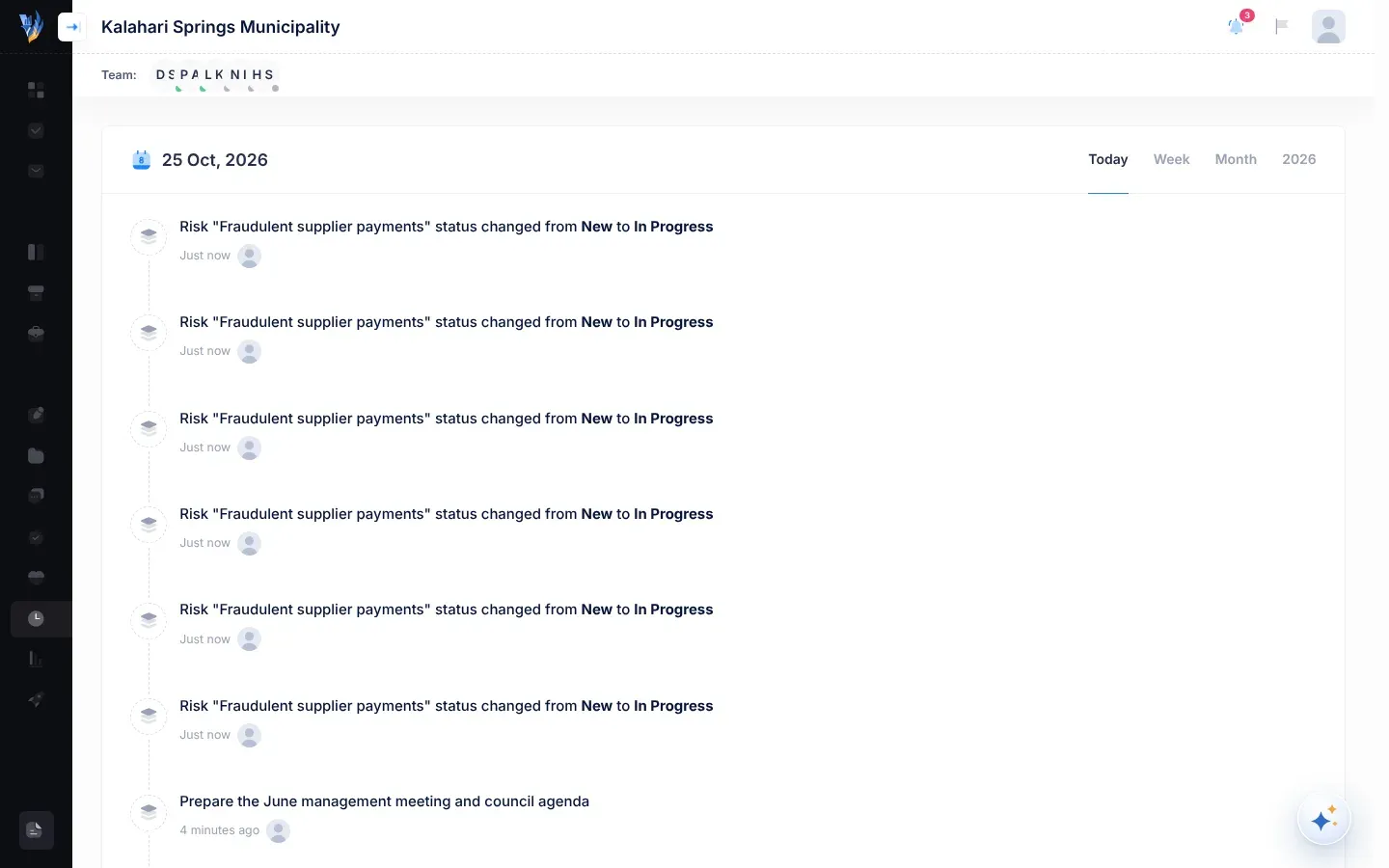
Activity in the menu on the left opens a timeline of what happened in your organisation this calendar year, such as risks added and statuses changed. Everyone in the organisation sees the same timeline. See The activity timeline.
The list of your own sign-ins, which opens from the flag button in the header. It includes attempts that failed because of a wrong password. Only you see it. See Your data and privacy.
Ready-made sentences for your work report, which VirgilTrack writes from things you did in VirgilTrack, such as assessing a risk or implementing a control. For managers and the CEO, work found in their email also becomes a prompt. Only you see your own. They are also called suggestions. See Suggestions and activity prompts.
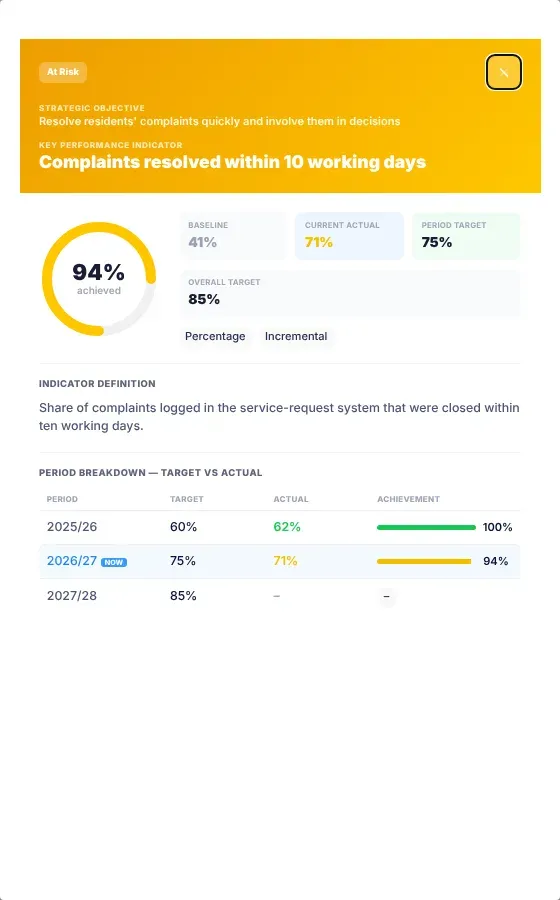
The result a KPI really reached in a plan year, compared with its target. See The KPIs page.
A review frequency. The risk is reviewed case by case as things arise, rather than on a set schedule. See Risk reviews and reminders.
A role for VirgilTrack’s own platform staff, not for people inside your organisation. Administrators approve sign-ups, look after organisations and their people, and prepare demos. See Platform administration.
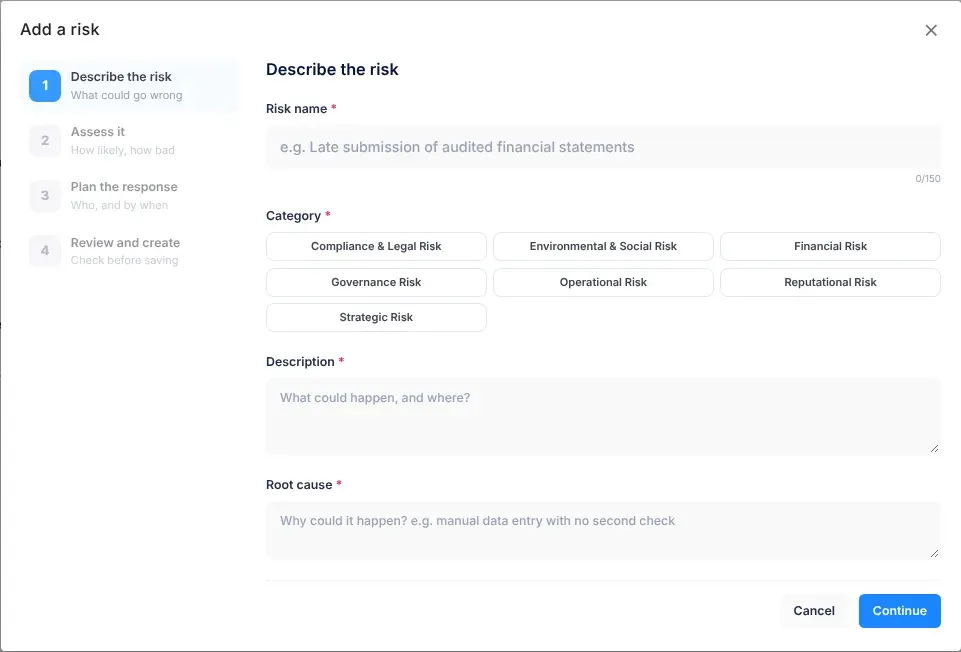
The departments a risk would affect. You choose at least one when you add a risk. See Add a risk.
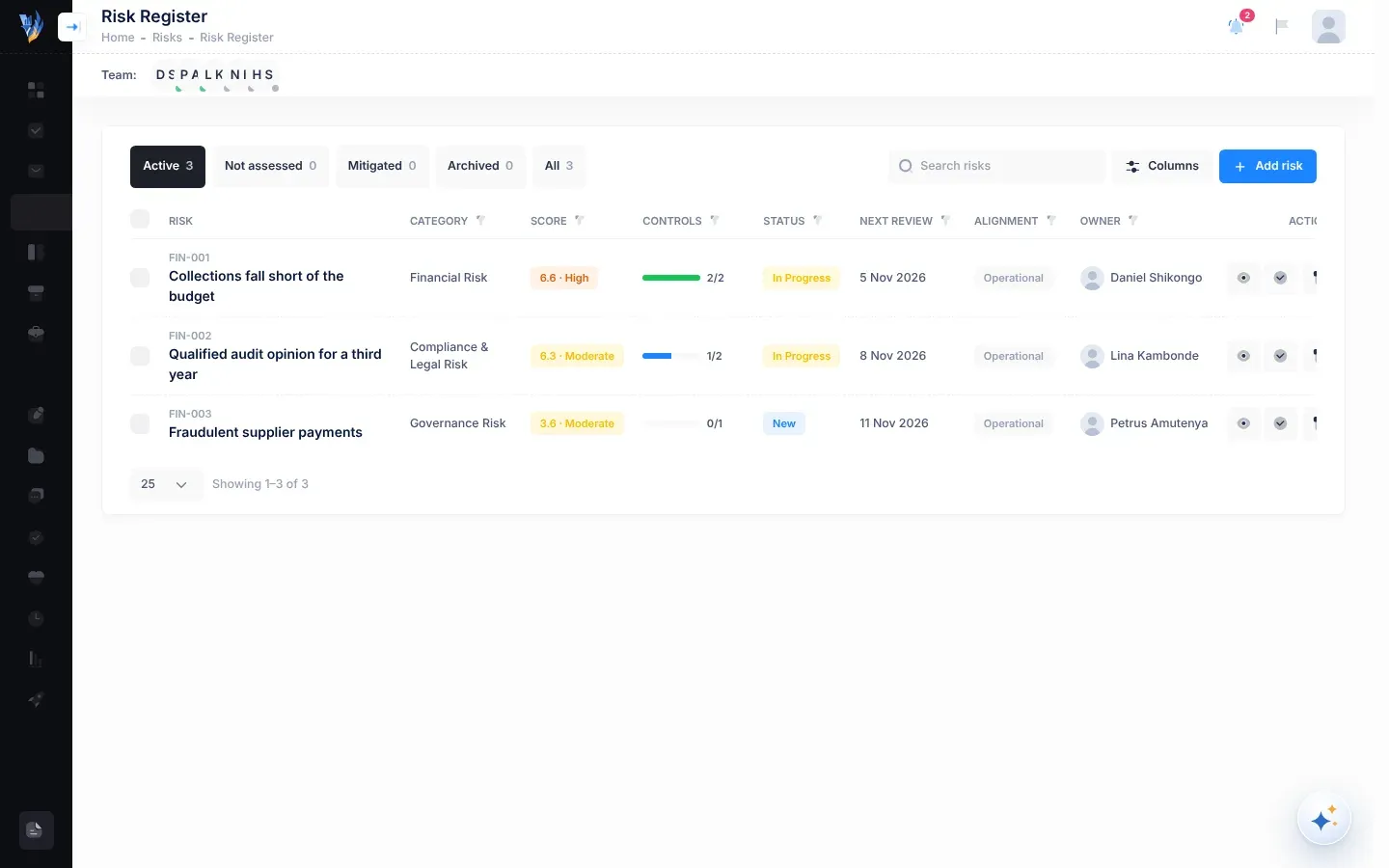
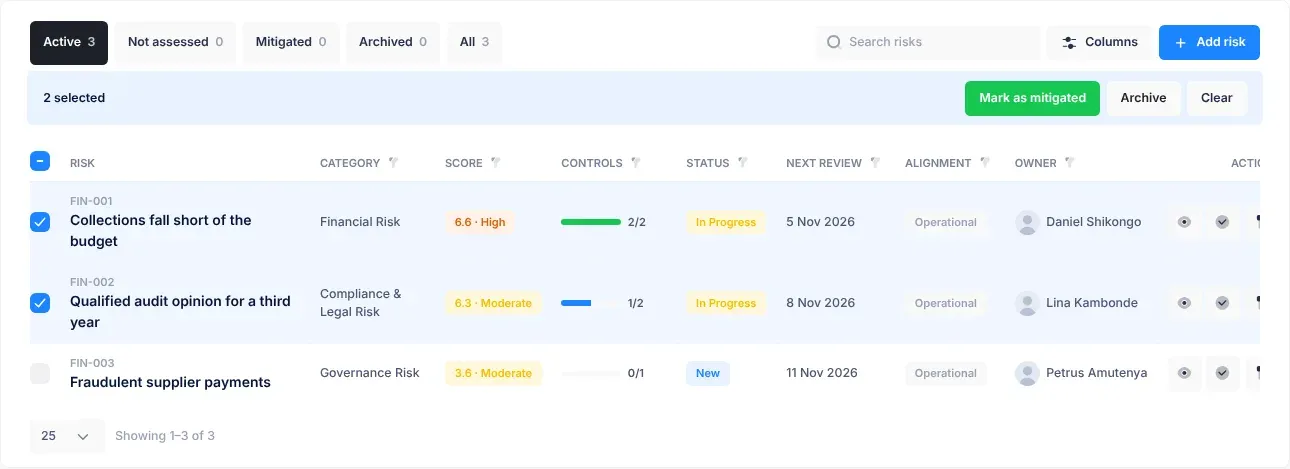
The Alignment column of the risk register. A risk is Strategic when it threatens one or more objectives in your strategic plan, and Operational when it doesn’t. See The risk register.
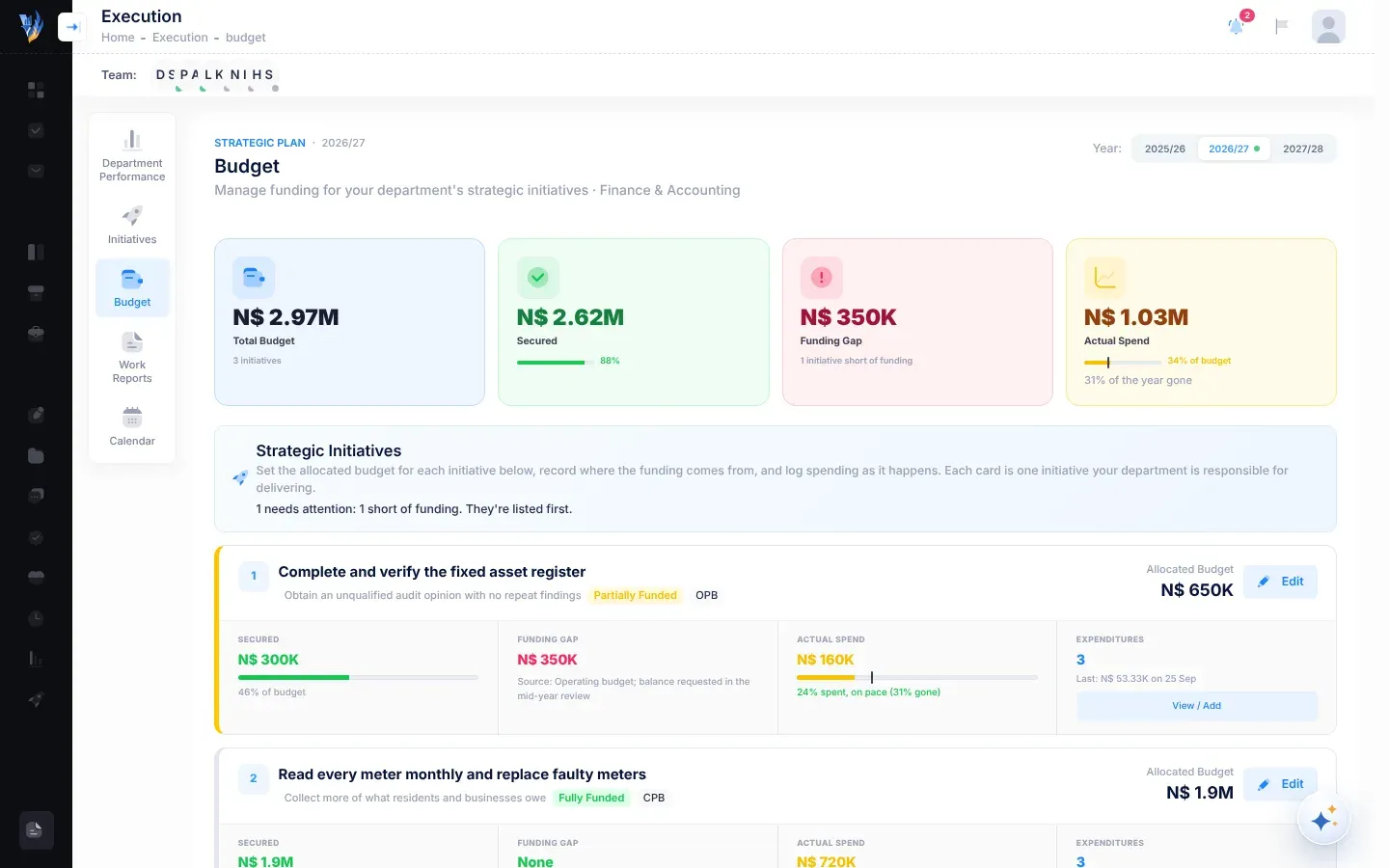
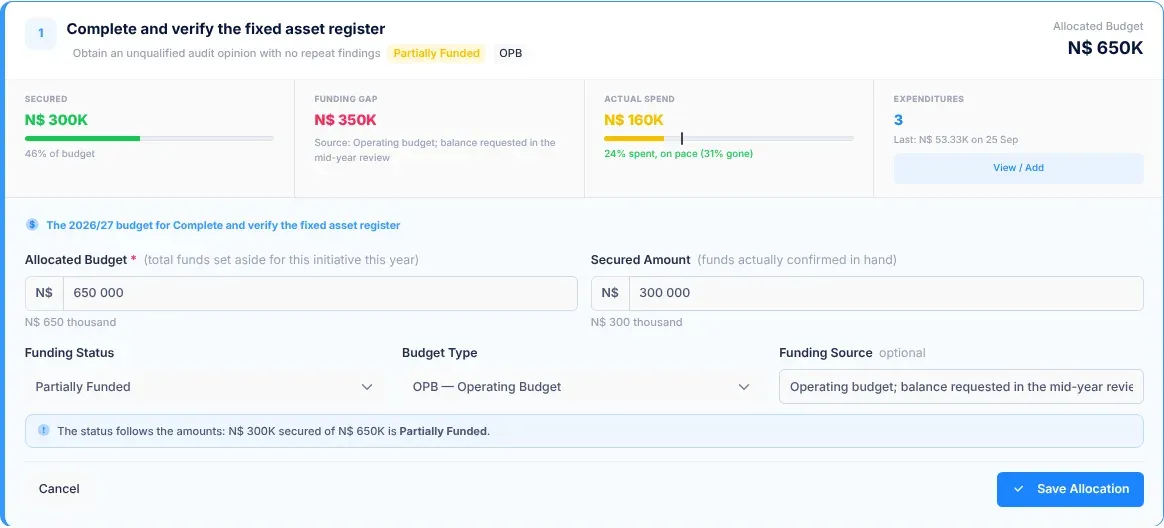
The money set aside for an initiative in one plan year, entered as Allocated Budget on the Budget page. See The Budget page.
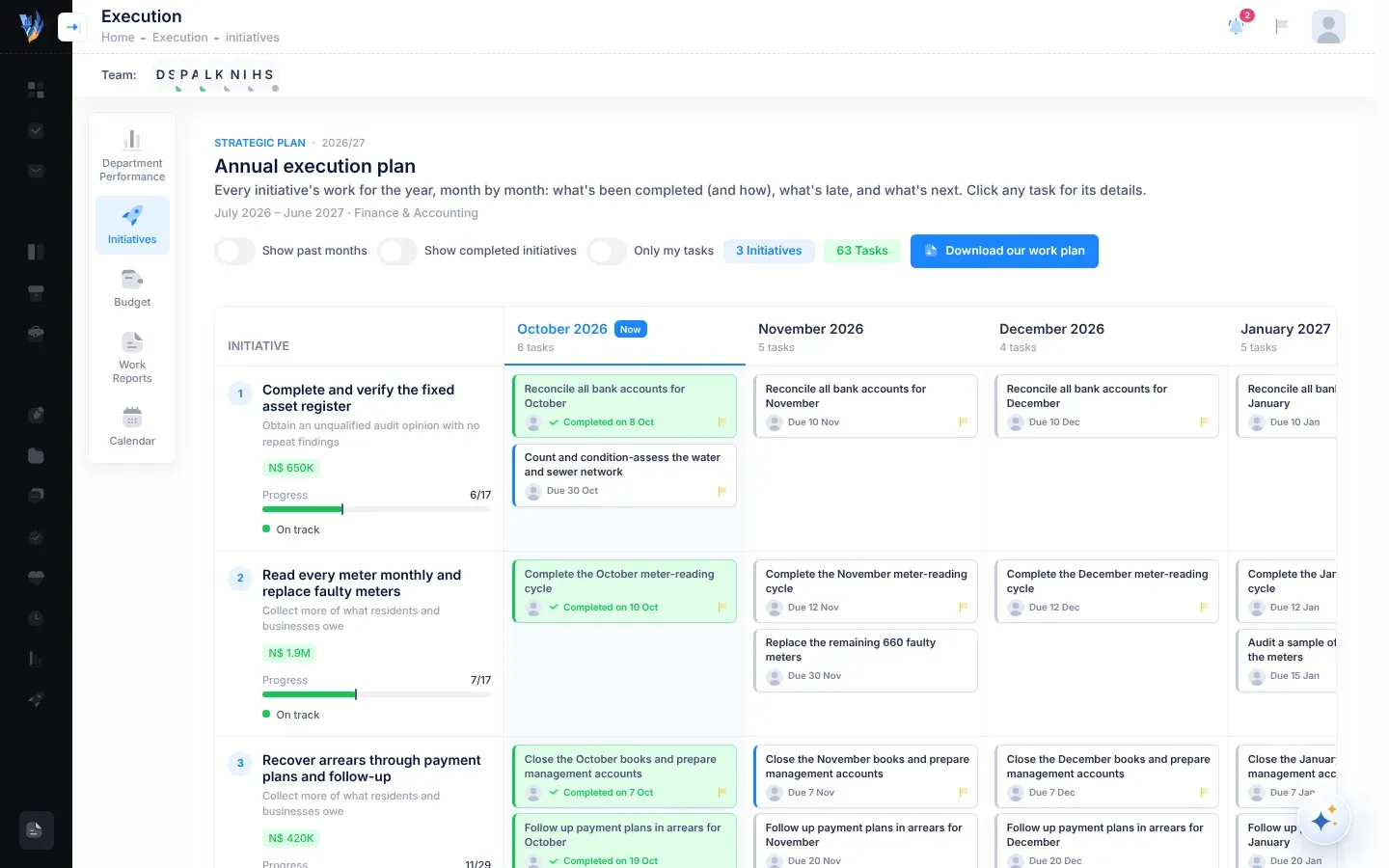
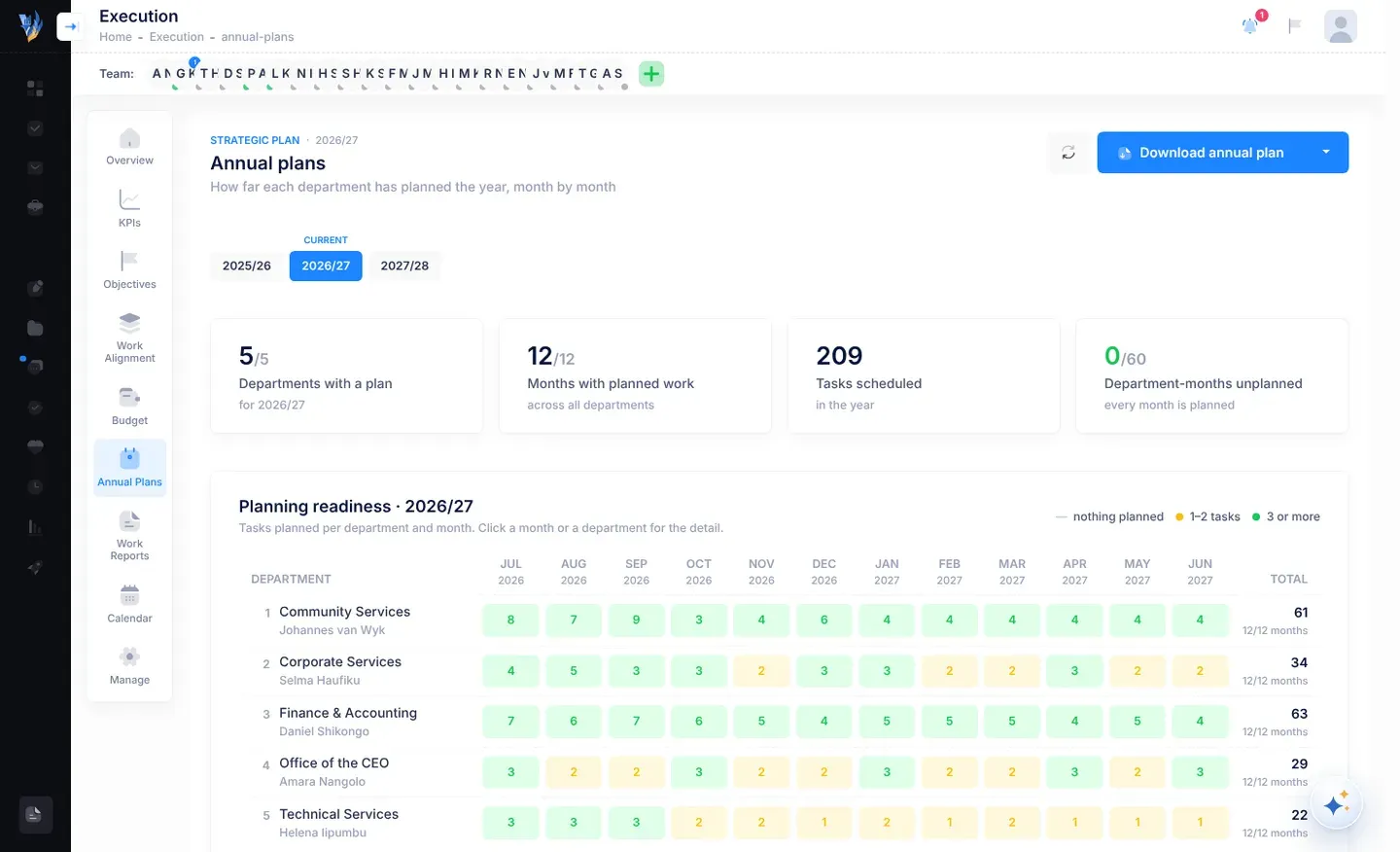
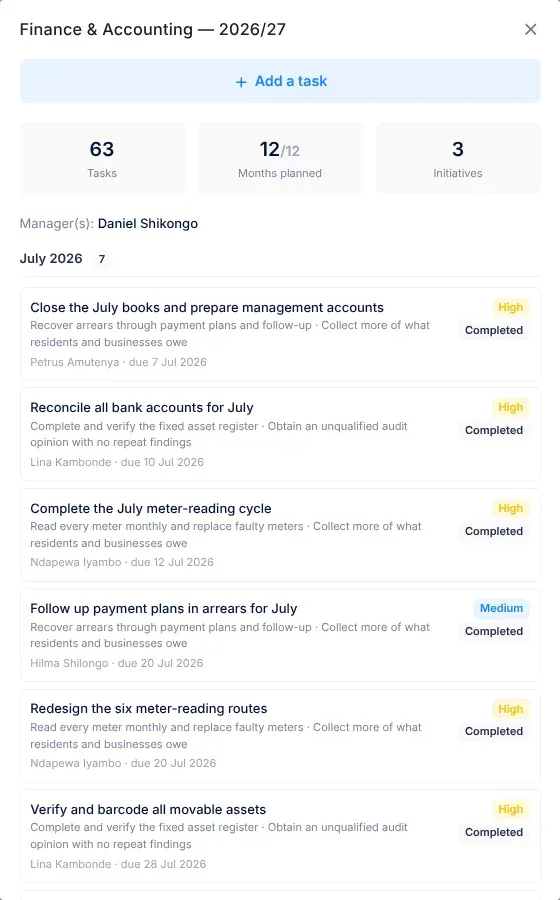
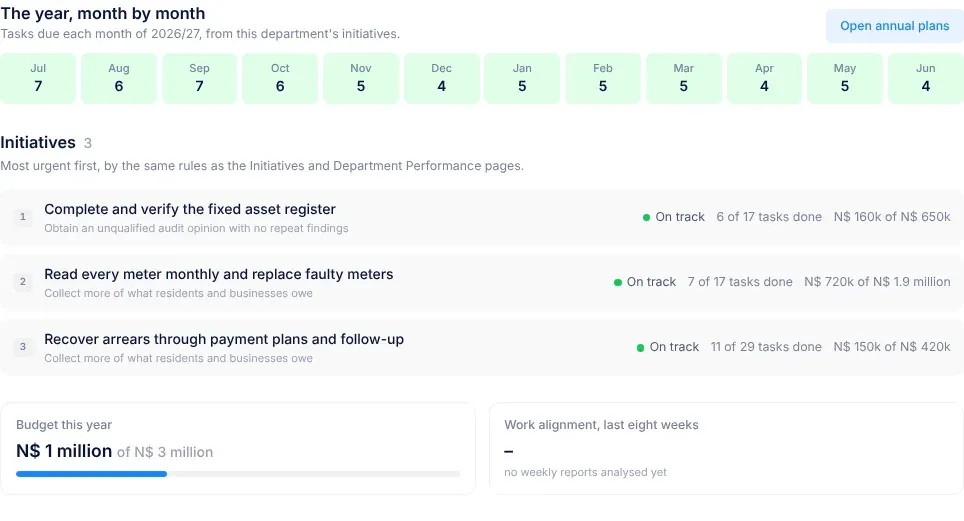
How far each department has planned its year: the tasks under its initiatives, month by month. The Annual Plans page in Execution is for the CEO, or for people the CEO gives access to. See Strategy and execution.
A risk status. The risk has been put away and is no longer worked on. An archived risk moves to the Archived group of the risk register. Nothing is deleted, but it can’t be edited any more. See Managing risks.
To assess a risk is to choose its likelihood and impact, which gives it a score. A risk copied from the risk repository is Not assessed until the person who copied it assesses it. Once assessed, its status becomes In Progress. See Managing risks.
The person a task is for. The assignee starts the task, works on it and marks it as done. Compare lead. See Tasks.
A KPI or objective status. The result is at least 75% of the way to this year’s target, but hasn’t reached it. Some screens write it At Risk. Compare On track and Off track. See The KPIs page.
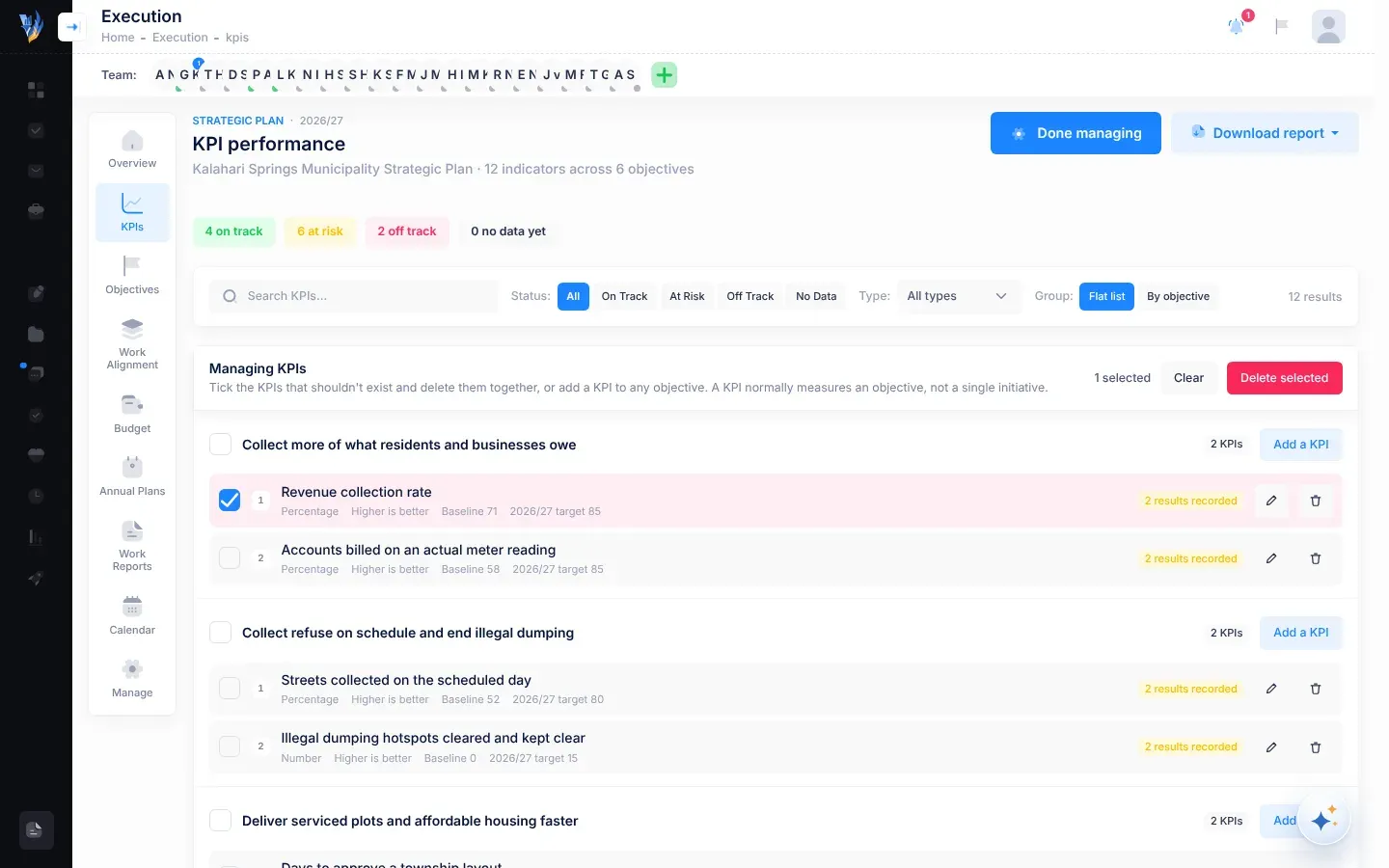
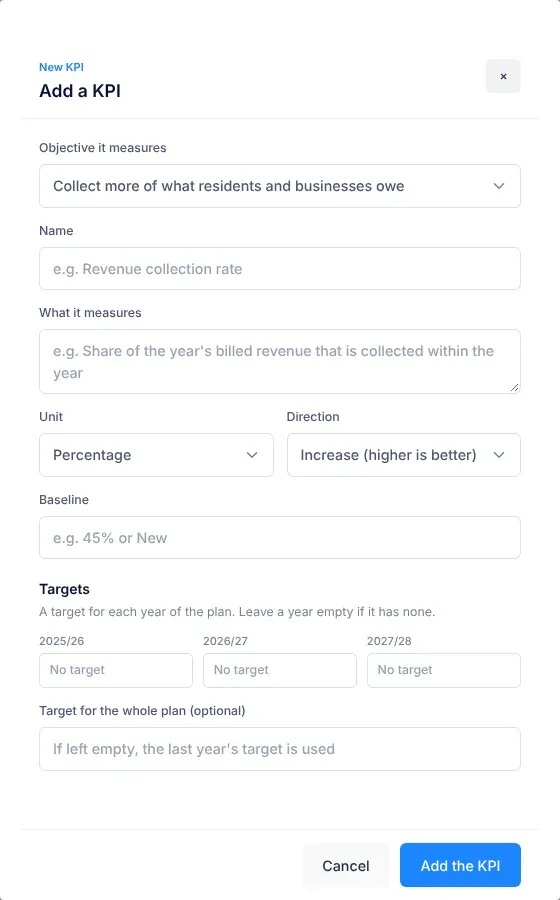
Where a KPI started before the plan began, such as “62%”. If a KPI has no starting point yet, its baseline can be “New”. See The KPIs page.
A task status. The assignee can’t move forward with the task, and has said why. See Tasks.
The money for an initiative in one plan year: how much is allocated, how much of it is secured, and what has been spent. See The Budget page.
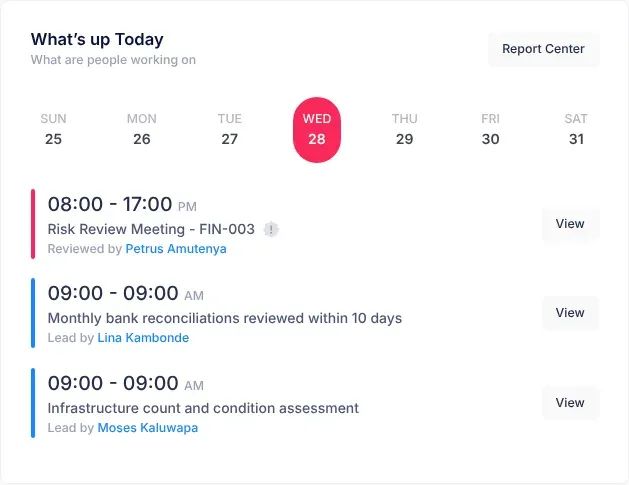
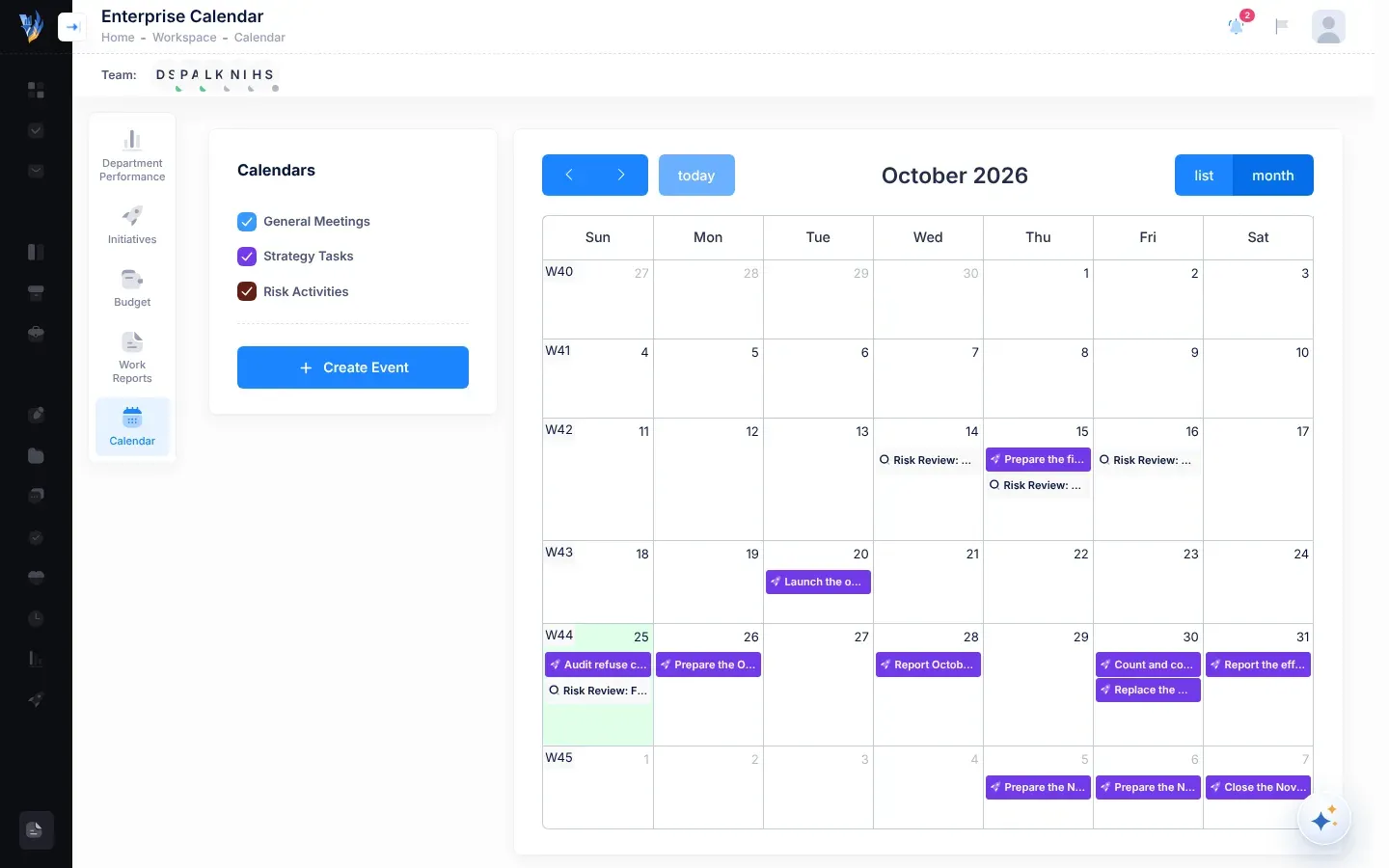
An event in the calendar, such as a meeting or a deadline, that you or your department are assigned to. Calendar tasks open in a panel beside the calendar. See Calendar and reminders.
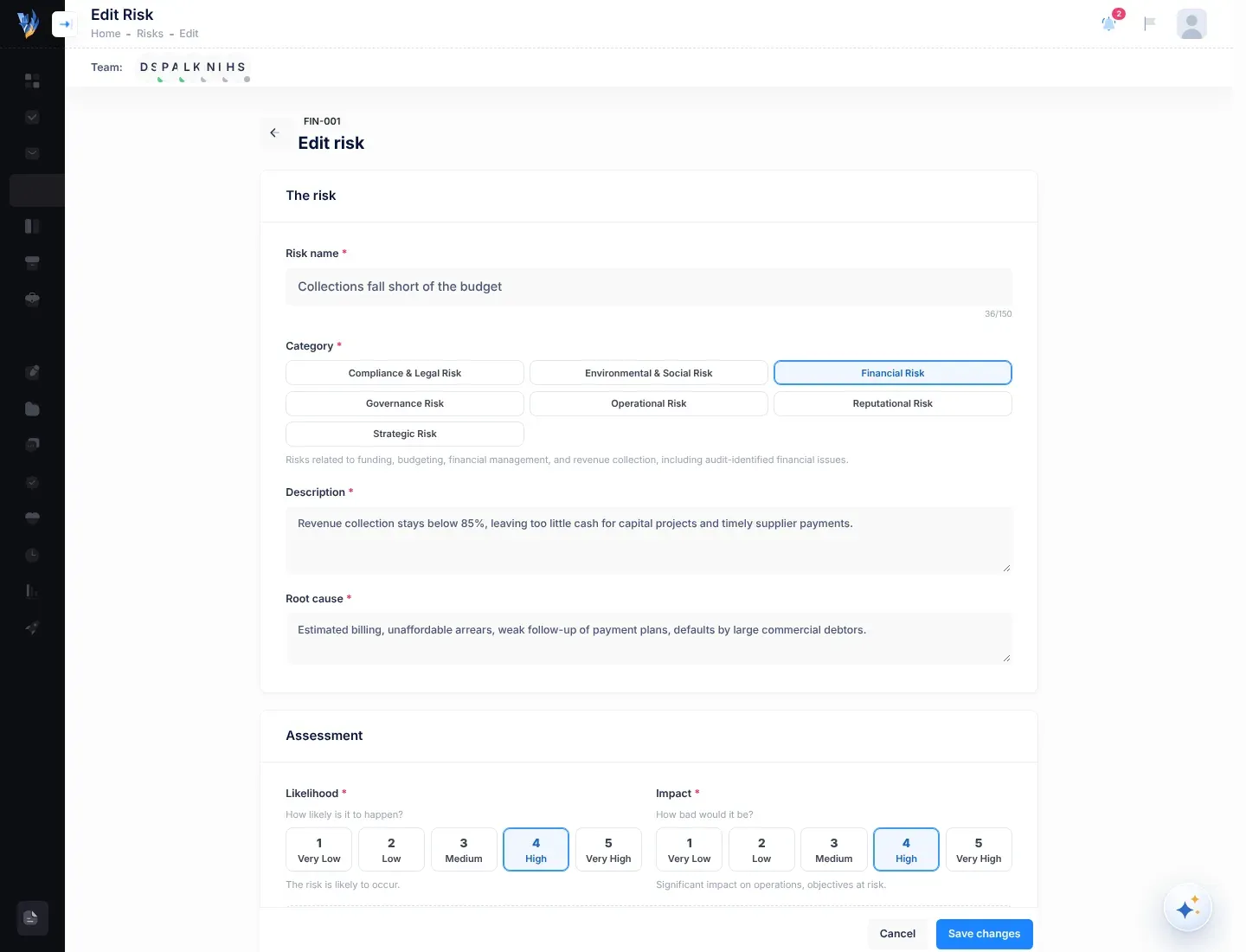
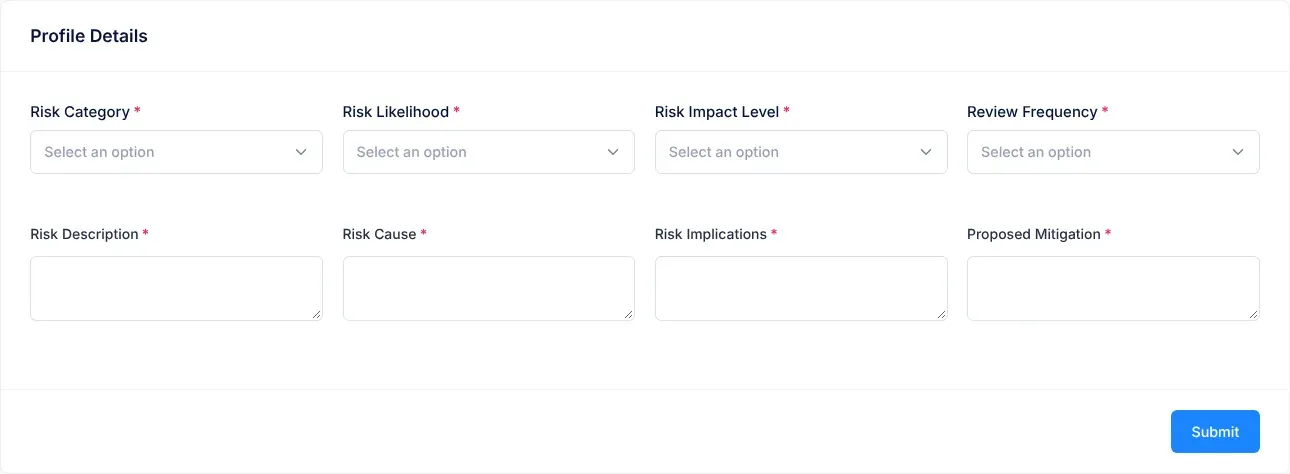
The kind of risk. VirgilTrack’s categories are Financial Risk, Operational Risk, Compliance & Legal Risk, Reputational Risk, Environmental & Social Risk, Governance Risk and Strategic Risk. See Add a risk.
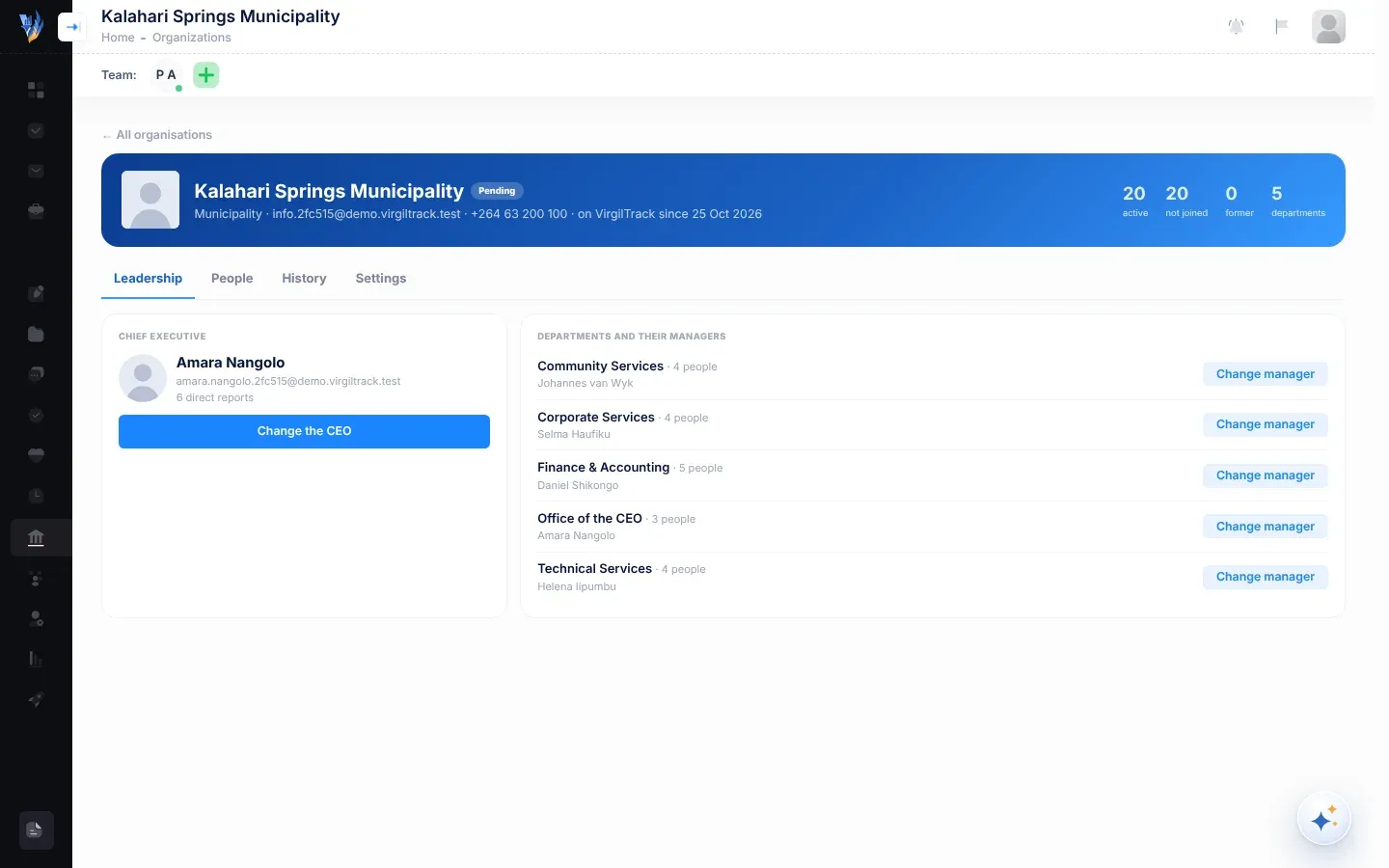
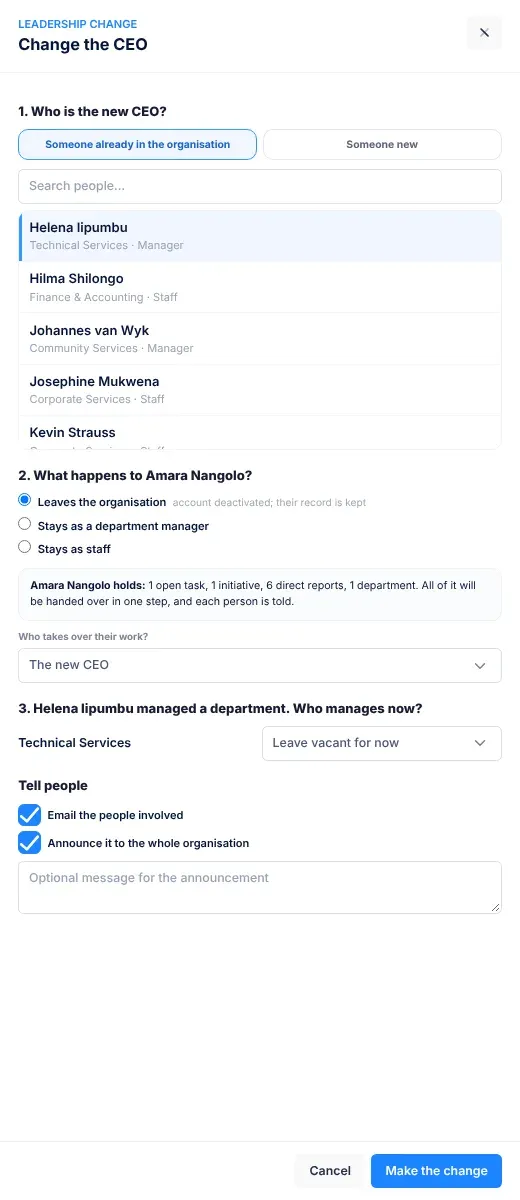
The role of the head of the organisation. The CEO leads the strategic plan, reads the reports that managers send up, and decides people’s roles and reporting lines. See Roles and what each can do.
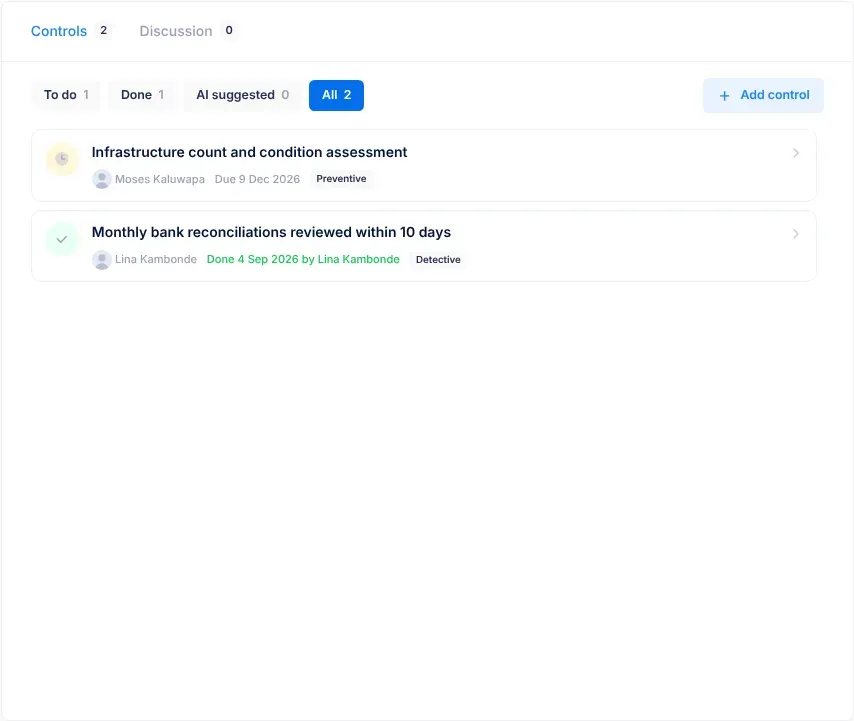
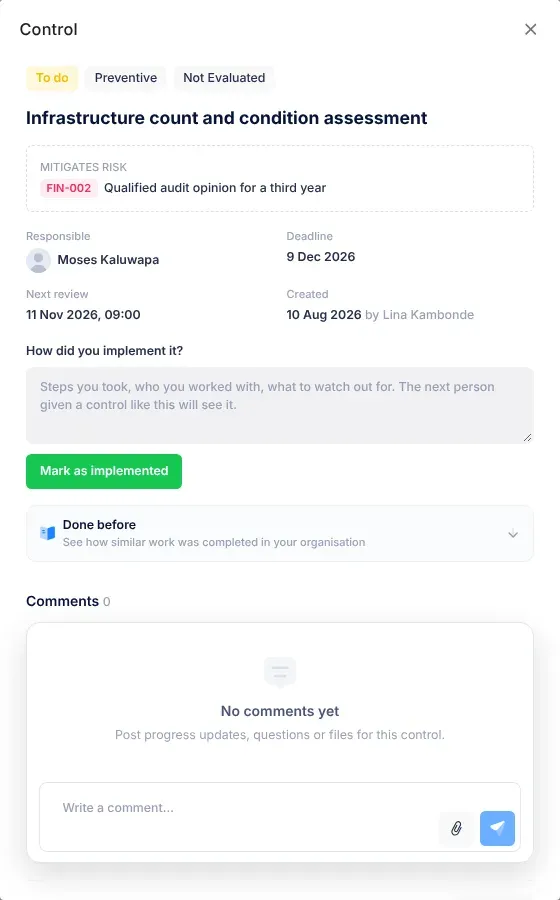
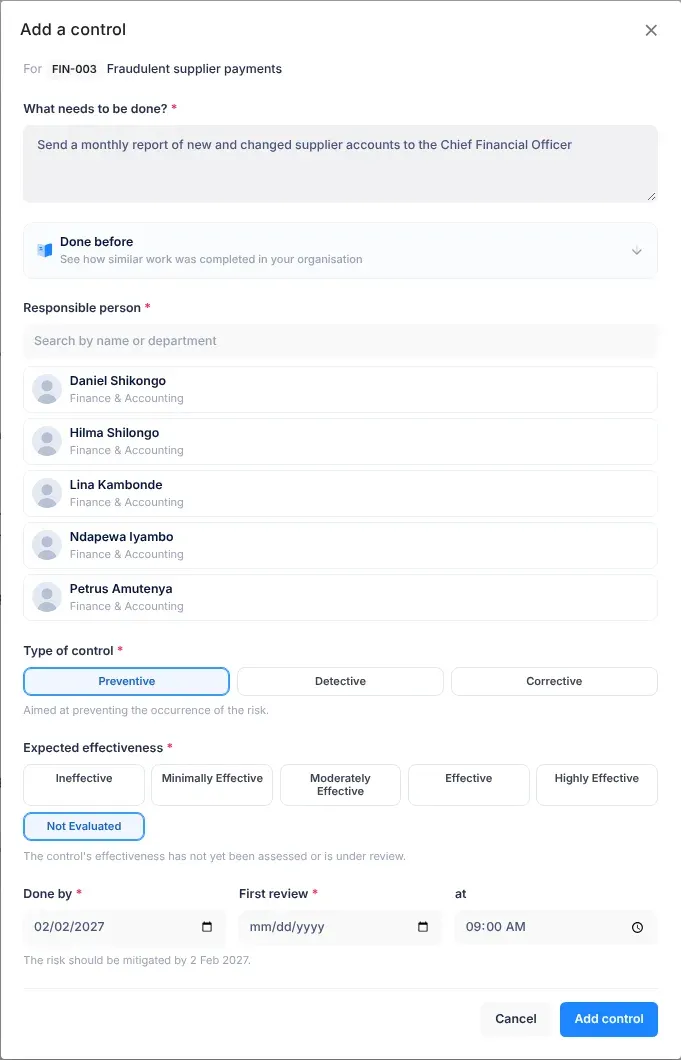
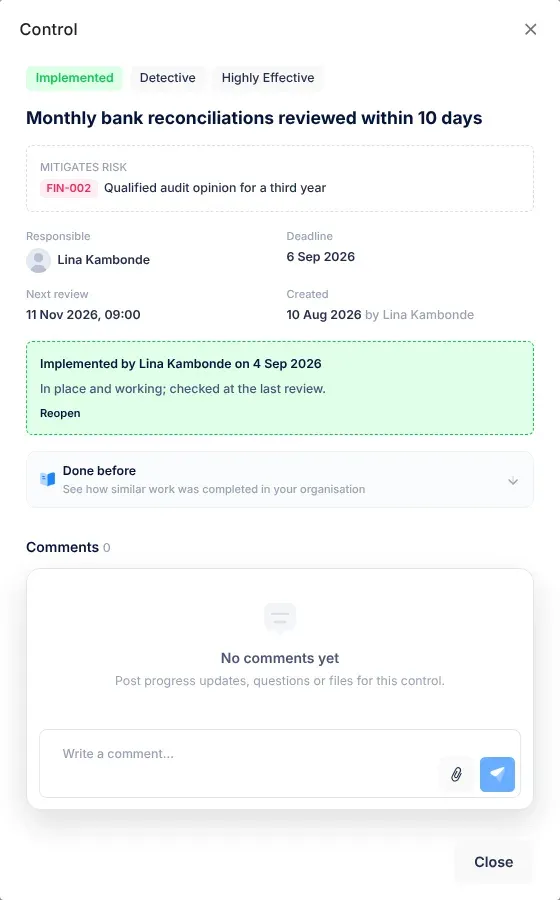
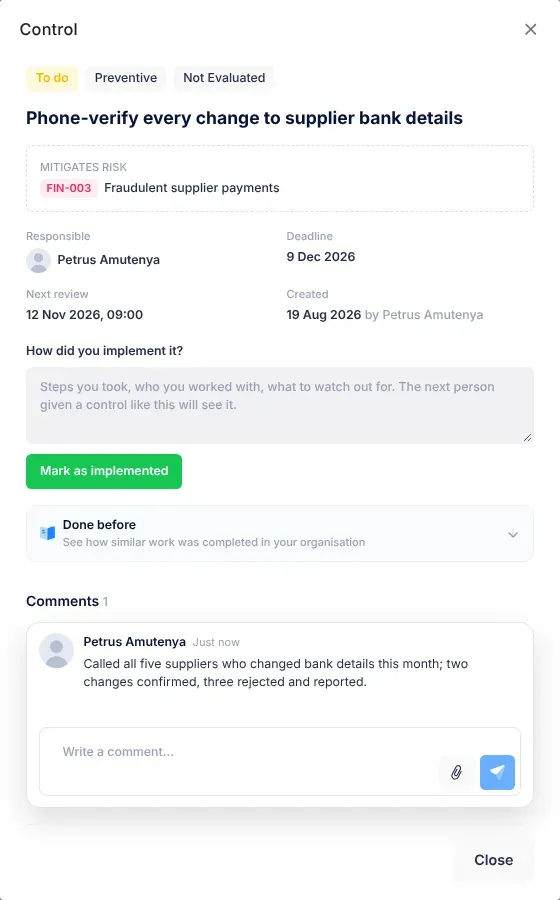
A concrete action that reduces a risk, such as “Phone-verify every change to supplier bank details”. Each control has a Responsible person, a Done by date and a First review date. See Risk controls.
How well a control should reduce its risk, chosen as Expected effectiveness when you add the control: Ineffective, Minimally Effective, Moderately Effective, Effective, Highly Effective or Not Evaluated. See Risk controls.
What a control is for, chosen as Type of control. Preventive controls aim to stop the risk happening. Detective controls aim to notice when it happens. Corrective controls aim to reduce the harm or put things right afterwards. See Risk controls.
The highest risk level: a score of 8.0 or more out of 10. See How risk scores work. Critical is also the highest task priority.
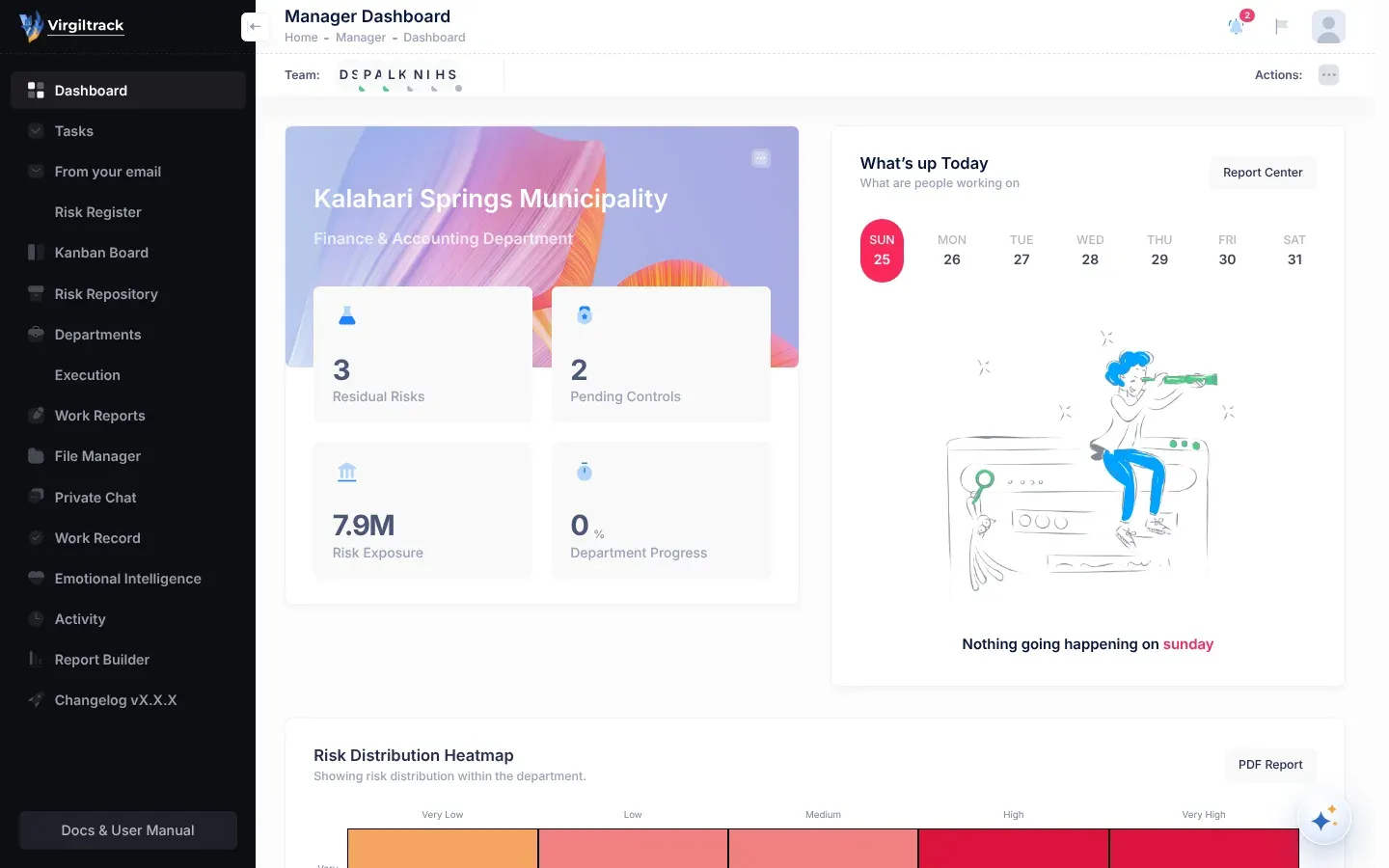
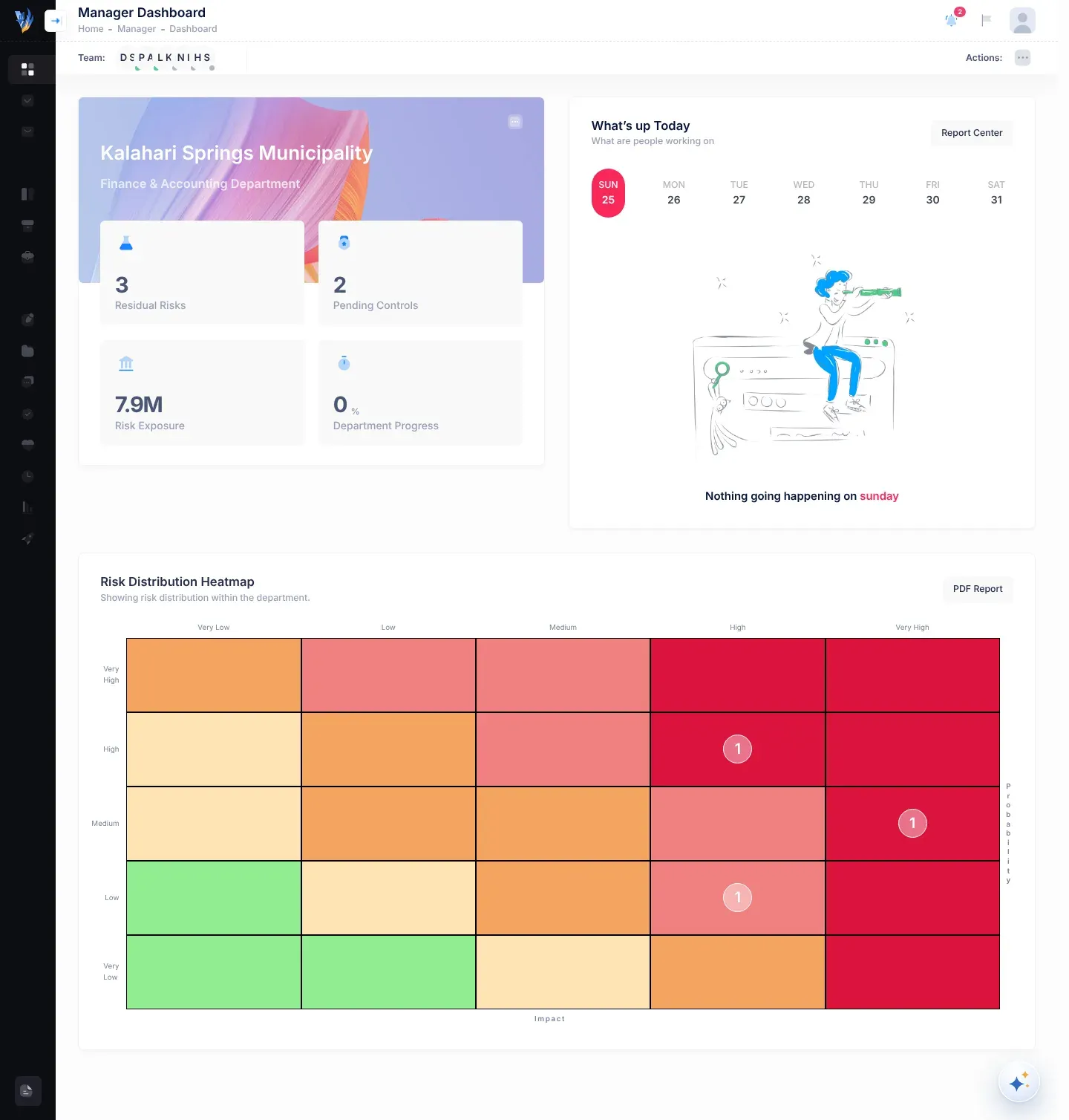
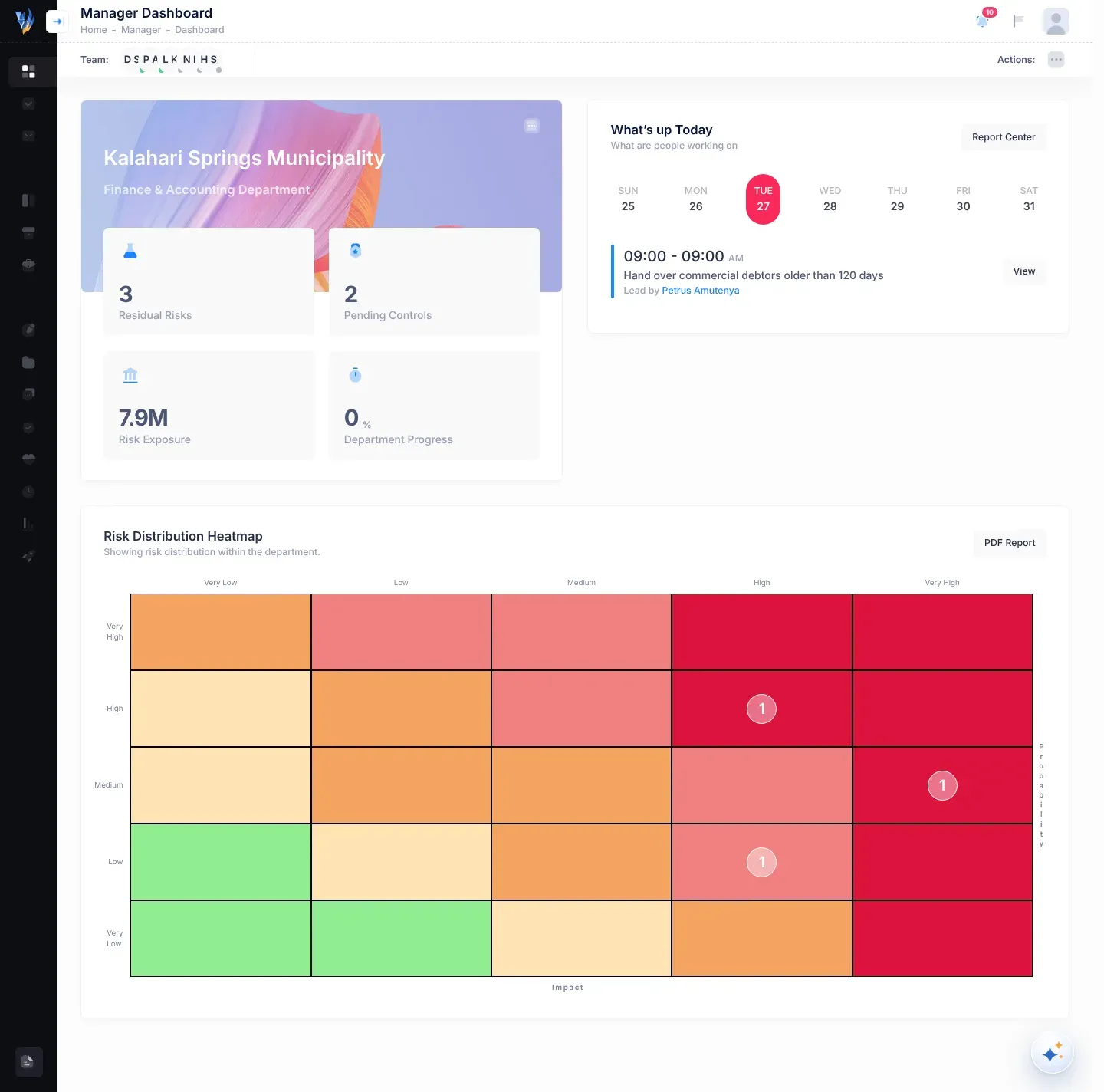
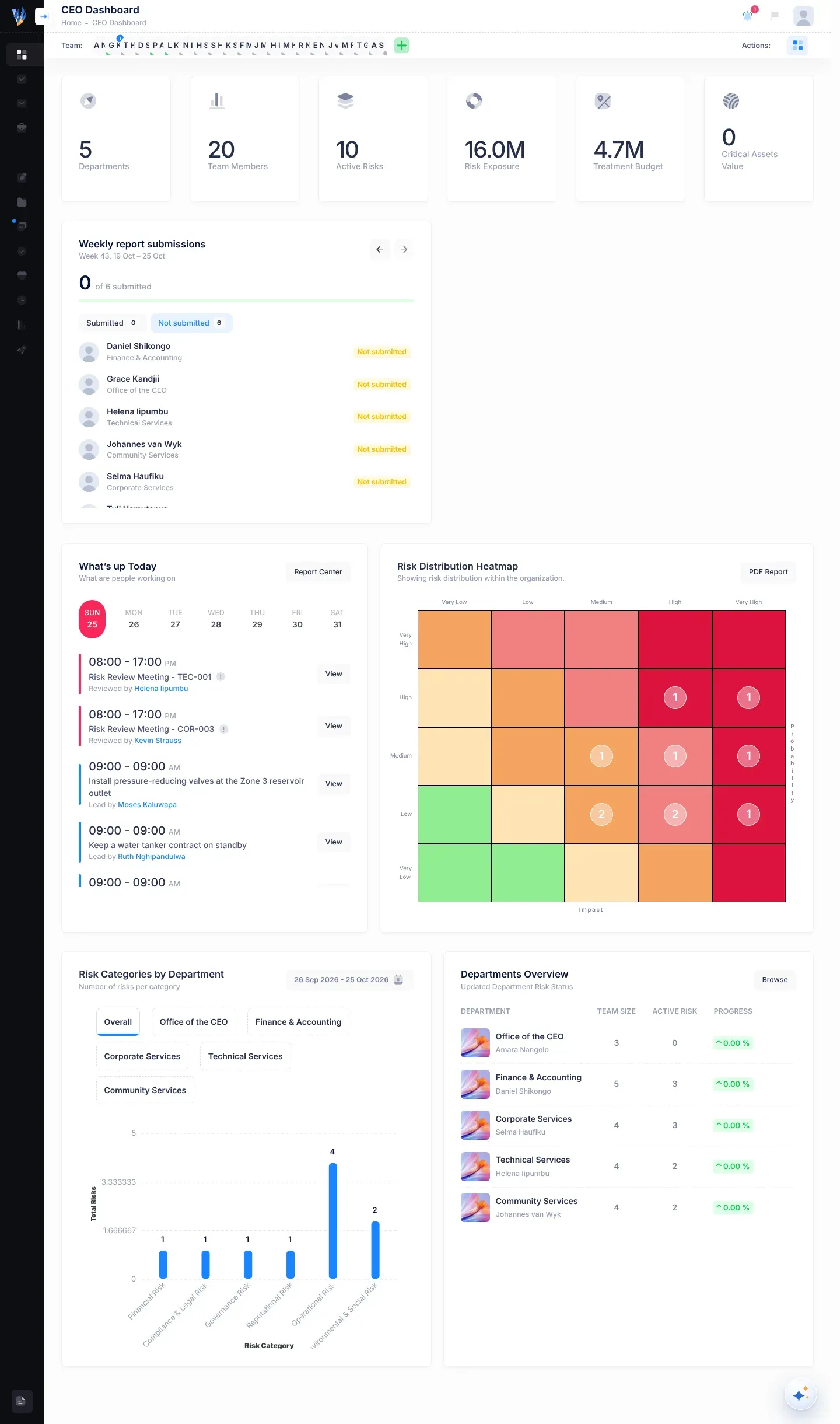
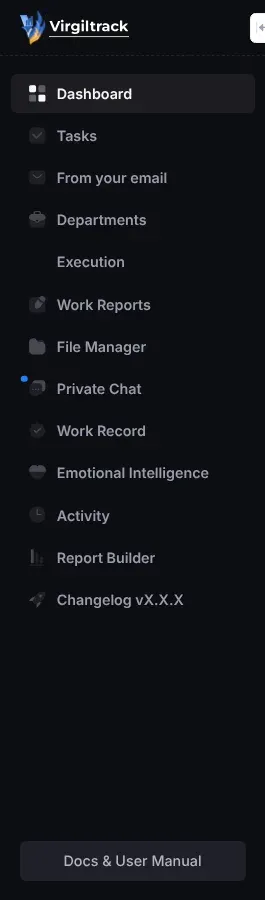
The one-page summary that opens with Dashboard, the first item in the menu on the left. Which one you see depends on your role: the CEO Dashboard for the CEO, the Manager Dashboard for managers and employees, and the Admin Dashboard for platform administrators. See Dashboards.
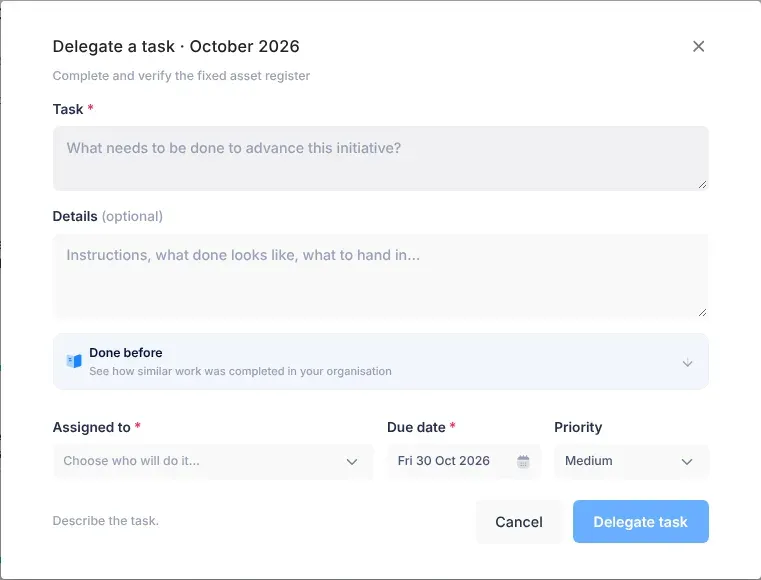
To give a task to someone else. Managers, the CEO and an initiative’s leads can delegate tasks under an initiative. Without an initiative, anyone can give a colleague a calendar task. See Tasks.
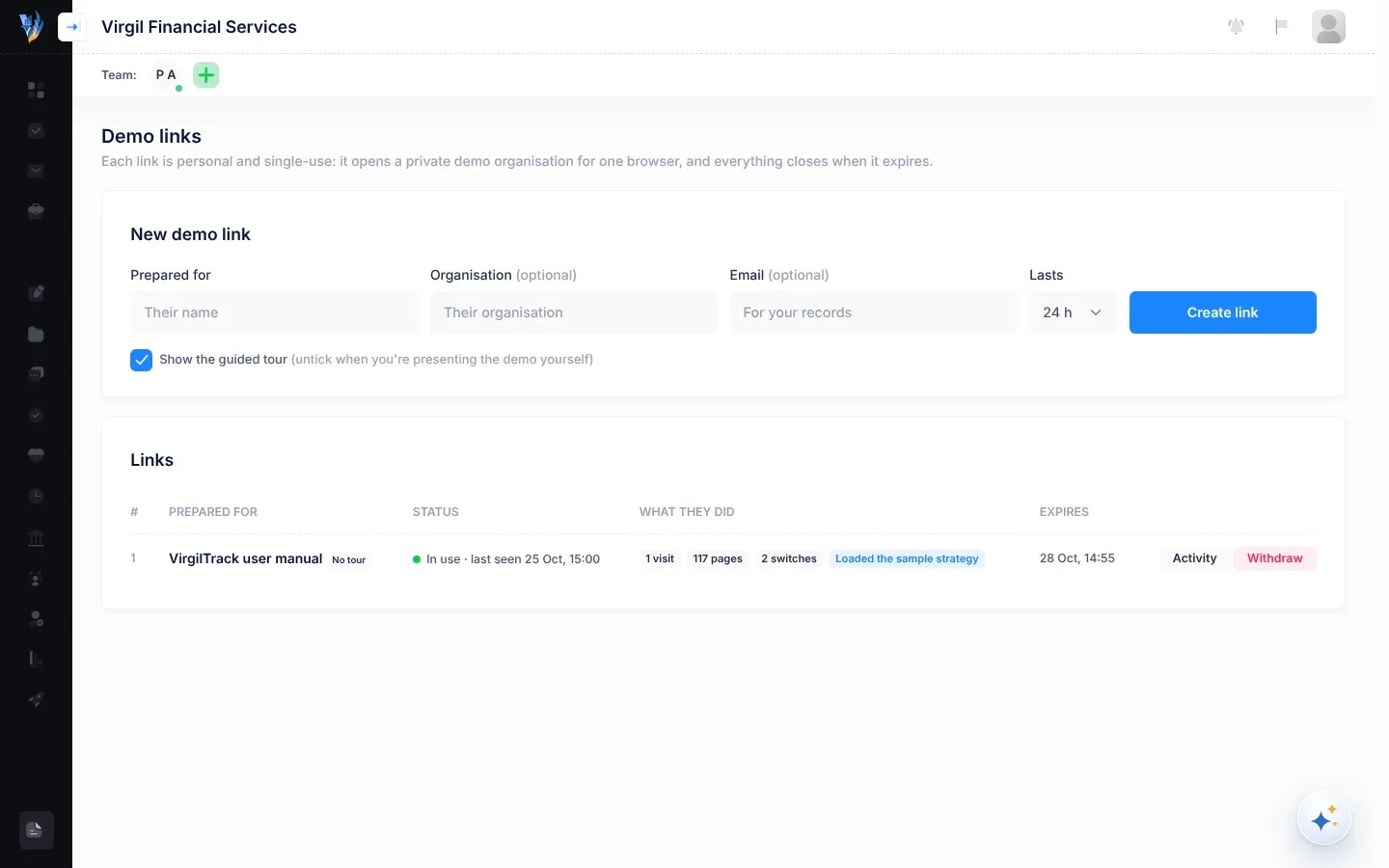
A personal link that lets someone try VirgilTrack with a made-up organisation’s data. Platform administrators create demo links. See Demo links.
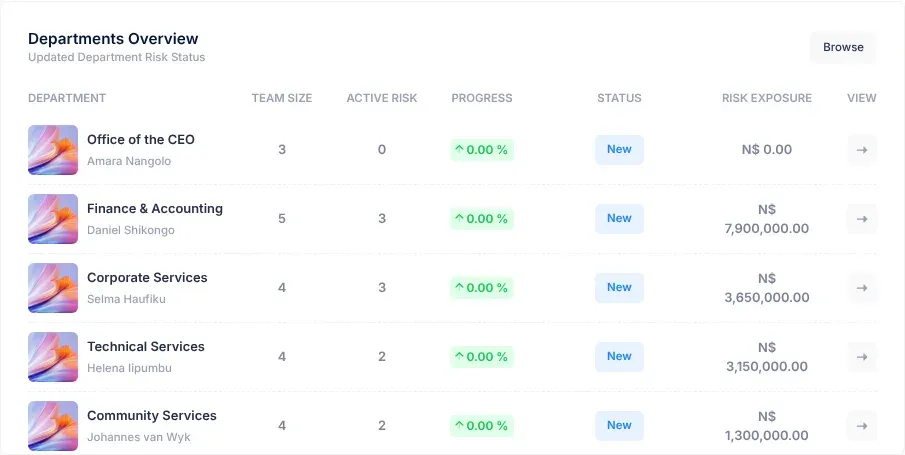
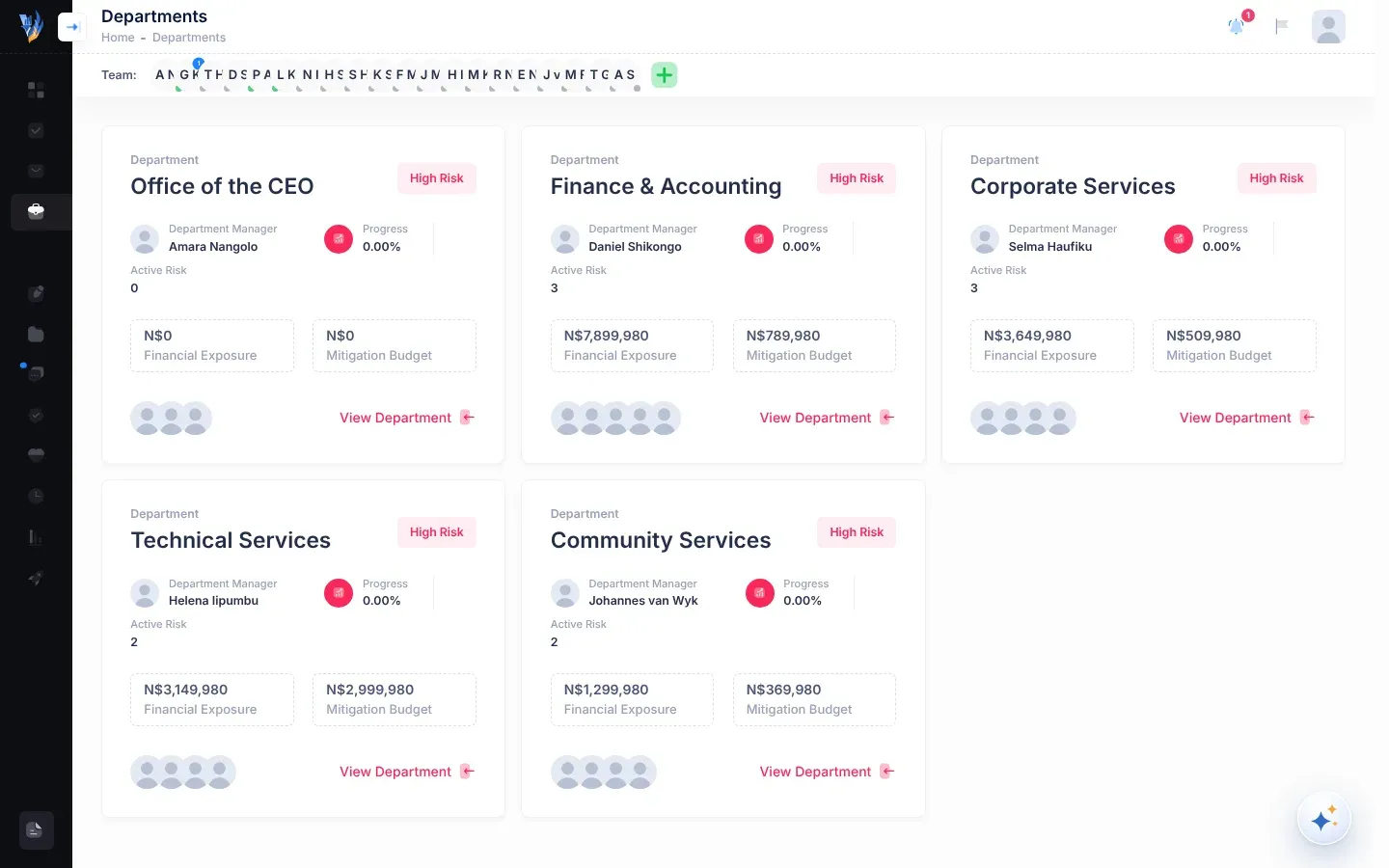
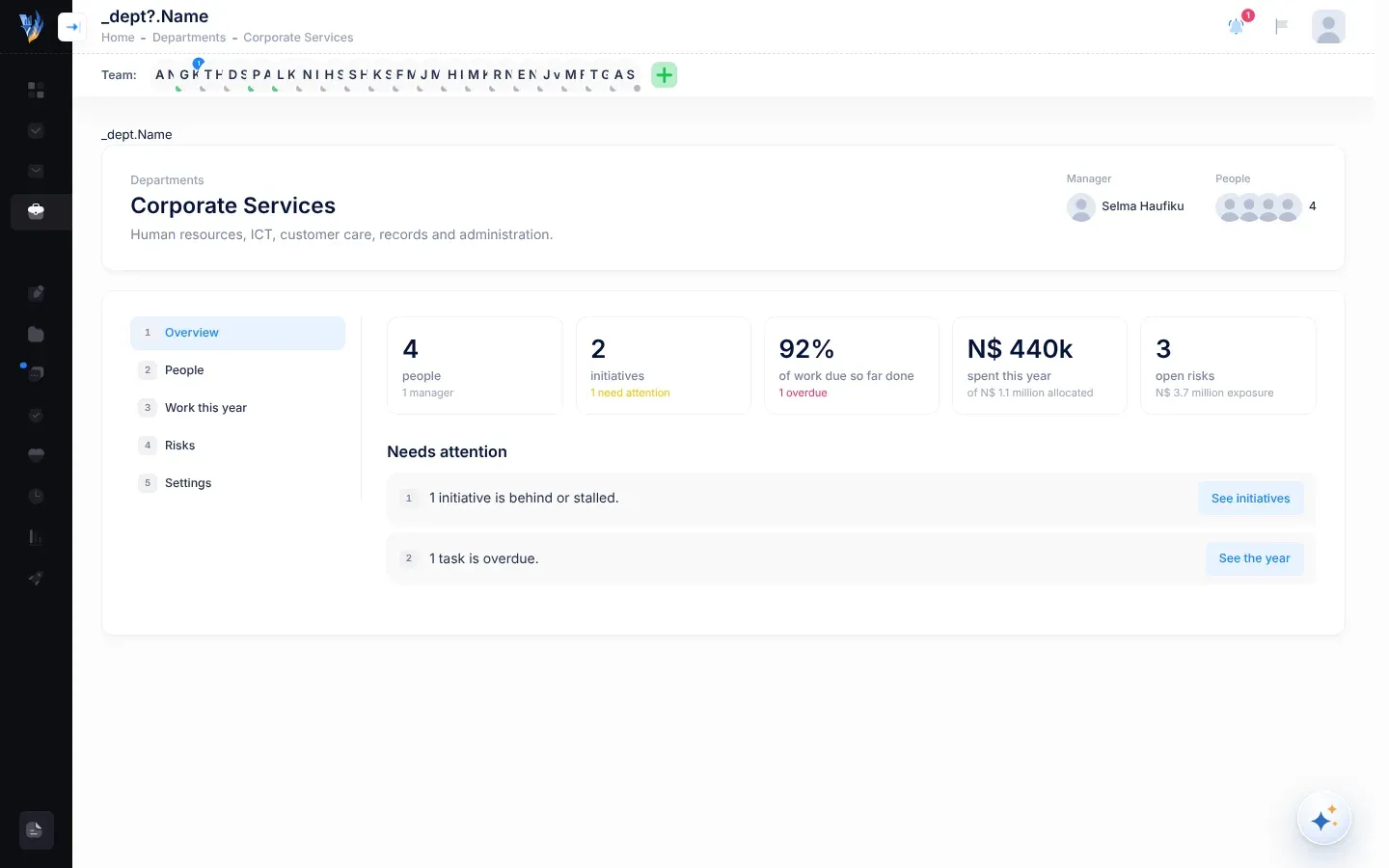
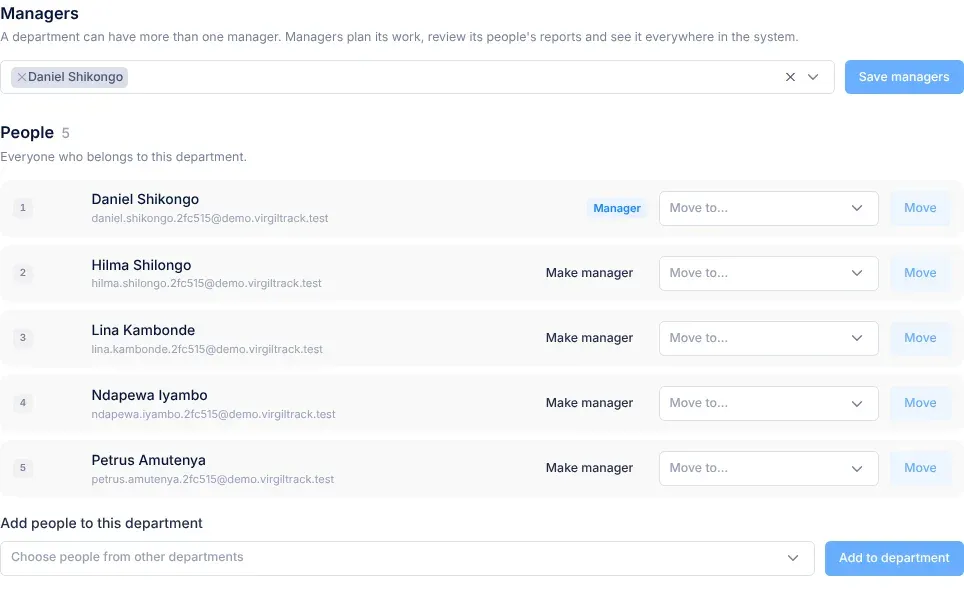
A part of your organisation, such as Finance or Technical Services. Most people belong to one department, and each department has its own risk register. See Departments.
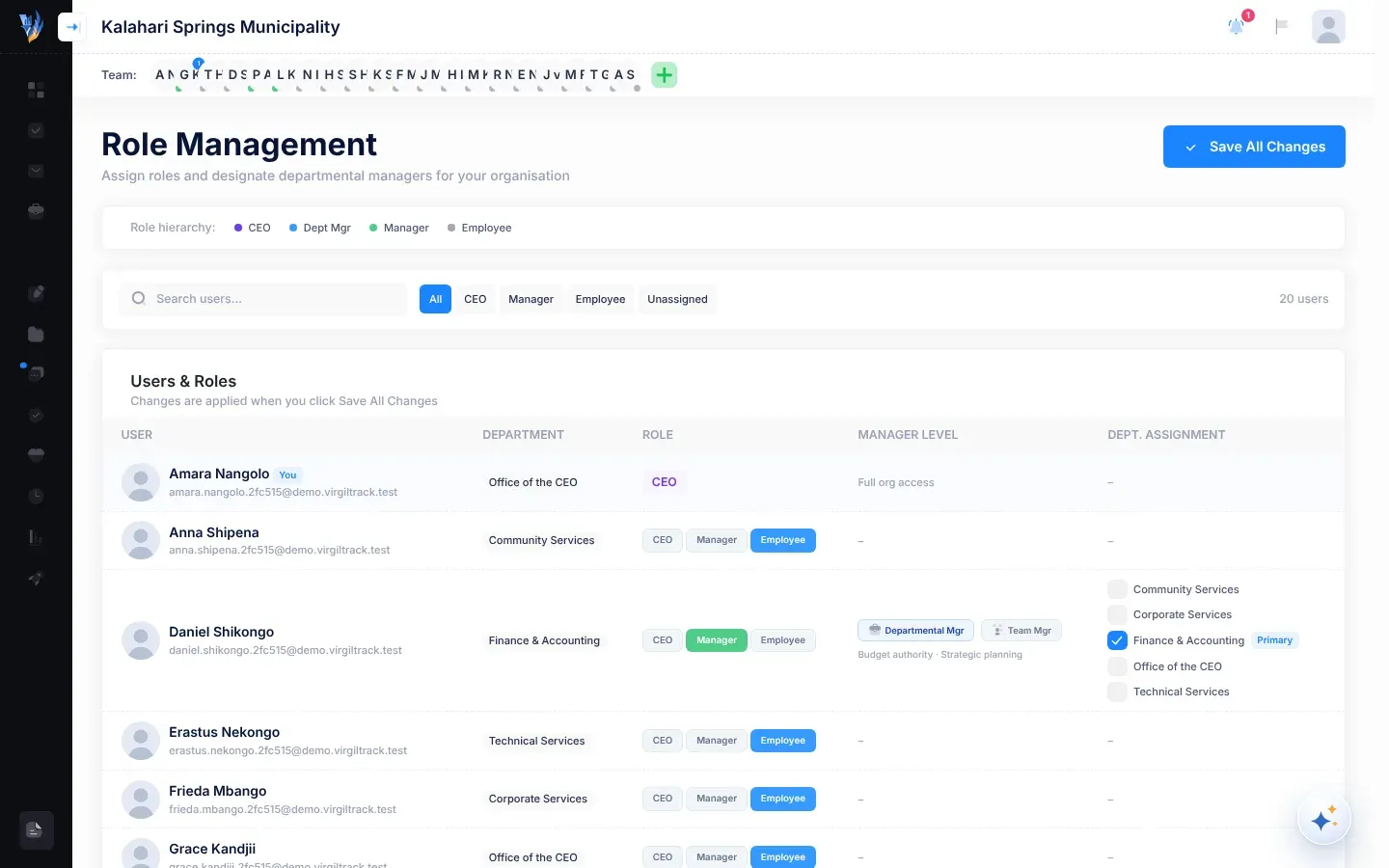
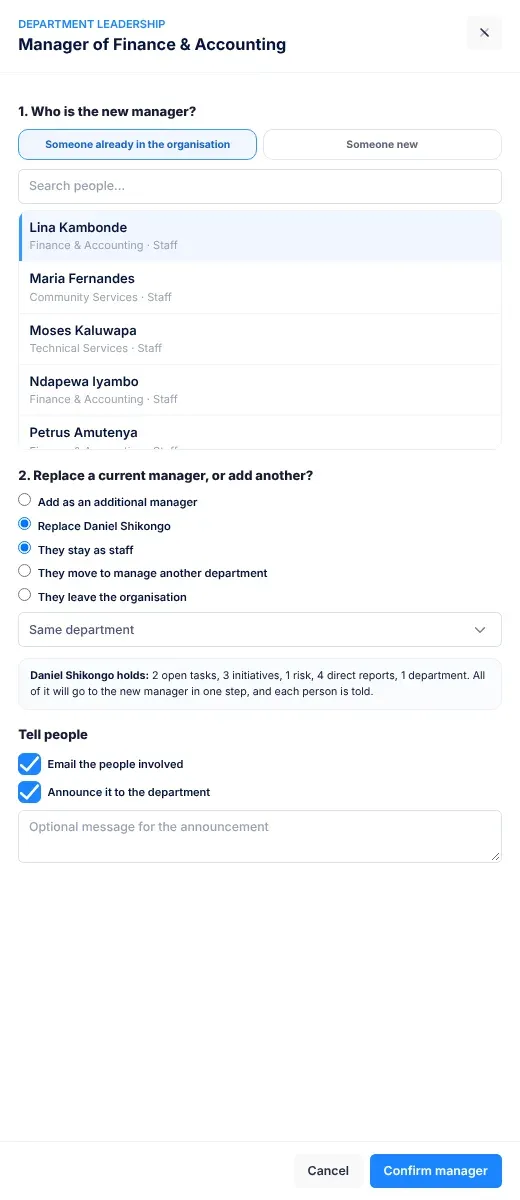
A manager who runs a whole department. In the reporting hierarchy, giving a manager departments to manage makes them a Department Manager. Compare team manager. See Roles and what each can do.
Whether a KPI should go up or down: Increase (higher is better), Decrease (lower is better) or Maintain (hit the target). See The KPIs page.
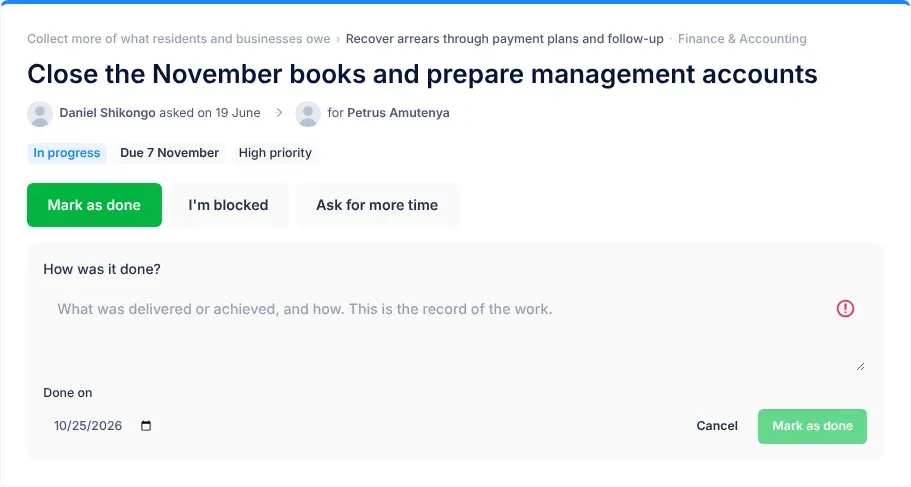
A task status. The work is finished, and the person who finished it has said how it was done. See Tasks.
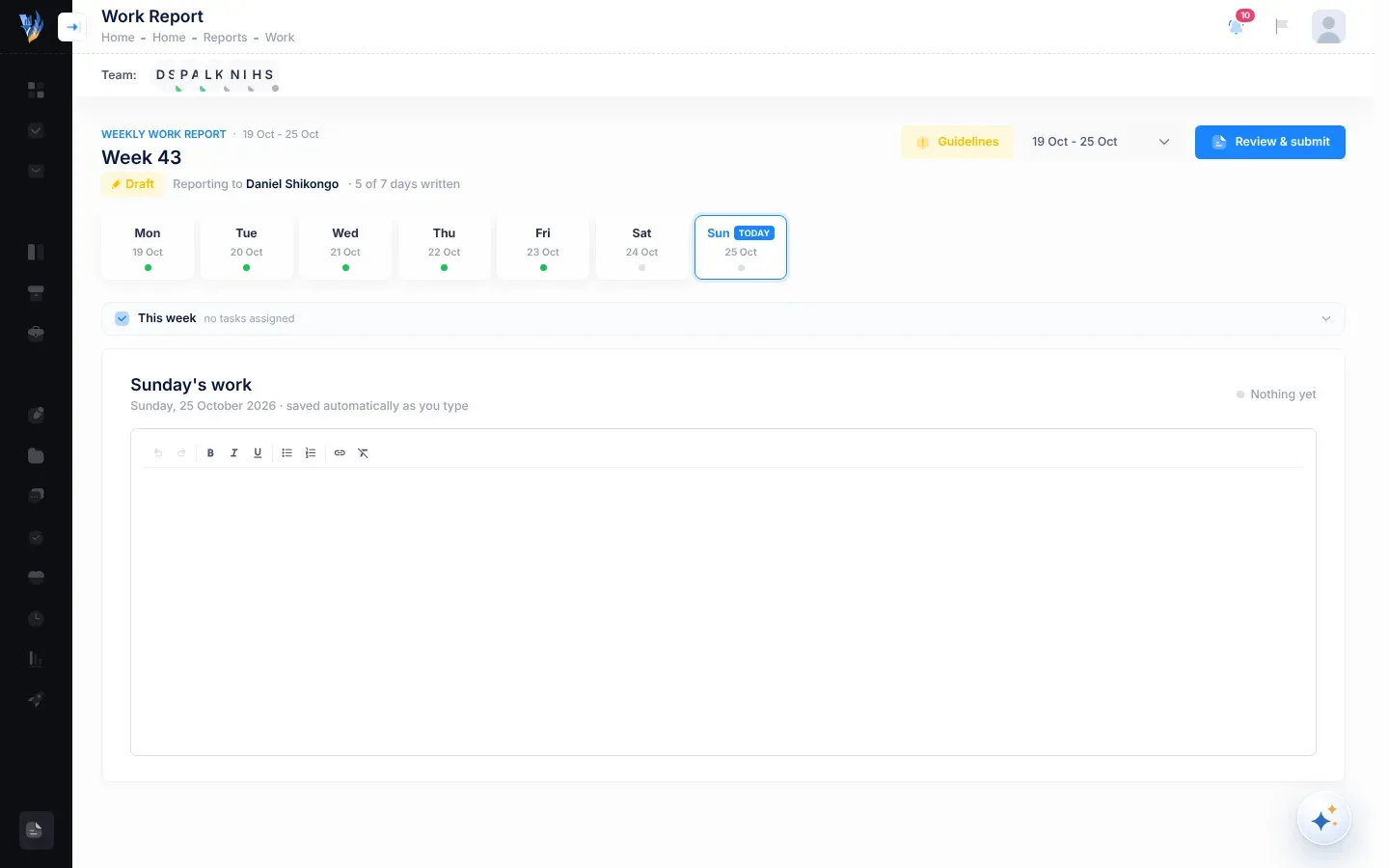
A work report you are still working on. It hasn’t been sent on yet. Compare submitted. See Work reports and records.
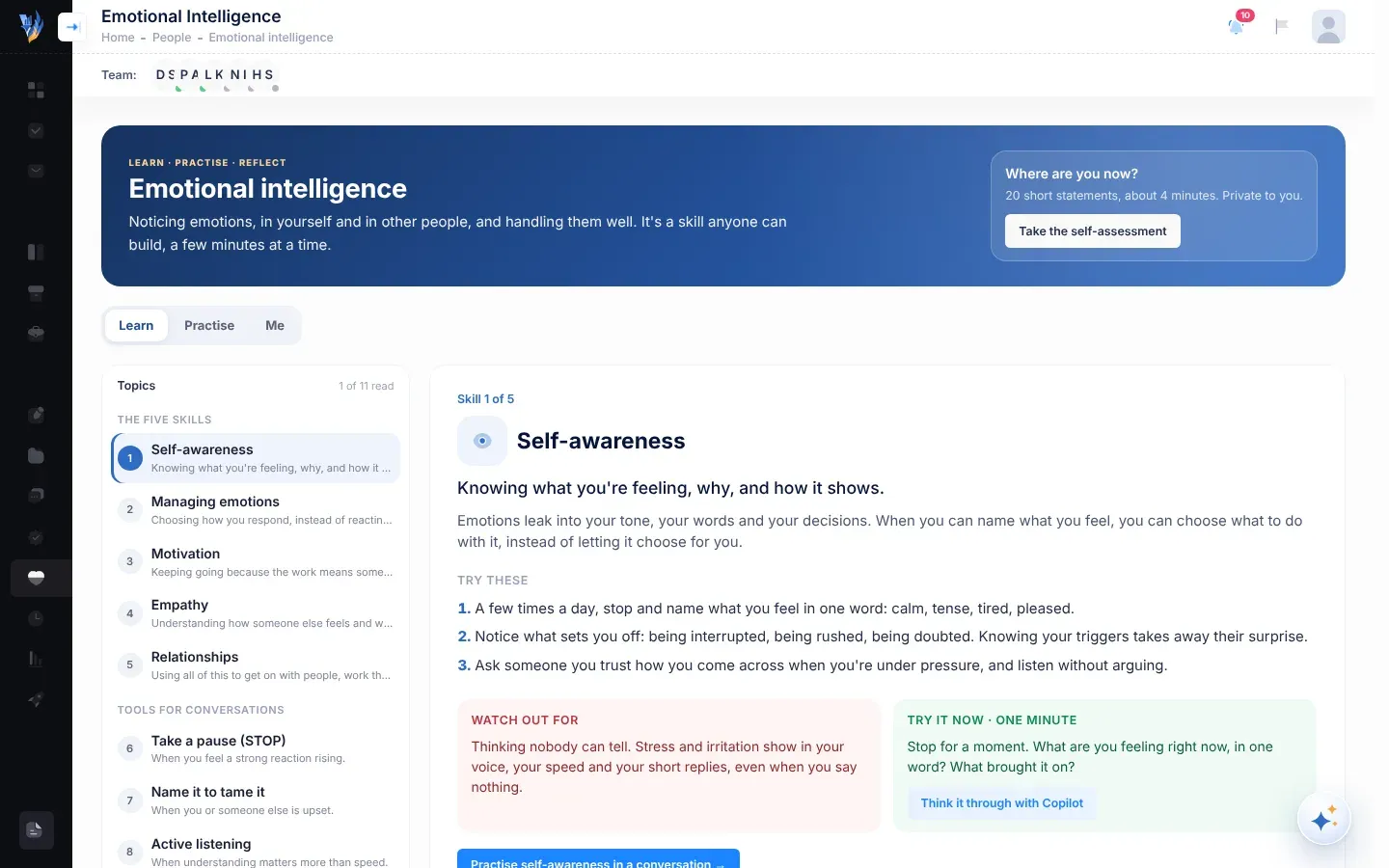
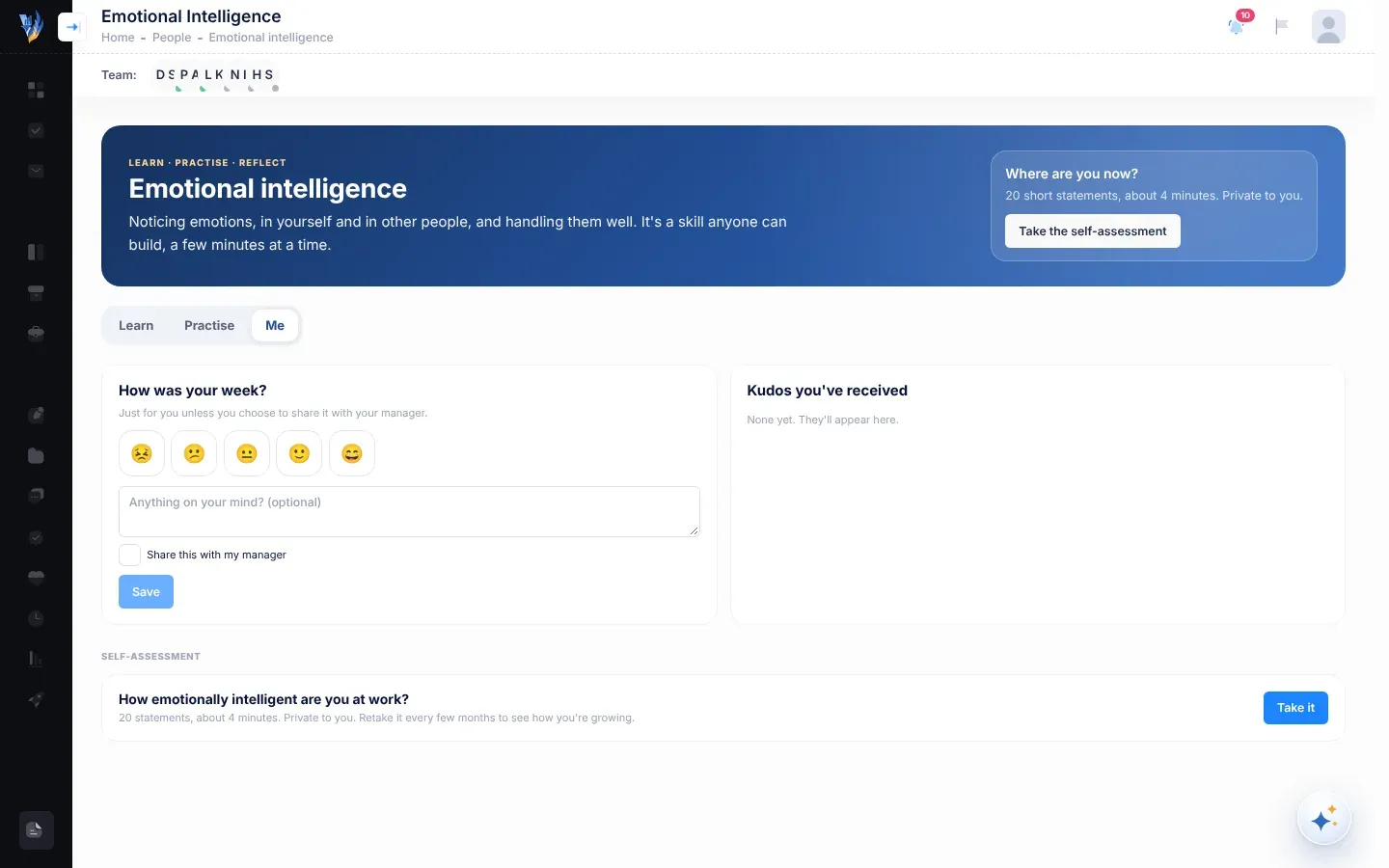
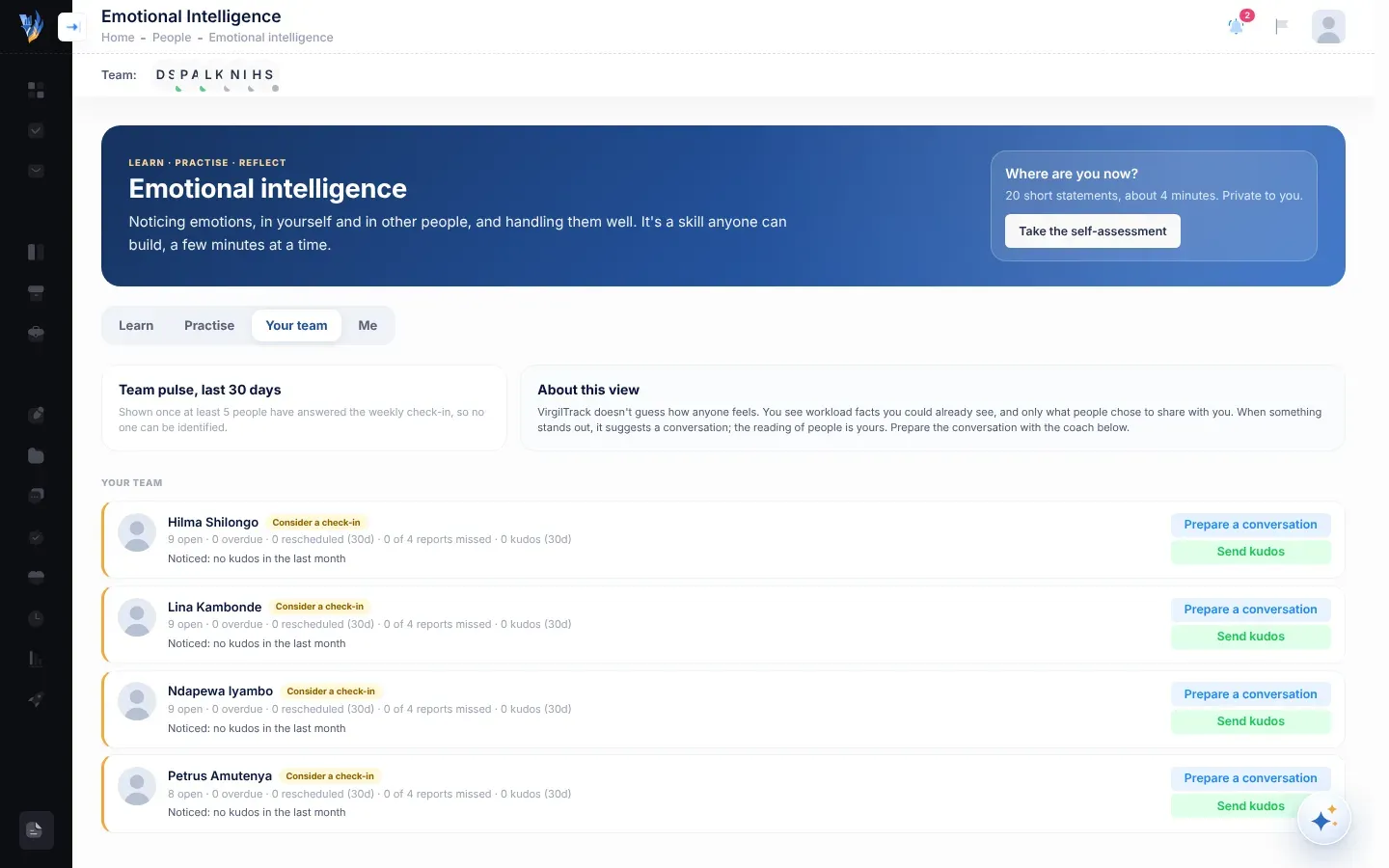
Emotional Intelligence in the menu on the left opens the area for working well with people, with the tabs Learn, Practise and Me. Managers and the CEO also have a Your team tab. It holds the self-assessment, practice conversations, the weekly check-in and kudos. VirgilTrack doesn’t guess how anyone feels: it only uses what people choose to answer or share. See Emotional intelligence.
The role of staff and officers in a department. Employees work on their tasks, write a weekly report and keep their department’s risks up to date. See Roles and what each can do.
What you write for one day of your week in your weekly report. VirgilTrack writes the report’s points from your entries. See Your weekly report.
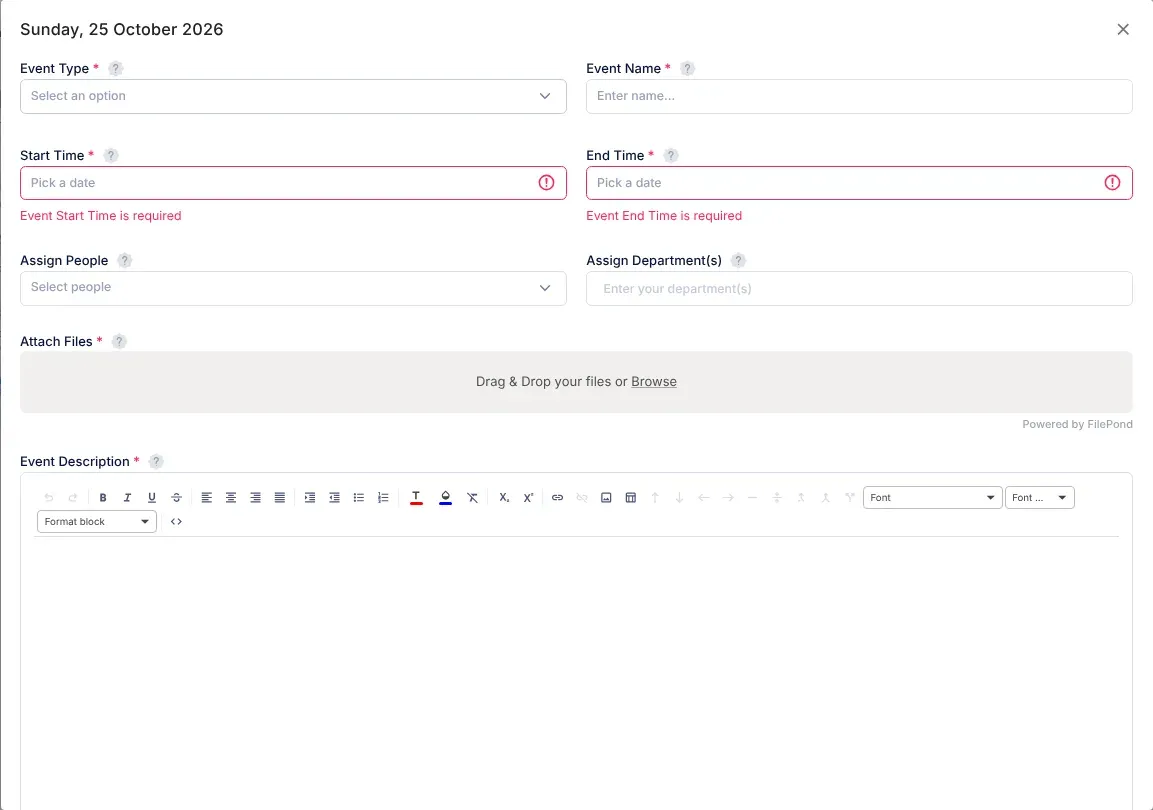
Something with a date and time in the calendar, such as a meeting, a deadline or a training. Each event is assigned to people, departments or both, and they are reminded before it starts. An event assigned to a person is also a calendar task until someone marks it as done. See Add an event.
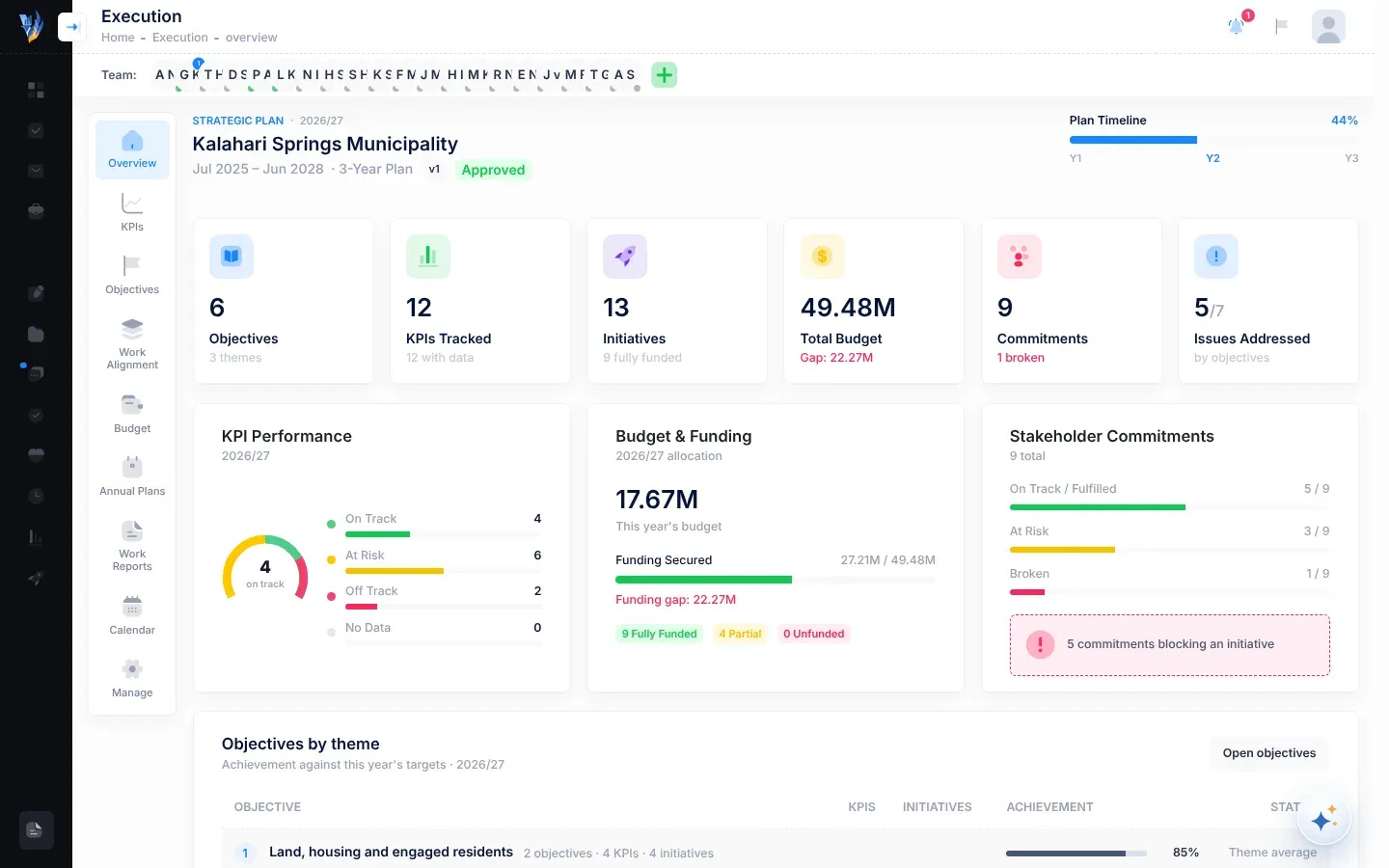
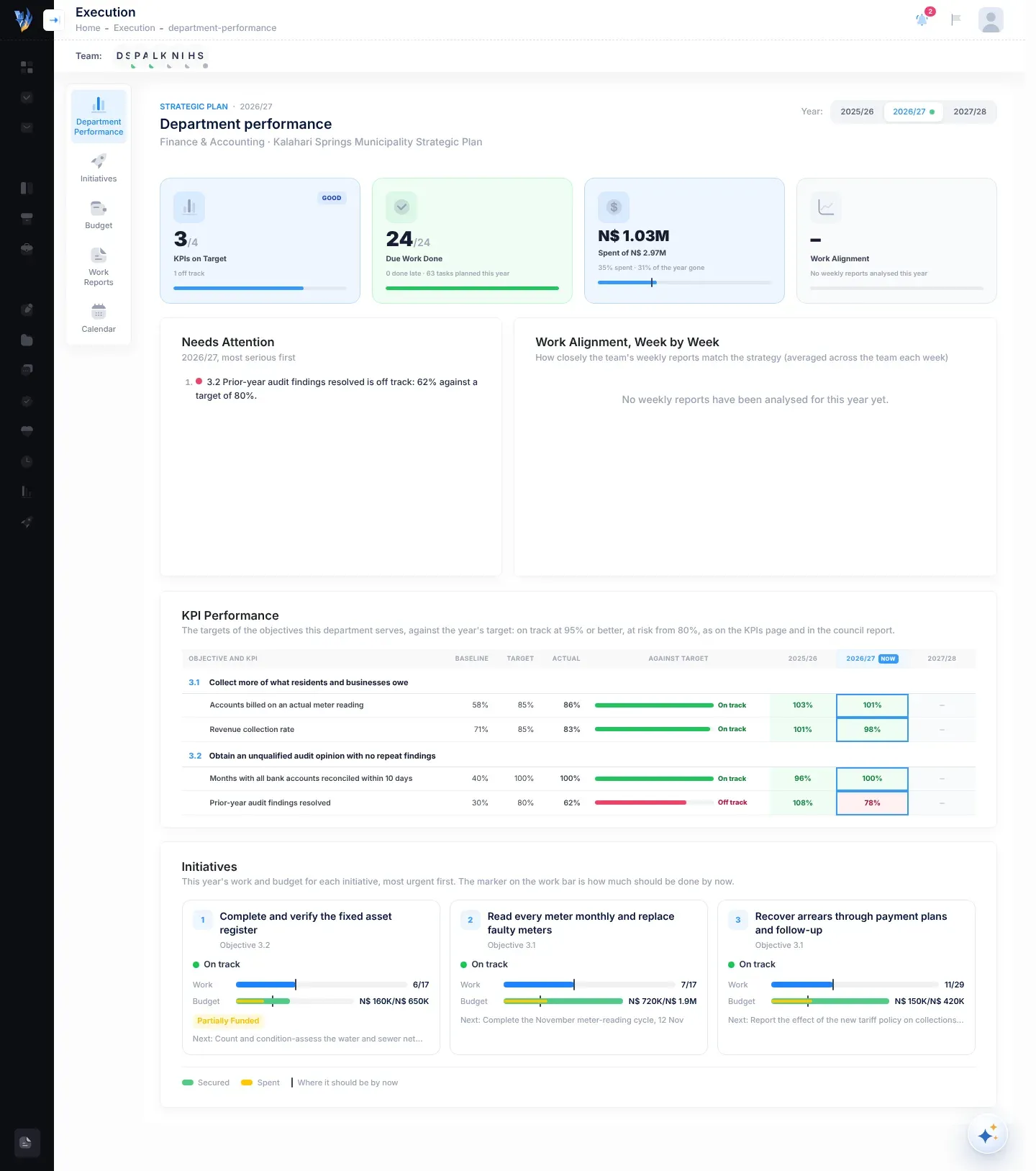
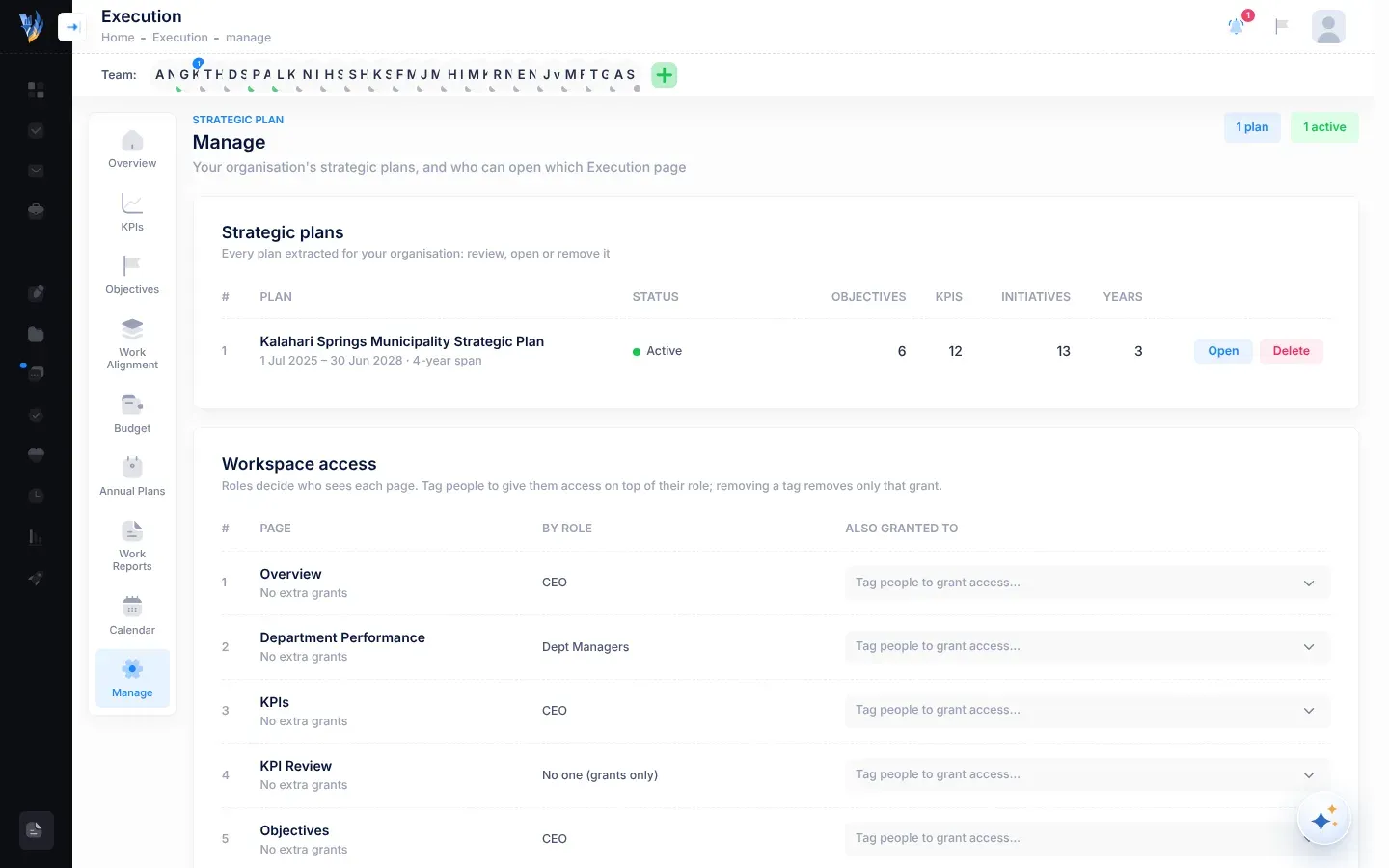
The part of VirgilTrack where your strategic plan lives: its objectives, KPIs, initiatives, budget and annual plans. Open it with Execution in the menu on the left. See Find your way around Execution.
The CEO’s own department. It isn’t listed on the Departments page, and some screens call it “Office of the CEO”. See Departments.
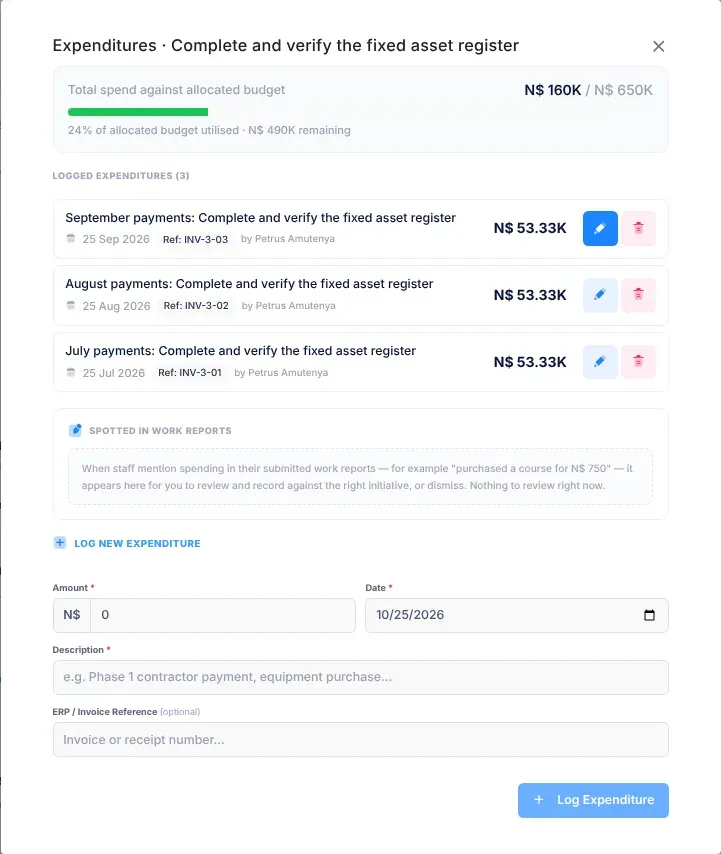
Money spent on an initiative, recorded against its budget with Log Expenditure. See The Budget page.
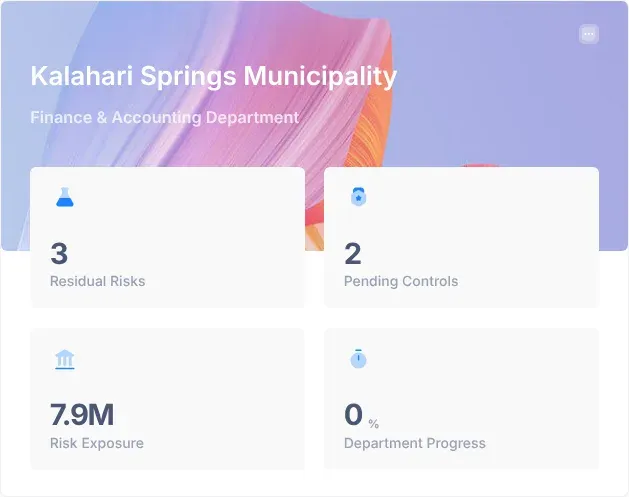
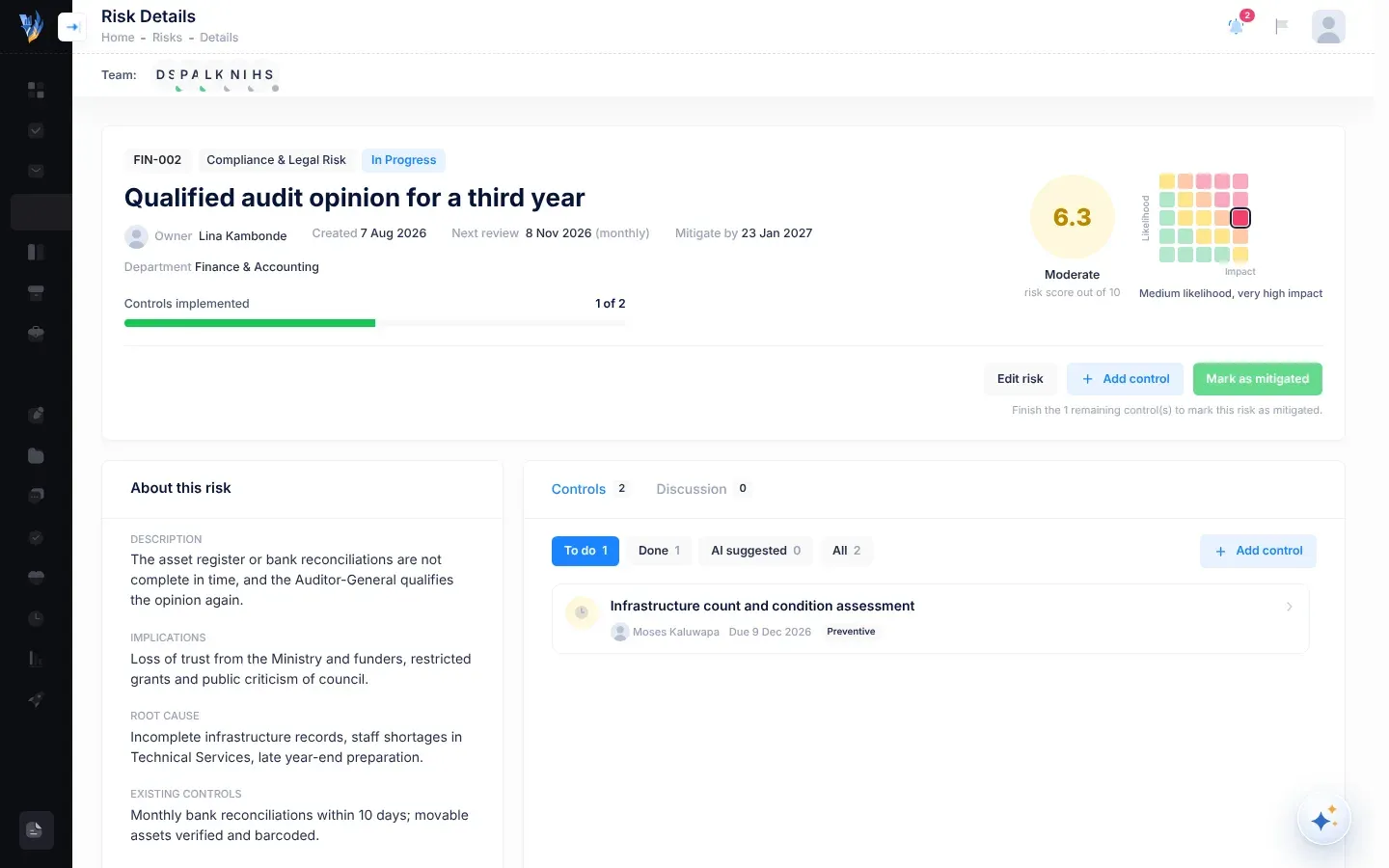
The possible loss, in N$, if a risk happens. You enter it when you add or edit a risk. The Risk Exposure figure on the Manager Dashboard adds up the financial exposure of your department’s risks that aren’t mitigated yet. See The Manager Dashboard.
The 12 months your organisation plans and accounts for. Some screens call it the fiscal year: Fiscal year starts in is chosen when your organisation signs up. The quarters of the quarterly review reminders follow it. See Your organisation’s settings.
The menu item that lists work VirgilTrack found in your connected mailbox, waiting for you to confirm it as tasks. The number beside it counts the items waiting. See Tasks from your email.
The part of an initiative’s allocated budget that isn’t secured yet. It is never less than zero. See The Budget page.
Where an initiative’s money stands: Fully Funded, Partially Funded, Unfunded, Seeking External Grant or Awaiting Ministry Approval. VirgilTrack works most of it out from the amounts: an initiative whose secured amount covers its allocated budget is always Fully Funded. See Statuses and labels and The Budget page.
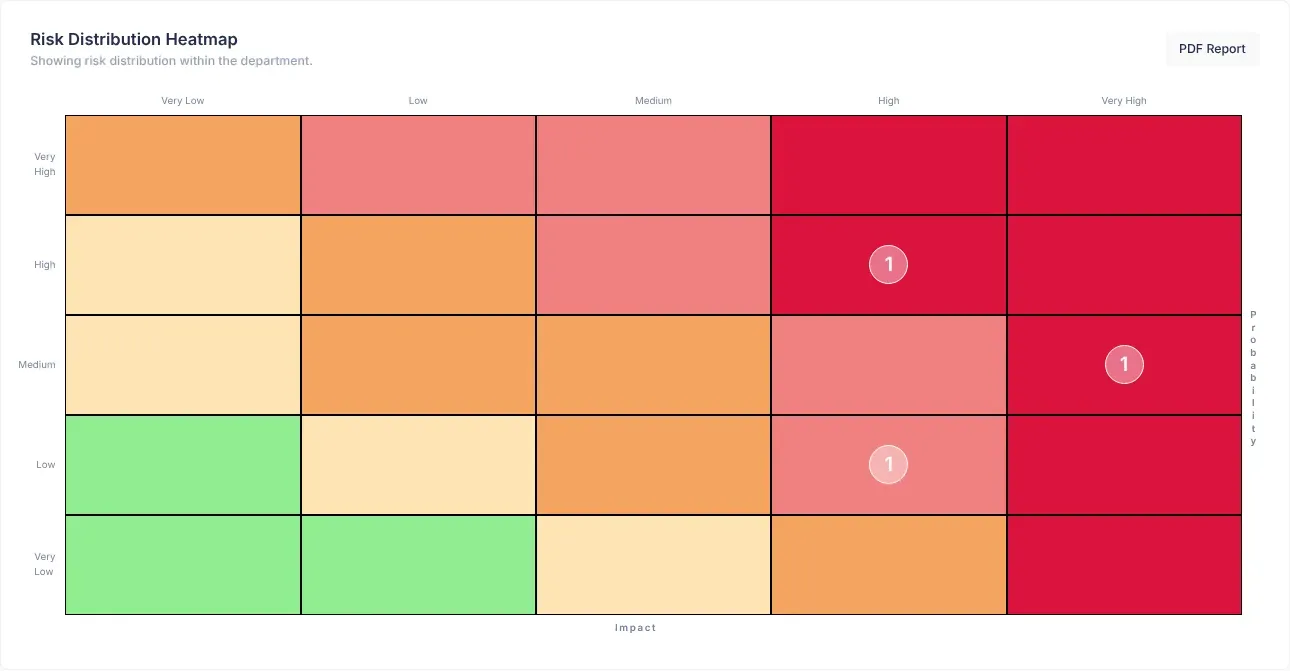
A grid that counts open risks by likelihood and impact, titled Risk Distribution Heatmap. The CEO’s heat map covers the whole organisation; everyone else’s covers their department. See The risk heat map.
How bad it would be if a risk happened, from Very Low (1) to Very High (5). Together with likelihood, it gives the risk score. See How risk scores work.
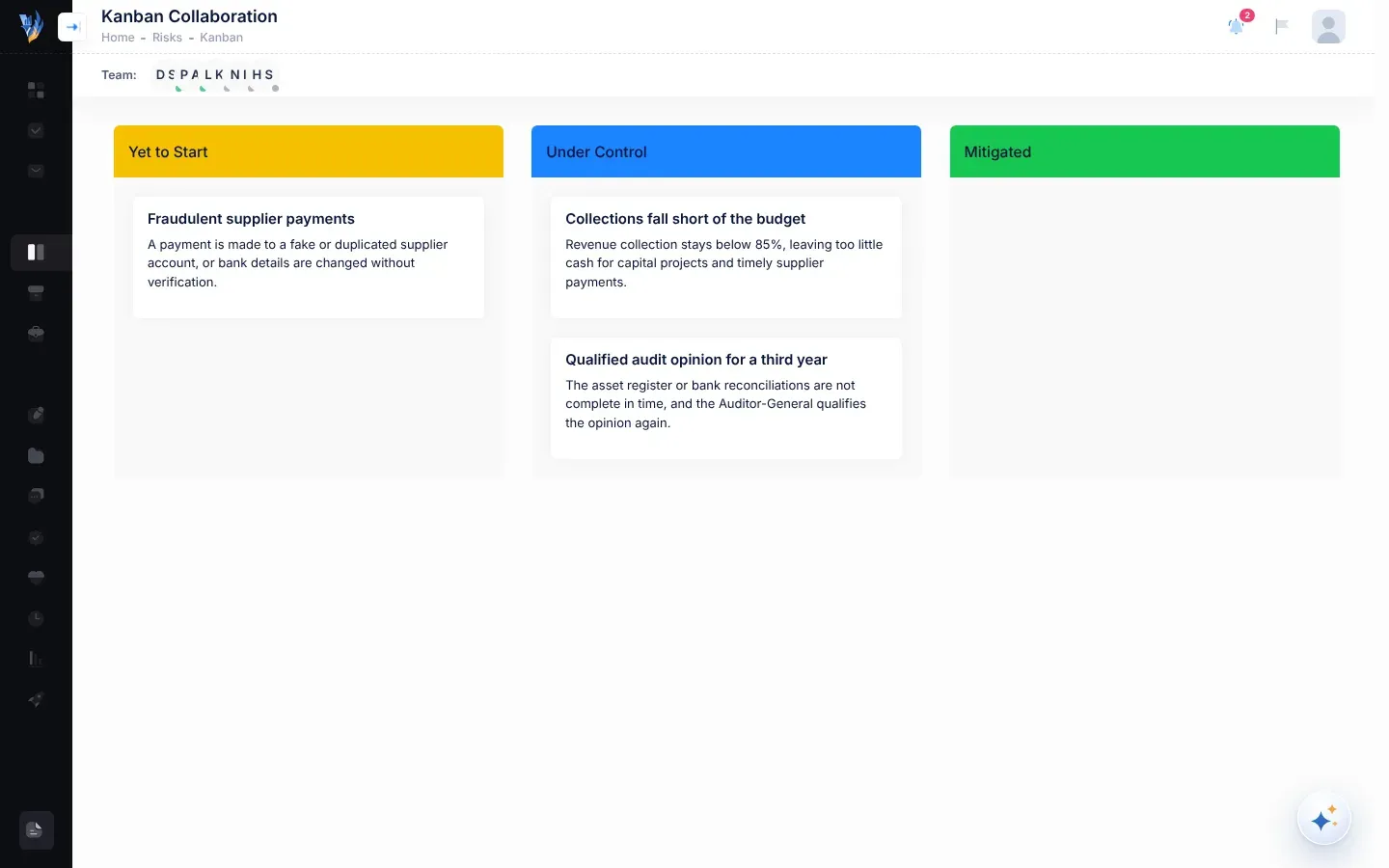
A risk status. Actions are being taken to reduce the risk. A risk gets this status when it is assessed. On the Kanban board, these risks are in the Under Control column. See The Kanban board.
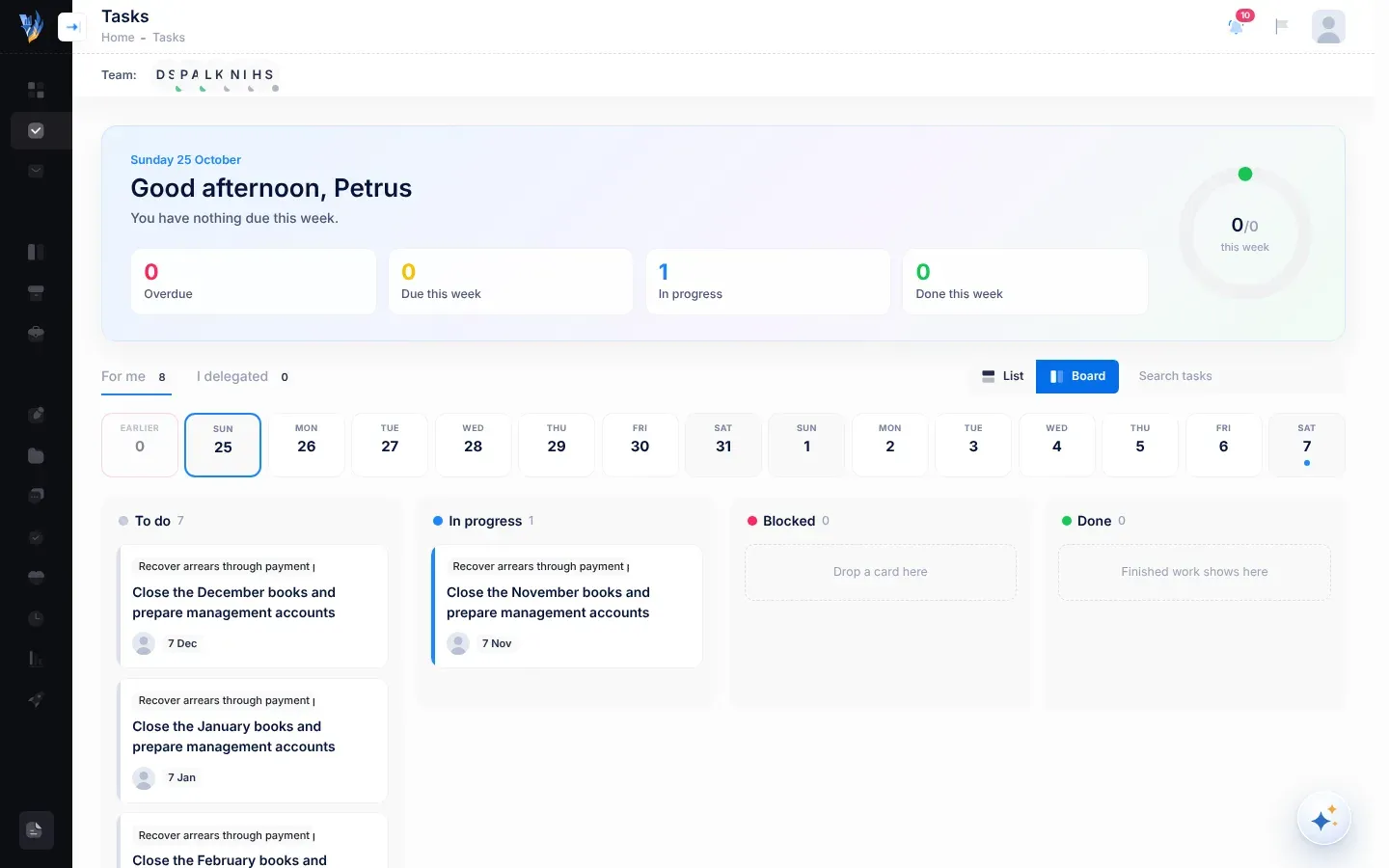
A task can also be In progress: the person it is for has started it. See Tasks.
A piece of work, such as a project or programme, that helps reach an objective in your strategic plan. Each initiative can be given to one department, which plans and carries out its work. See The Initiatives page.
A person named to lead an initiative. Leads can plan the initiative’s work and delegate tasks under it, as the department’s managers and the CEO can. See The Initiatives page.
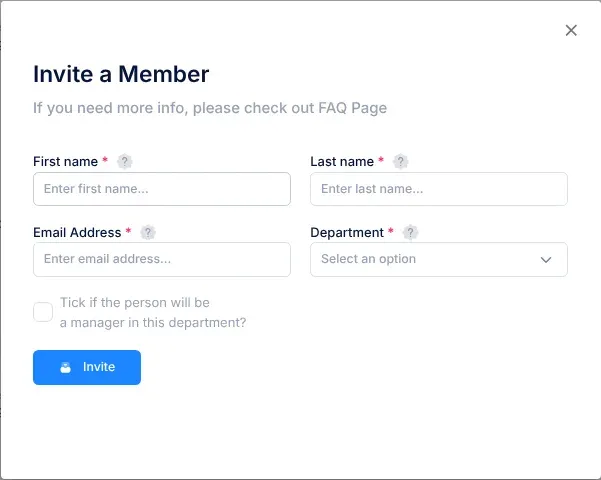
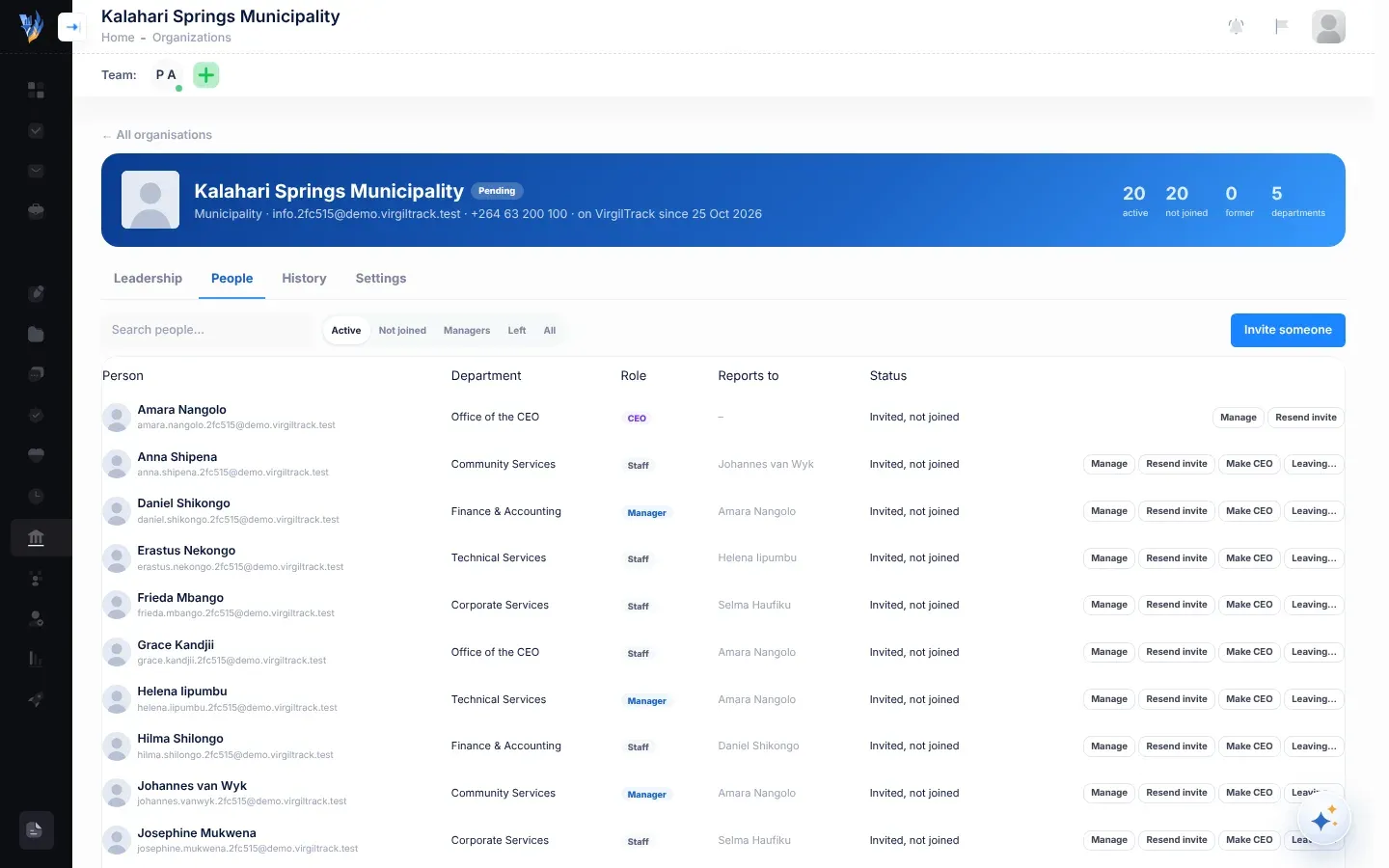
An email that lets someone set up their VirgilTrack account. The CEO or an administrator invites people with Invite a team member, and approving an organisation’s sign-up invites everyone it listed. See Accept an invitation and Invite team members.
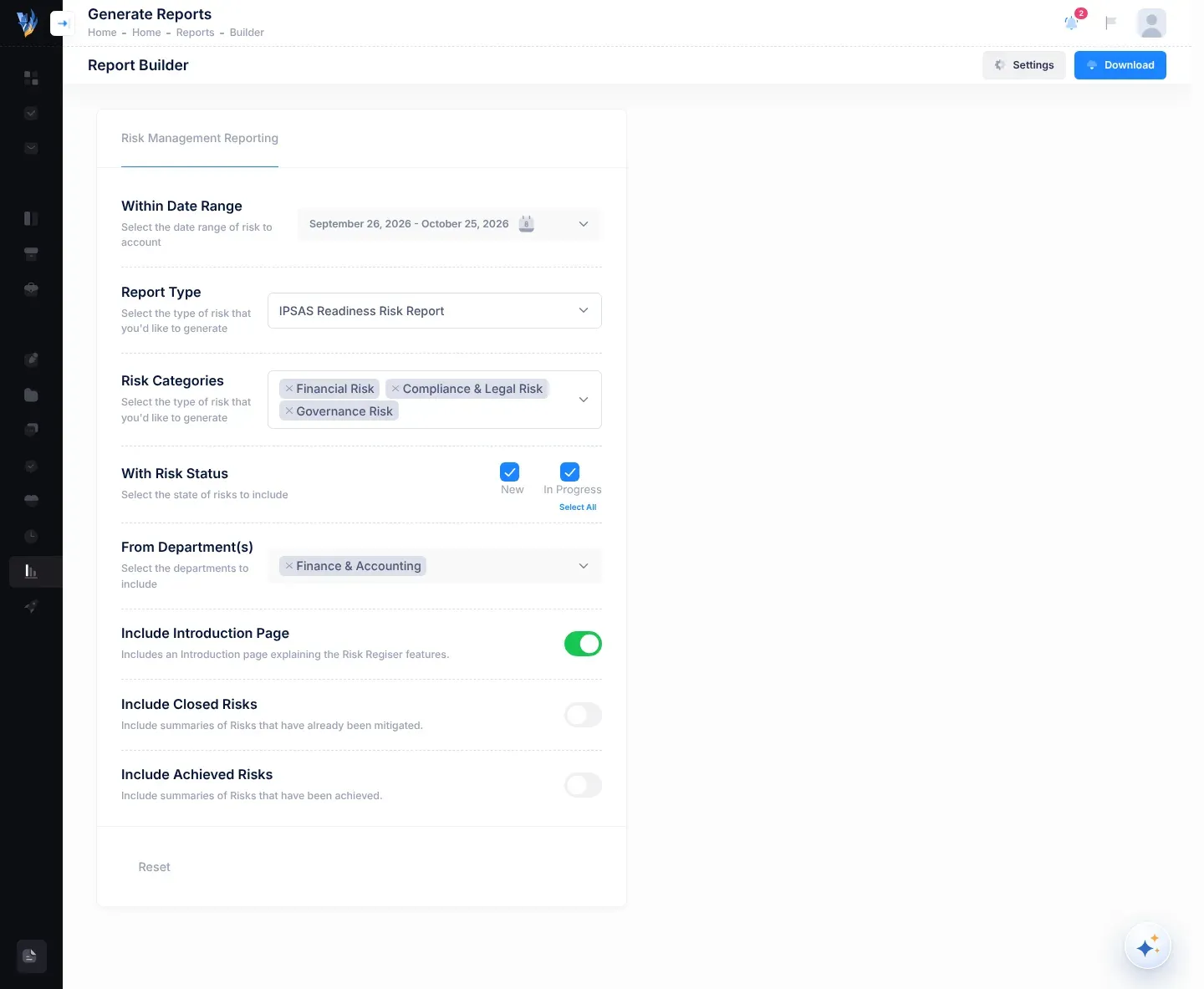
The International Public Sector Accounting Standards. An IPSAS readiness risk is a risk that could hold back your organisation’s move to IPSAS. These risks carry the tag IpsasReadiness and have their own report. See IPSAS readiness risks.
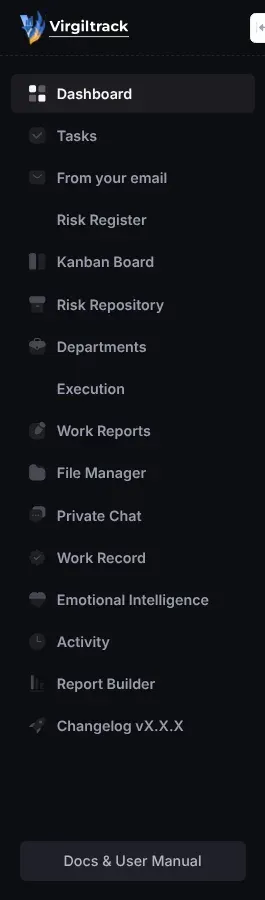
Kanban Board in the menu opens Kanban Collaboration, which shows your department’s risks as cards in three columns: Yet to Start (status New), Under Control (status In Progress) and Mitigated. You drag a card to change its status. See The Kanban board.
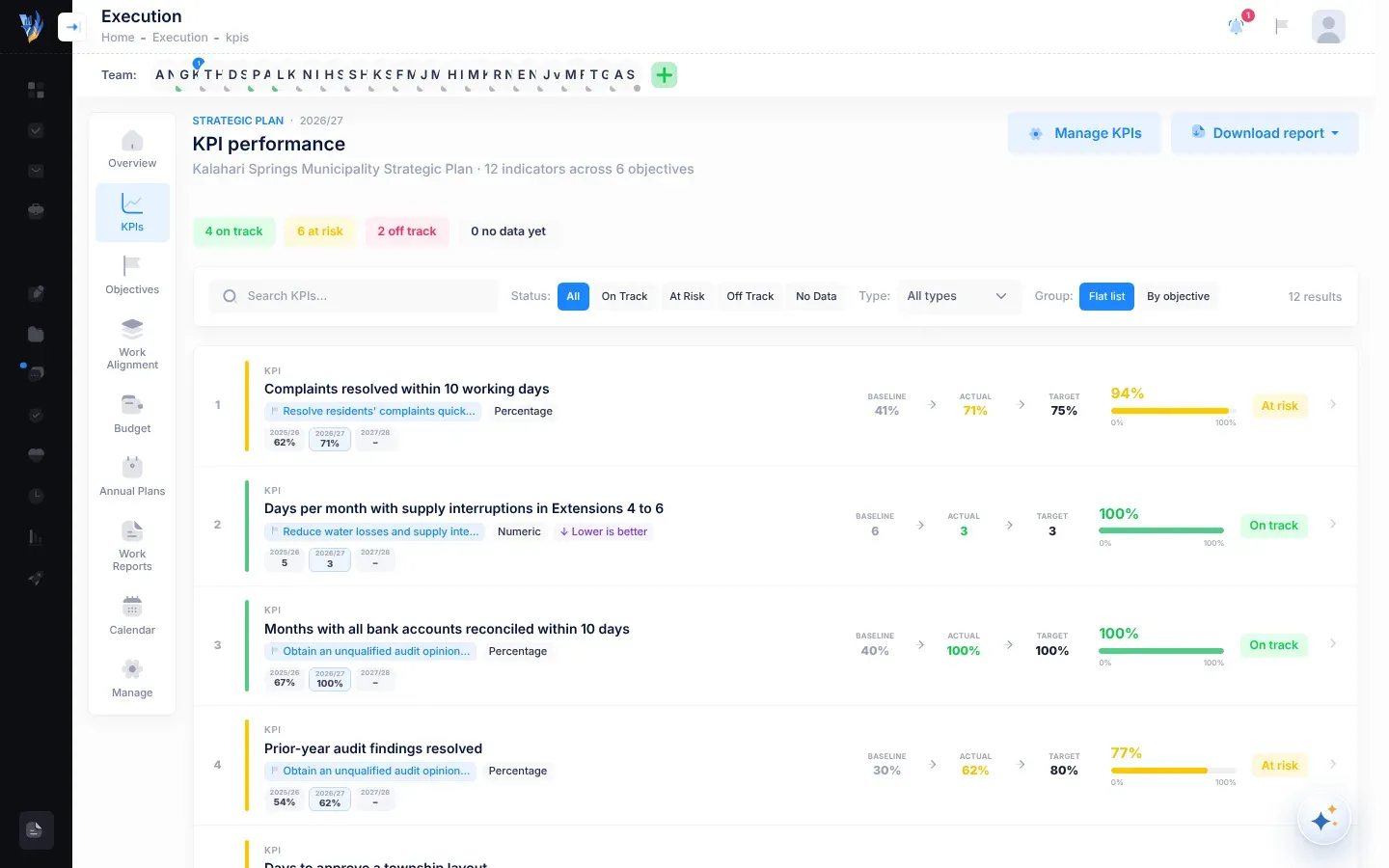
A key performance indicator: a measure that shows whether an objective is being achieved. Each KPI has a baseline, a target for each plan year and the actual result. See The KPIs page.
The window where you record each KPI’s actual result for the current year. It opens with Review KPIs on the KPIs page, which only people allowed to record KPI results see. No role has this permission, not even the CEO, and no screen in VirgilTrack gives it: only Virgil Finance can switch it on. Tagging someone in the KPI Review row of Workspace access doesn’t give it either. The CEO can record results through Virgil Copilot instead. See Record KPI results and Known limitations.
A short note that recognises a colleague’s work. Managers and the CEO send kudos from the Your team tab of Emotional Intelligence, with Send kudos. Everyone sees the kudos they receive under Kudos you’ve received, on the Me tab. See Kudos.
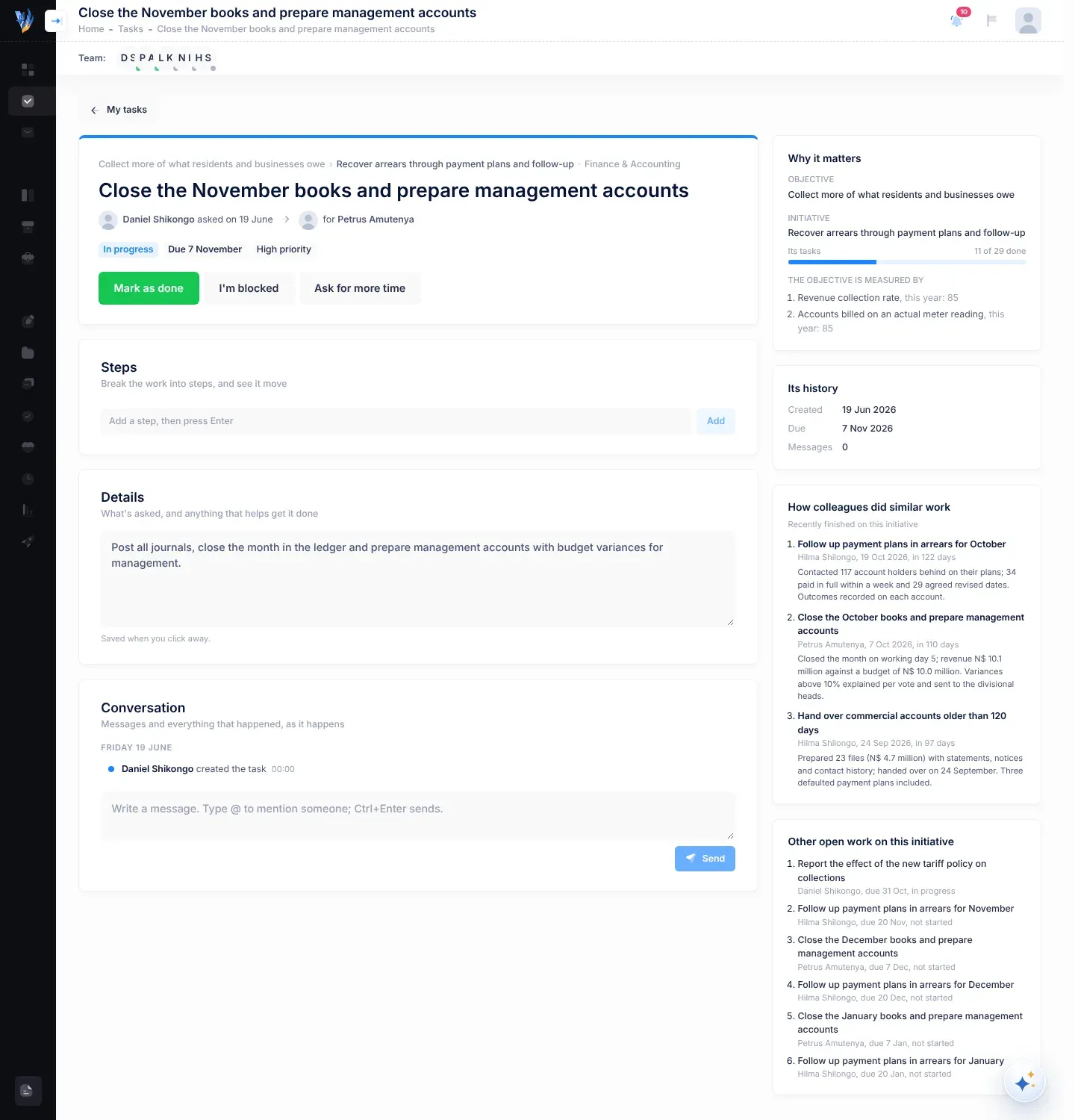
Someone who leads a task rather than doing it: the person who delegated it, a manager of the department that the task’s initiative belongs to, the CEO, or an administrator. Leads can change the due date, reassign the task and verify finished work. See Tasks.
The band a risk’s score falls into: Low (below 3.5), Moderate (3.5 to under 6.5), High (6.5 to under 8.0) or Critical (8.0 and above). A risk without a score shows Not assessed. See How risk scores work.
How likely a risk is to happen, from Very Low (1) to Very High (5). Together with impact, it gives the risk score. See How risk scores work.
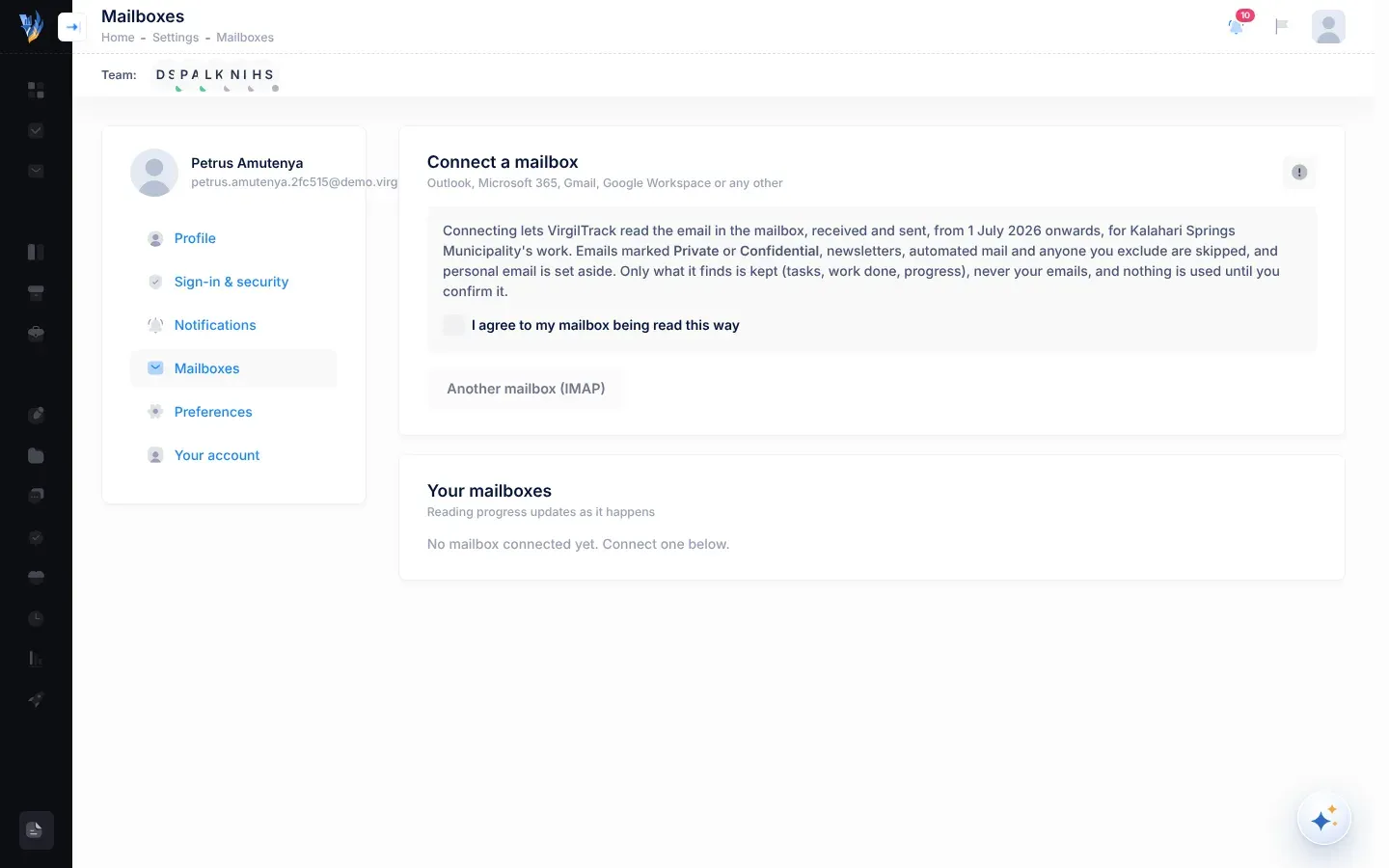
The section of Settings where you connect your work email, so VirgilTrack can find work handed out by email. See Connect your mailbox.
The role of department managers and team leaders. Managers run their department’s or team’s risks, initiatives and weekly reports. See Roles and what each can do.
Bringing a colleague into a message by typing @ and choosing their name, for example in a task’s conversation. They get a notification, and an email if they haven’t seen it in VirgilTrack within 10 minutes, unless they have switched those emails off. See Messages and mentions.
The date by which a risk should be dealt with. A risk’s next review must be on or before this date. See Risk reviews and reminders.
A risk status. The risk has been dealt with and is under control. In the risk register and on the risk’s page, you can mark a risk as mitigated only once all its controls are implemented. A mitigated risk can’t be edited. See Managing risks.
The expected cost, in N$, of reducing a risk. You can enter it when you add, assess or edit a risk. The Treatment Budget on the CEO Dashboard adds up the mitigation budgets of the risks that aren’t mitigated yet. See Add a risk.
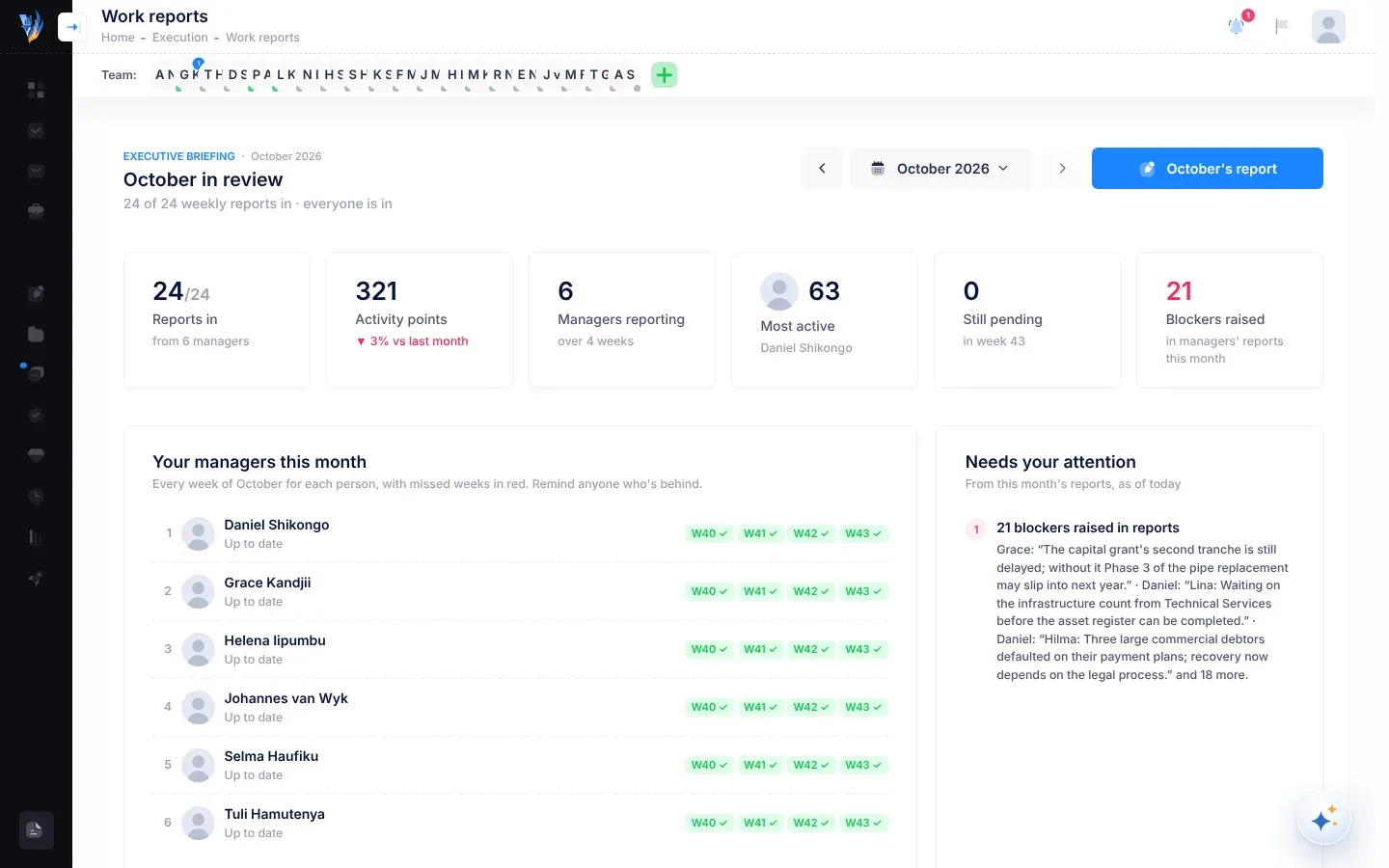
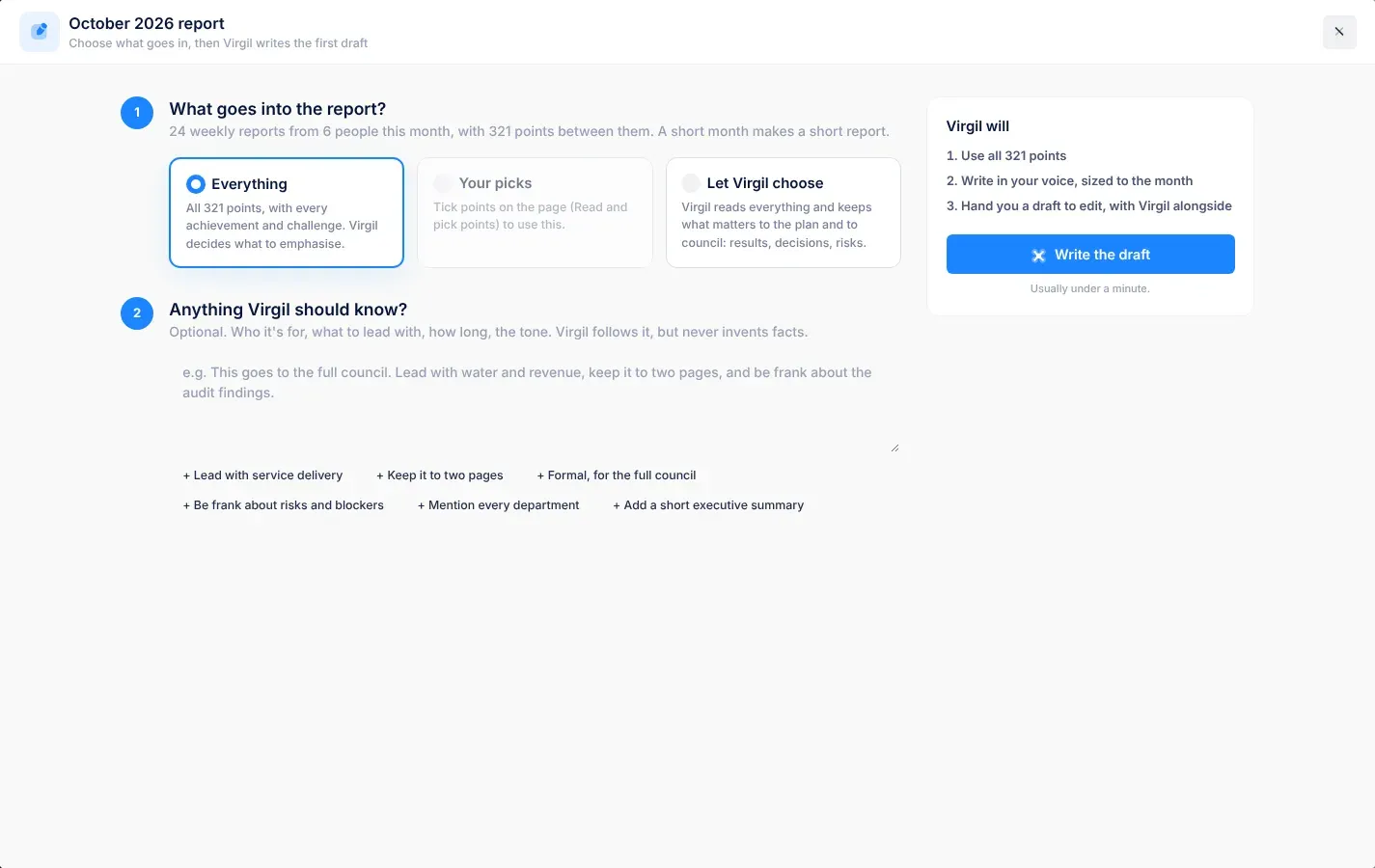
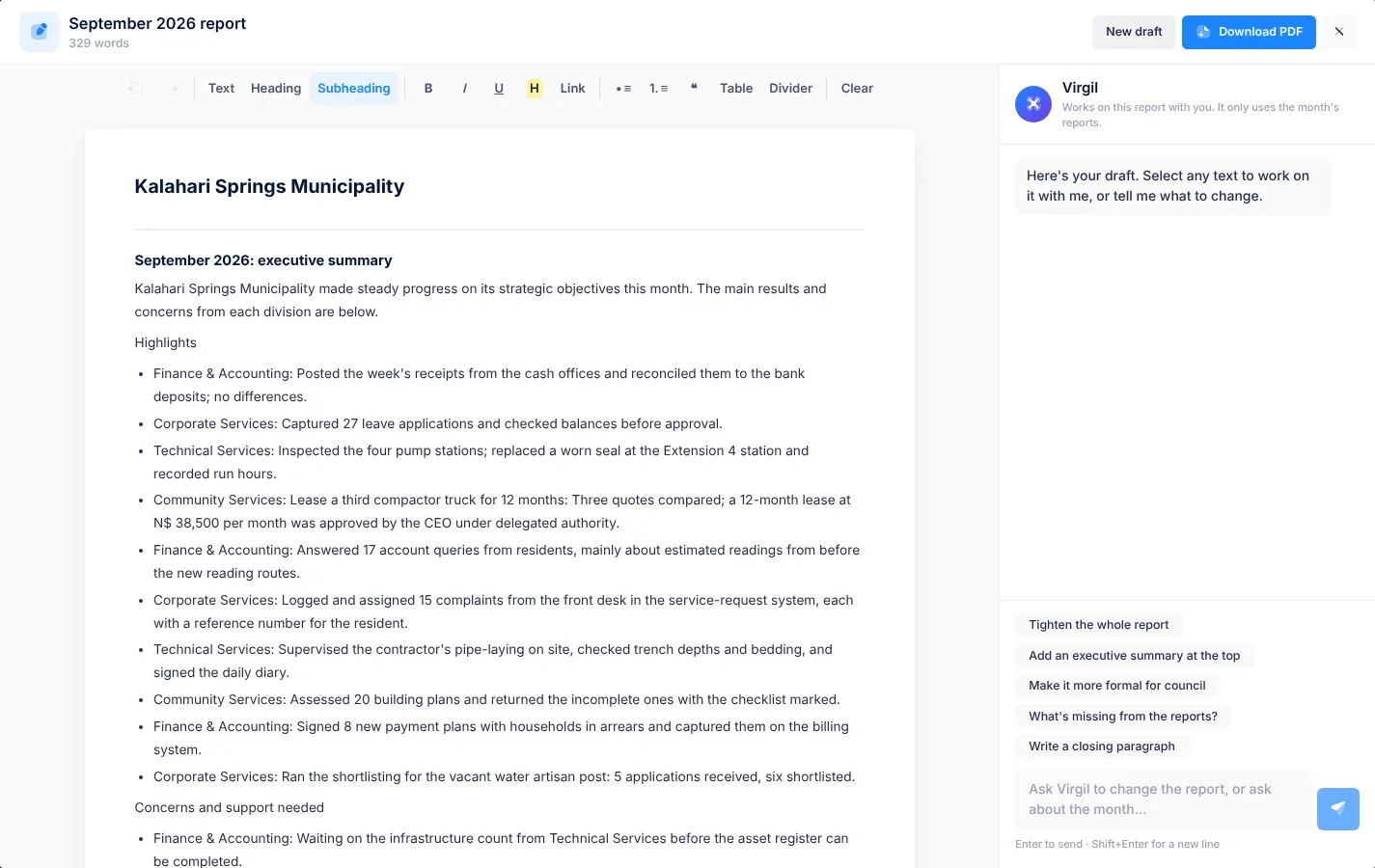
The CEO’s report to Council for one month, sometimes called the monthly executive report. Virgil writes a first draft from the month’s weekly reports and the strategic plan’s figures. The CEO chooses what goes in, edits the draft and downloads it as a PDF. See Write the monthly report, and The CEO’s monthly view for following the month’s reports.
A risk status. The risk has been identified, but no actions have been taken yet. A risk you add with Add risk starts as New. On the Kanban board, these risks are in the Yet to Start column. See Managing risks.
Something written in another department’s work report that affects your department, such as a system outage or a deadline. Everyone in the affected departments gets a notification, sees it in the From other departments card on their work reports page, and gets one email a day on weekdays. In your notification settings it is called Events from other departments. See News from other departments.
The date of a risk’s next review. In the risk register, a date that has passed shows in red with overdue. See Risk reviews and reminders.
A KPI or objective status. No result has been recorded for the current plan year yet. Some screens show No data. See The KPIs page.
A task status. The task hasn’t been started yet. On the board view of the Tasks page, these tasks are in the To do lane. See Tasks.
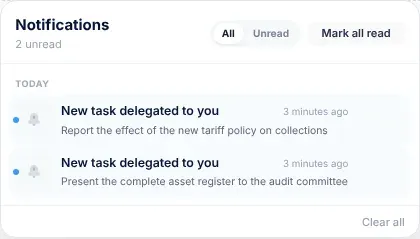
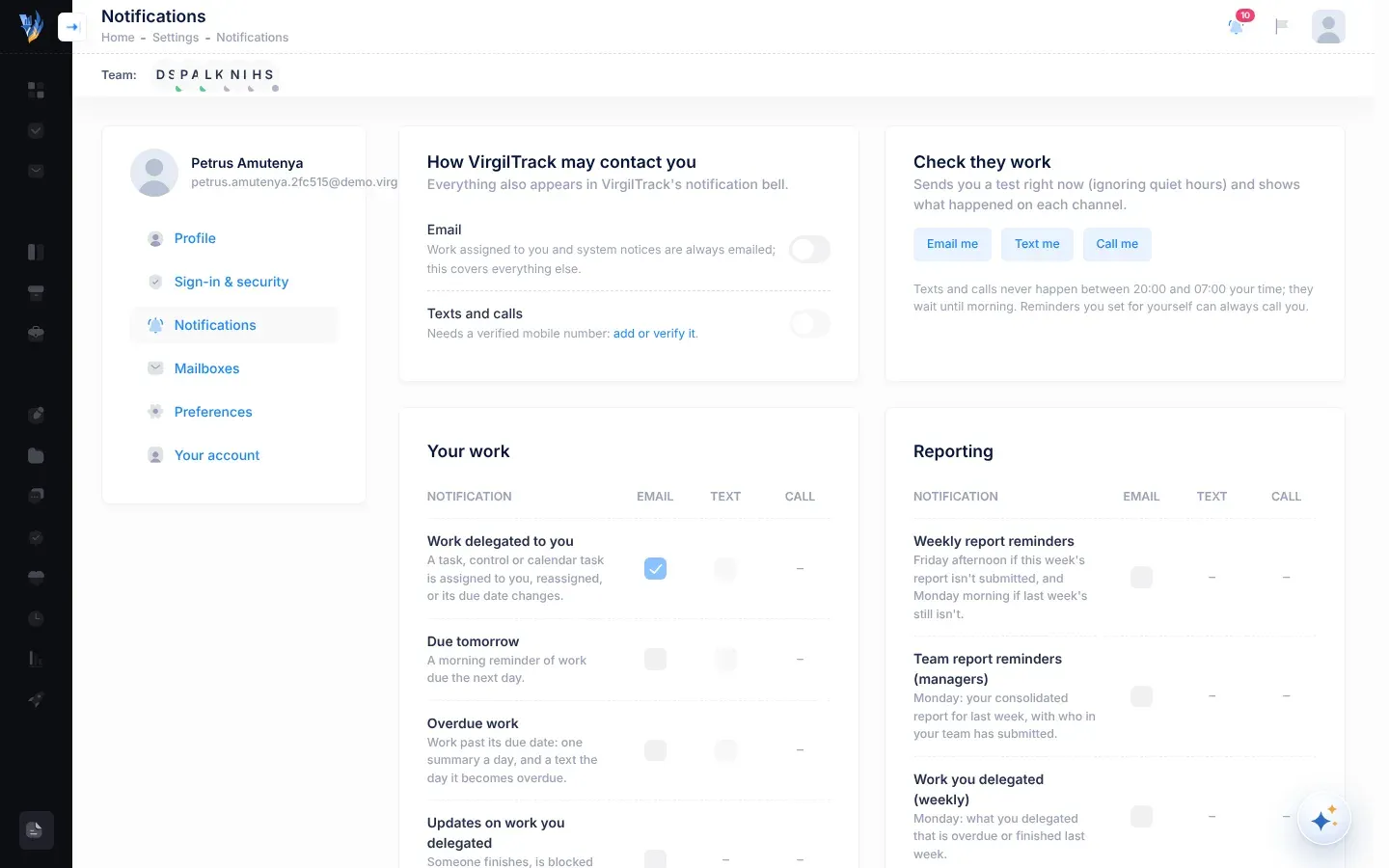
Messages from VirgilTrack about mentions, tasks, risks and messages. Select the bell at the top of the screen to see them, on the All and Unread tabs. The bell keeps your 50 most recent notifications. See Notifications.
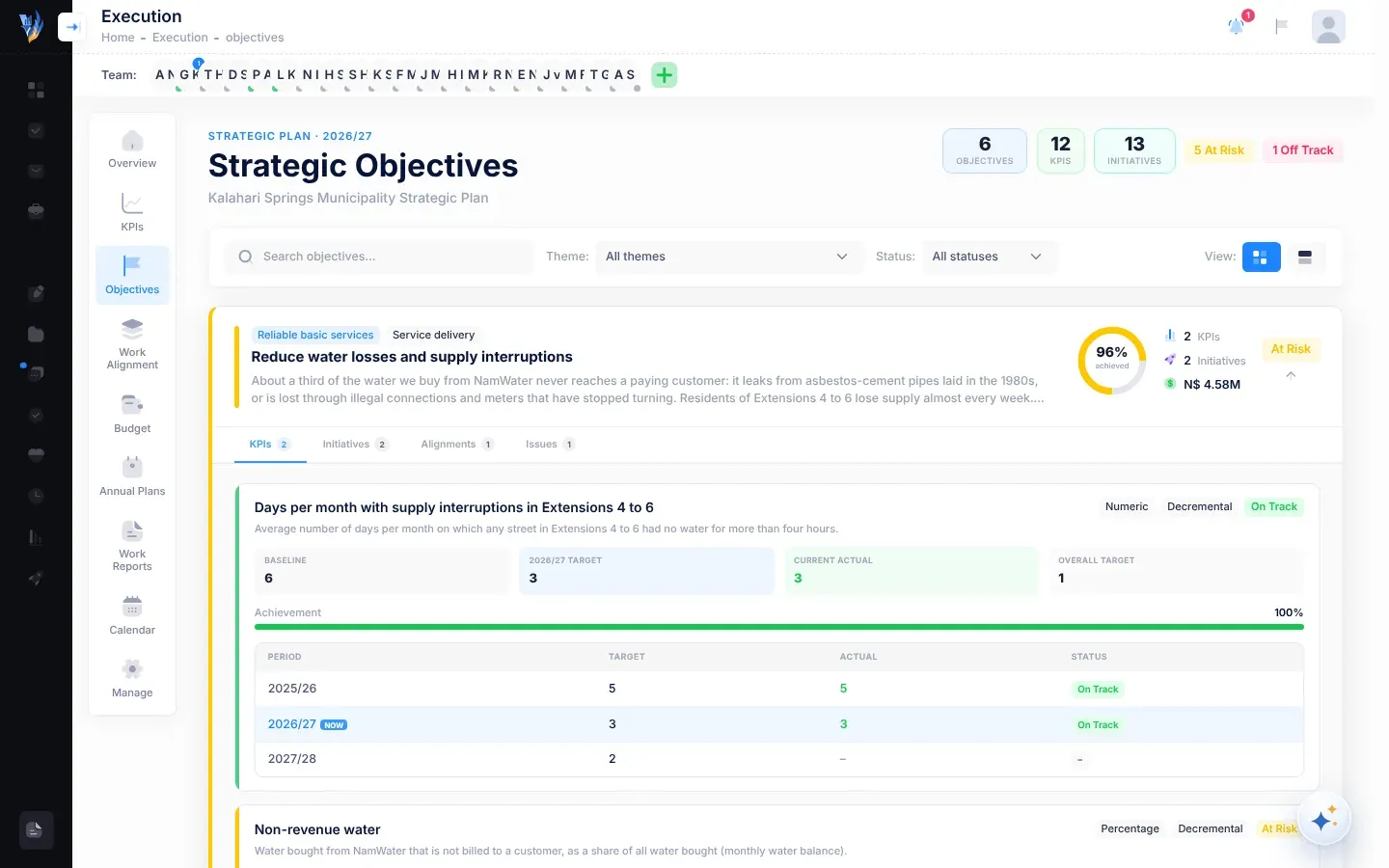
Something your organisation wants to achieve, set out in the strategic plan, such as “Improve revenue collection”. Objectives are grouped under themes, and each is measured by its KPIs. See Objectives.
A KPI or objective status. The result is less than 75% of the way to this year’s target. Some screens write it Off Track. See The KPIs page.
A KPI or objective status. The result has reached this year’s target. Some screens write it On Track. An objective’s status comes from the average of its KPIs that have a result. See The KPIs page.
A risk that doesn’t threaten any objective in your strategic plan. Compare strategic risk. See The risk register.
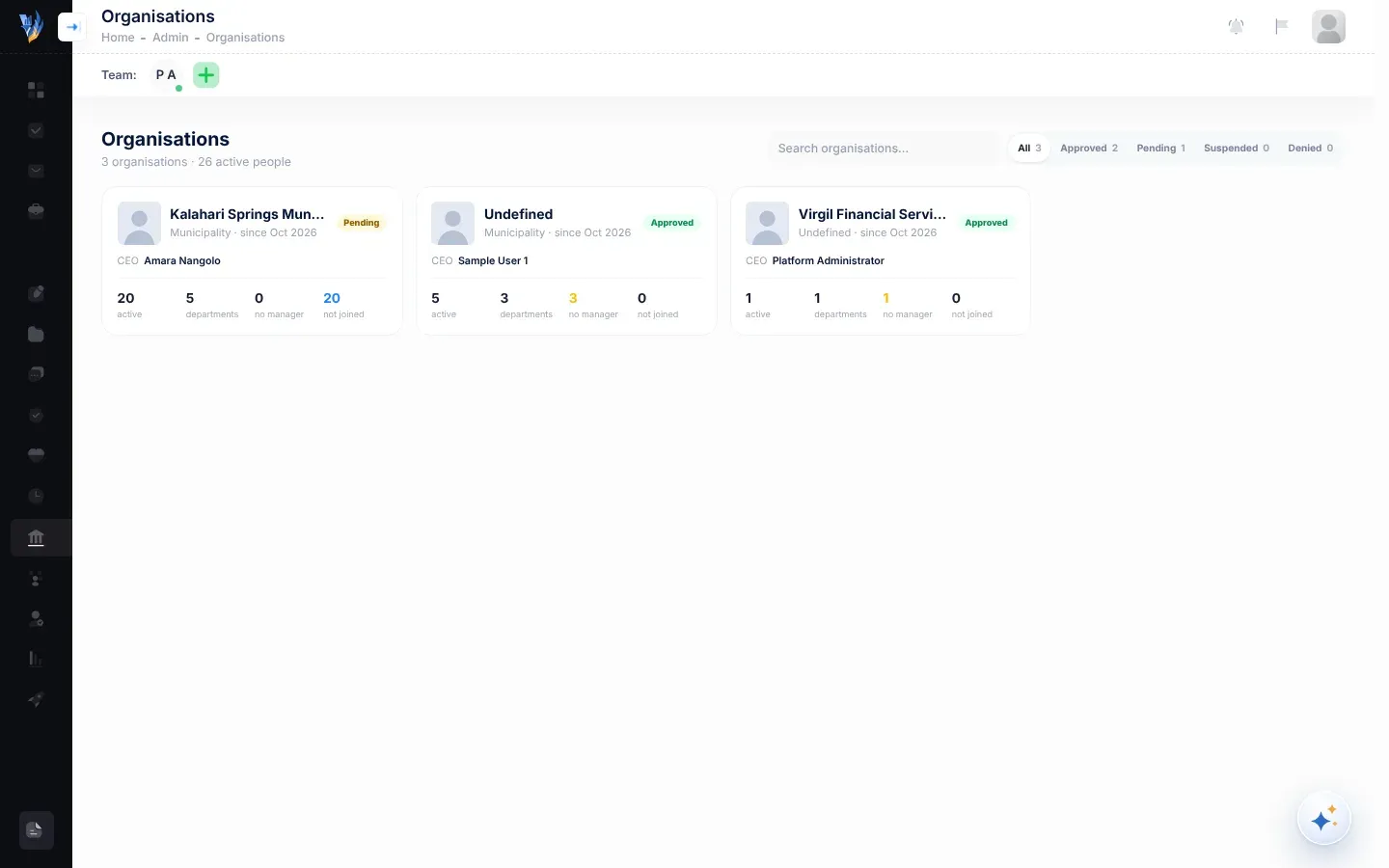
The council, municipality or other body that uses VirgilTrack, with its departments and people. An organisation signs up, and a platform administrator approves it. Some screens write it Organization. See Sign up your organisation.
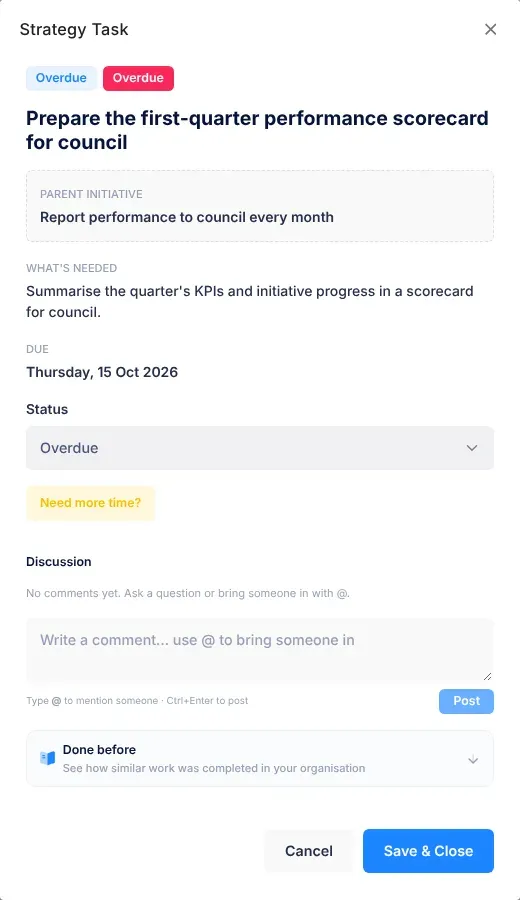
A task whose due date has passed while it isn’t done. The Tasks page groups these tasks under Overdue, and the red number beside Tasks in the menu counts the overdue tasks given to you. A risk’s next review or a control can also show overdue once its date has passed. See Tasks.
The person who recorded the risk, or who copied it from the risk repository, shown in the Owner column of the risk register. Only the owner can assess a risk that is Not assessed. See The risk register.
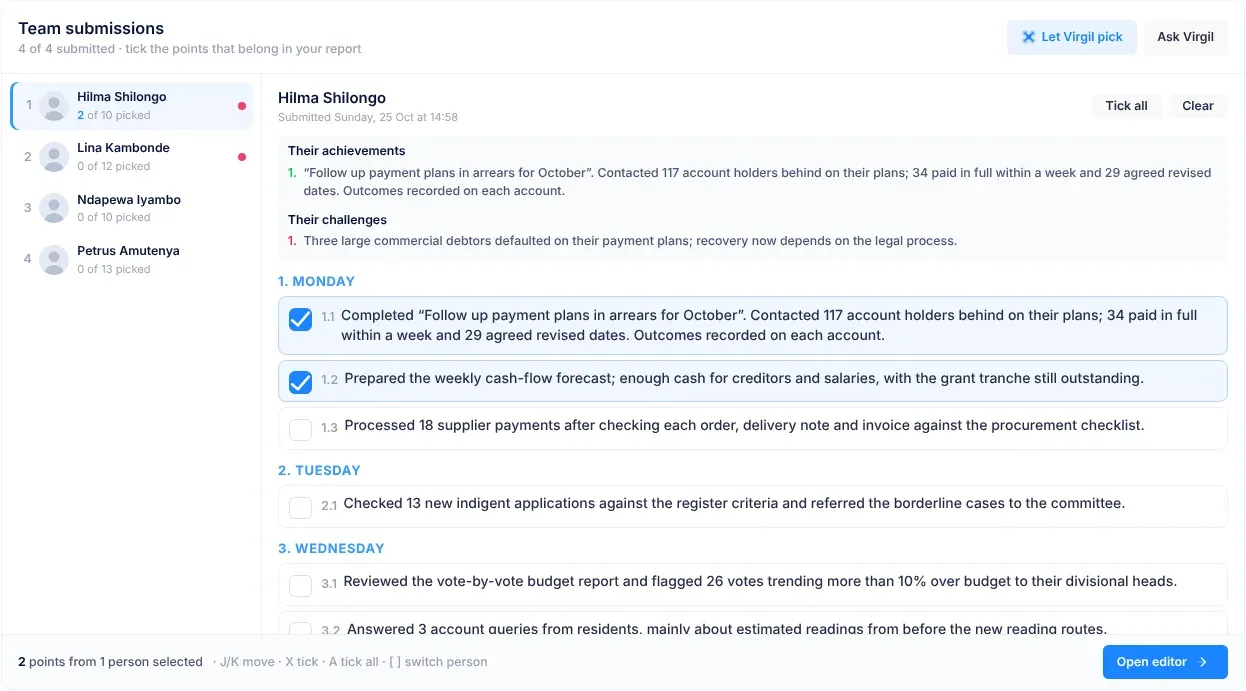
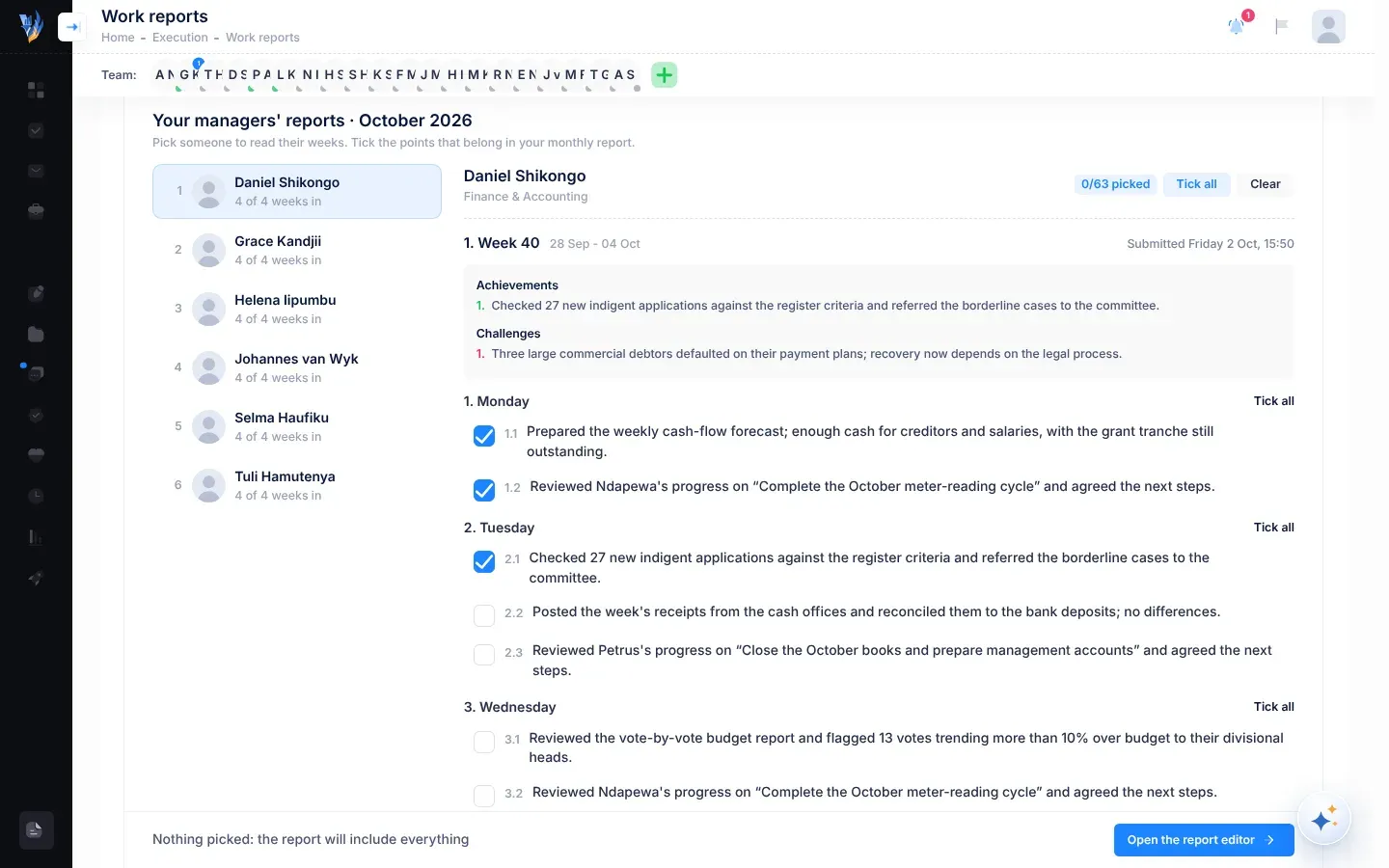
One short statement in a finished work report, such as “Completed the October debtors age analysis”. VirgilTrack writes the points from your entries, and you can change them. Managers tick the points from their team’s reports that matter most. See Work reports and records.
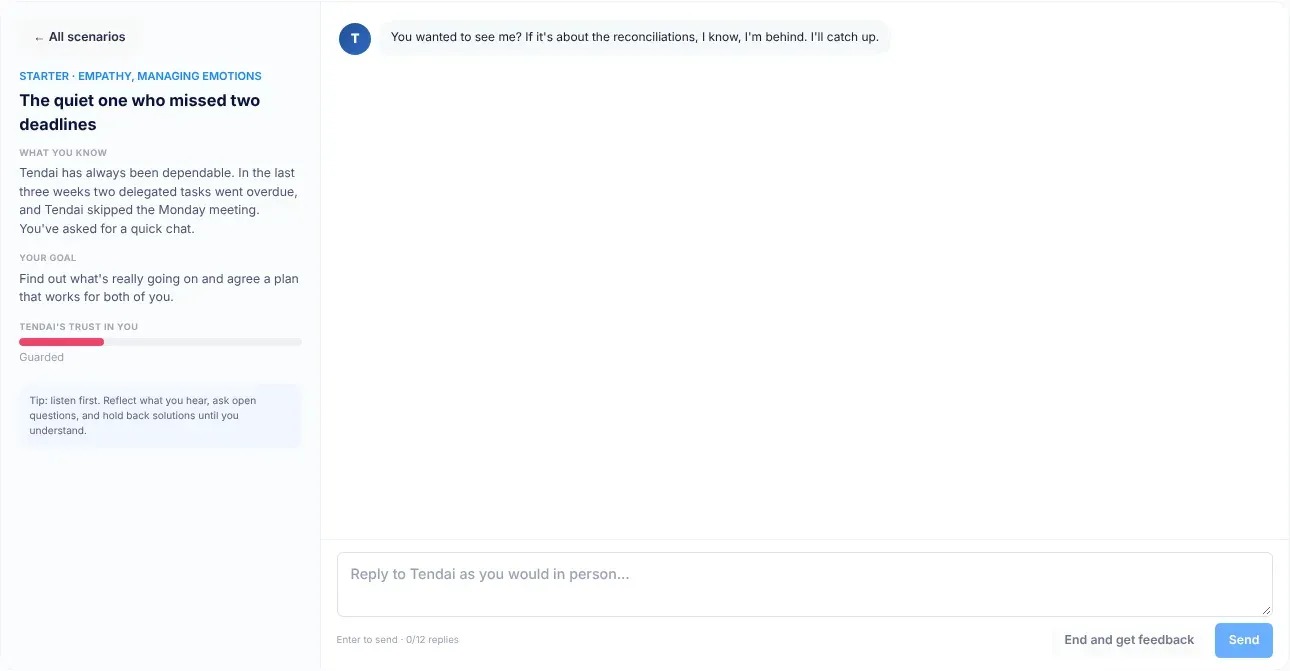
A short role-play on the Practise tab of Emotional Intelligence. Virgil plays a colleague, you respond, and afterwards you get feedback on how it went. Only you see your practice conversations and scores. See Practise with drills and conversations.
How urgent a task is: Low, Medium, High or Critical. See Tasks.
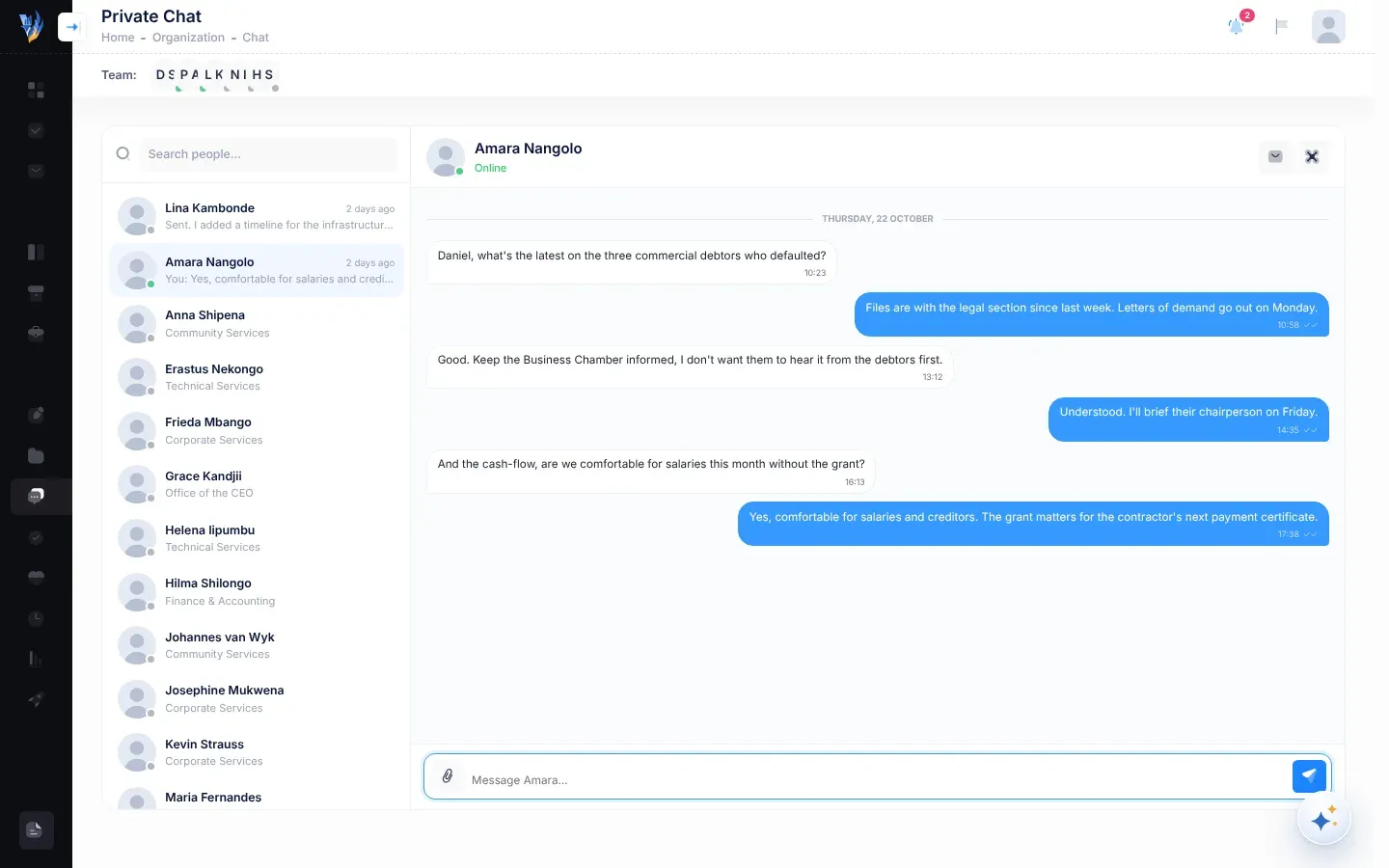
One-to-one messages with a colleague in your organisation. Open it with Private Chat in the menu. A dot on its icon means you have unread messages. See Private chat.
A fact about your organisation’s work that VirgilTrack found in your email: Progress, Decision, Risk, Issue or Achievement. You select Keep for the ones that are right, or Dismiss. See Tasks from your email.
Team pulse, last 30 days on the Your team tab of Emotional Intelligence: the average of the team’s weekly check-in answers, out of 5. It is shown only once at least 5 people have answered, so no one can be identified. See The weekly check-in.
The review at the end of each quarter of your financial year: recording KPI results, updating initiatives’ progress notes and making sure reports are submitted. VirgilTrack reminds the CEO and department managers 7 days before a quarter ends, and again 3 days after. See Reminders.
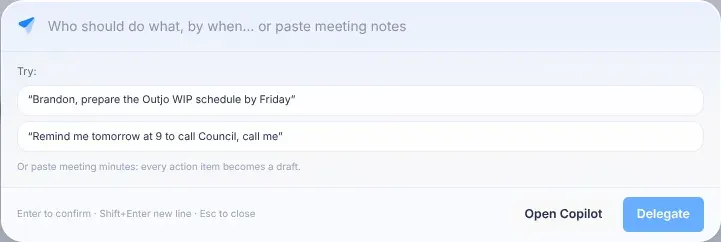
A box that opens in the middle of the screen when you press Ctrl + J. Type one sentence, such as “Brandon, prepare the Outjo WIP schedule by Friday”, and VirgilTrack fills in a task or a reminder for you to confirm. See AI assistant.
Between 20:00 and 07:00 in the person’s time zone, VirgilTrack doesn’t send texts or make phone calls: they wait until 07:00. Emails are sent at any time. See Choose your notifications.
A message that something is coming up or overdue: an event, a risk or control review, work due tomorrow, overdue work, or a report still to submit. Most come by email and as a notification in VirgilTrack. You can also ask Virgil Copilot, or the quick bar, to remind you or a colleague at a set time. See Reminders.
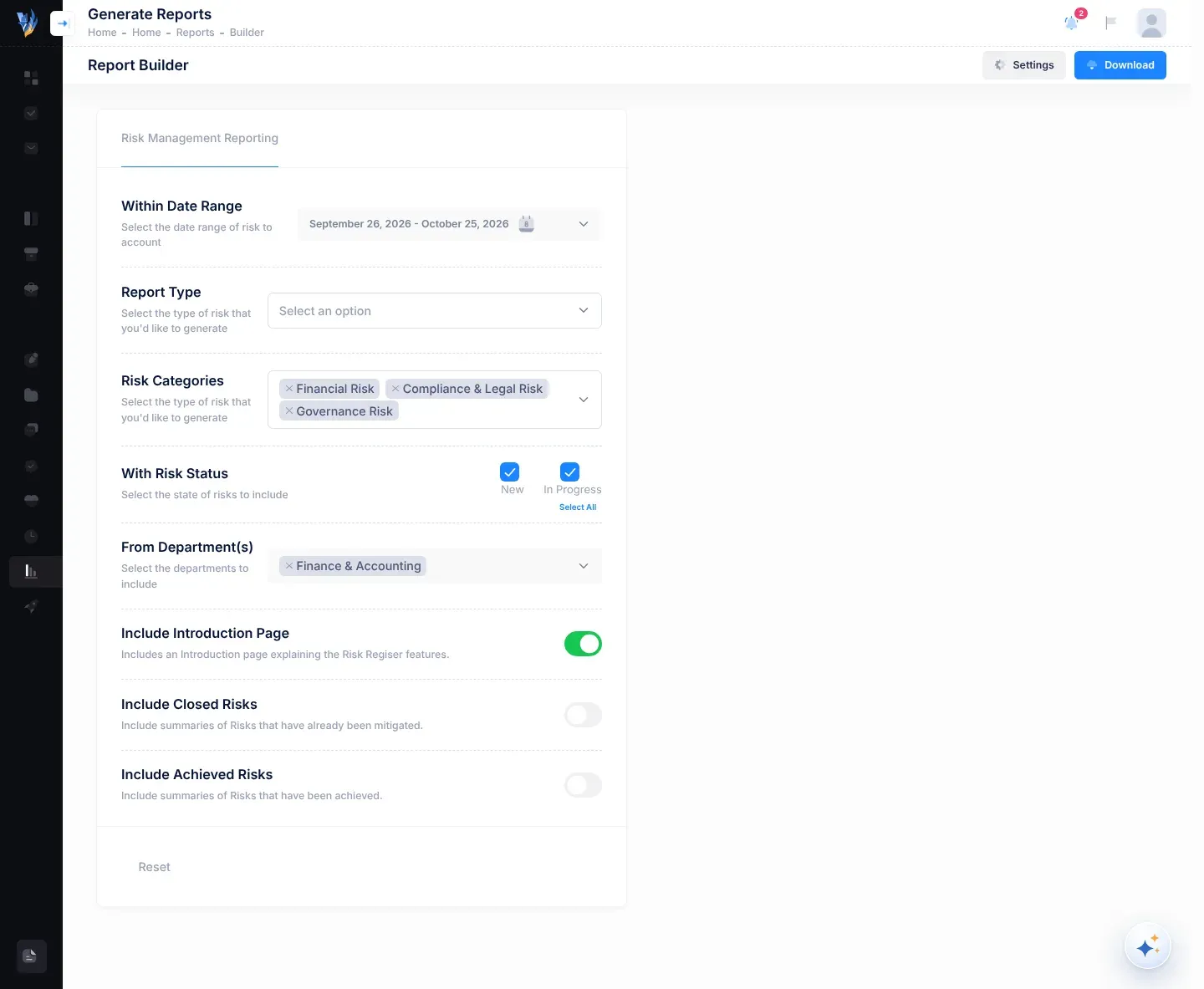
Report Builder in the menu makes a PDF report of risks, such as a Risk Register Report or an IPSAS Readiness Risk Report. See Make a risk report.
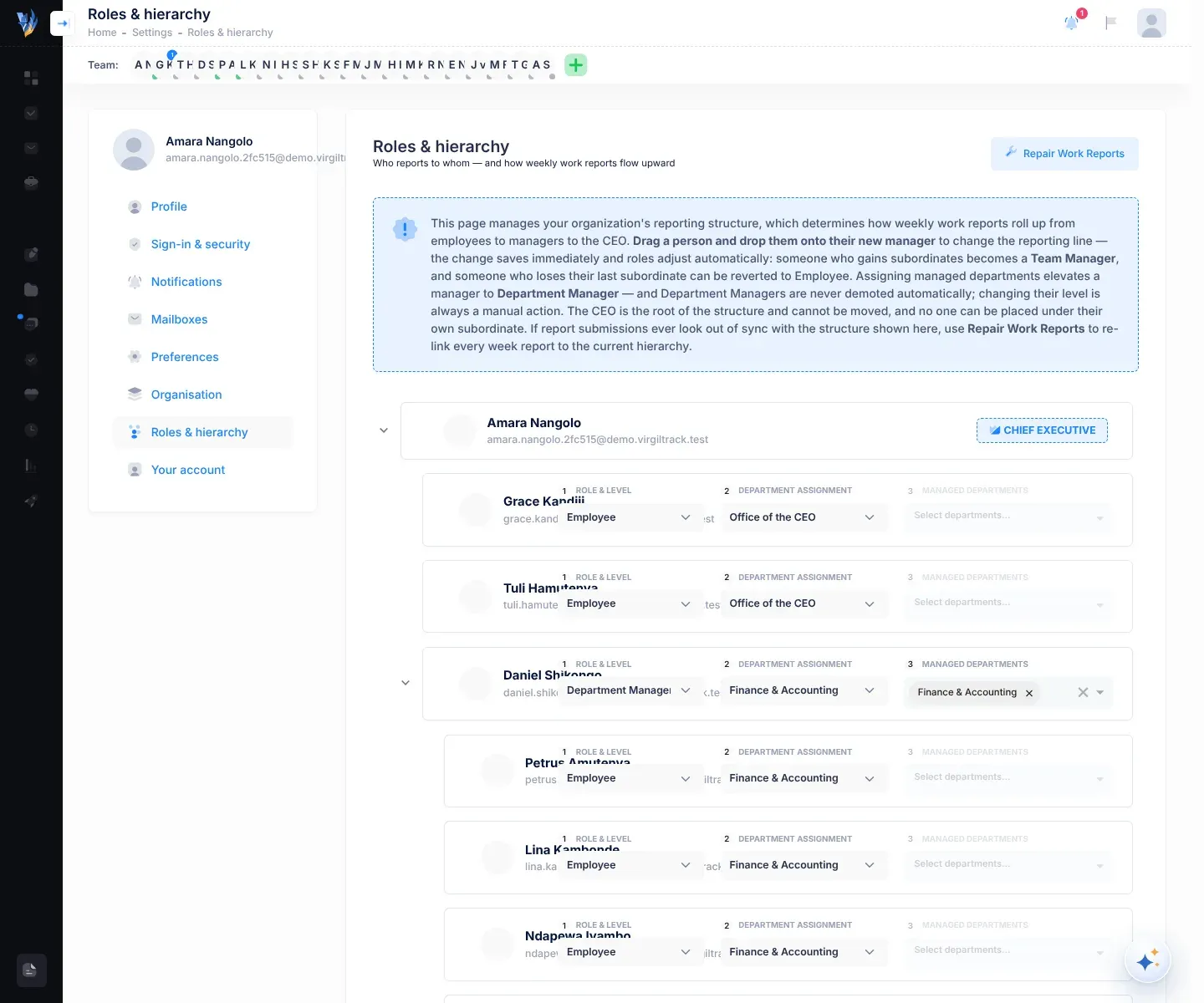
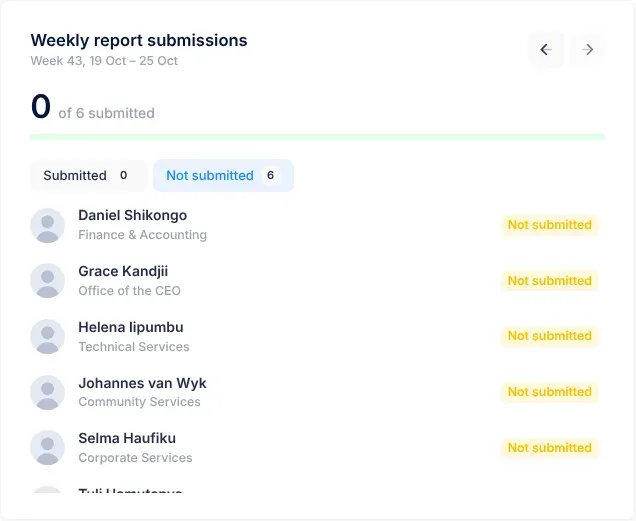
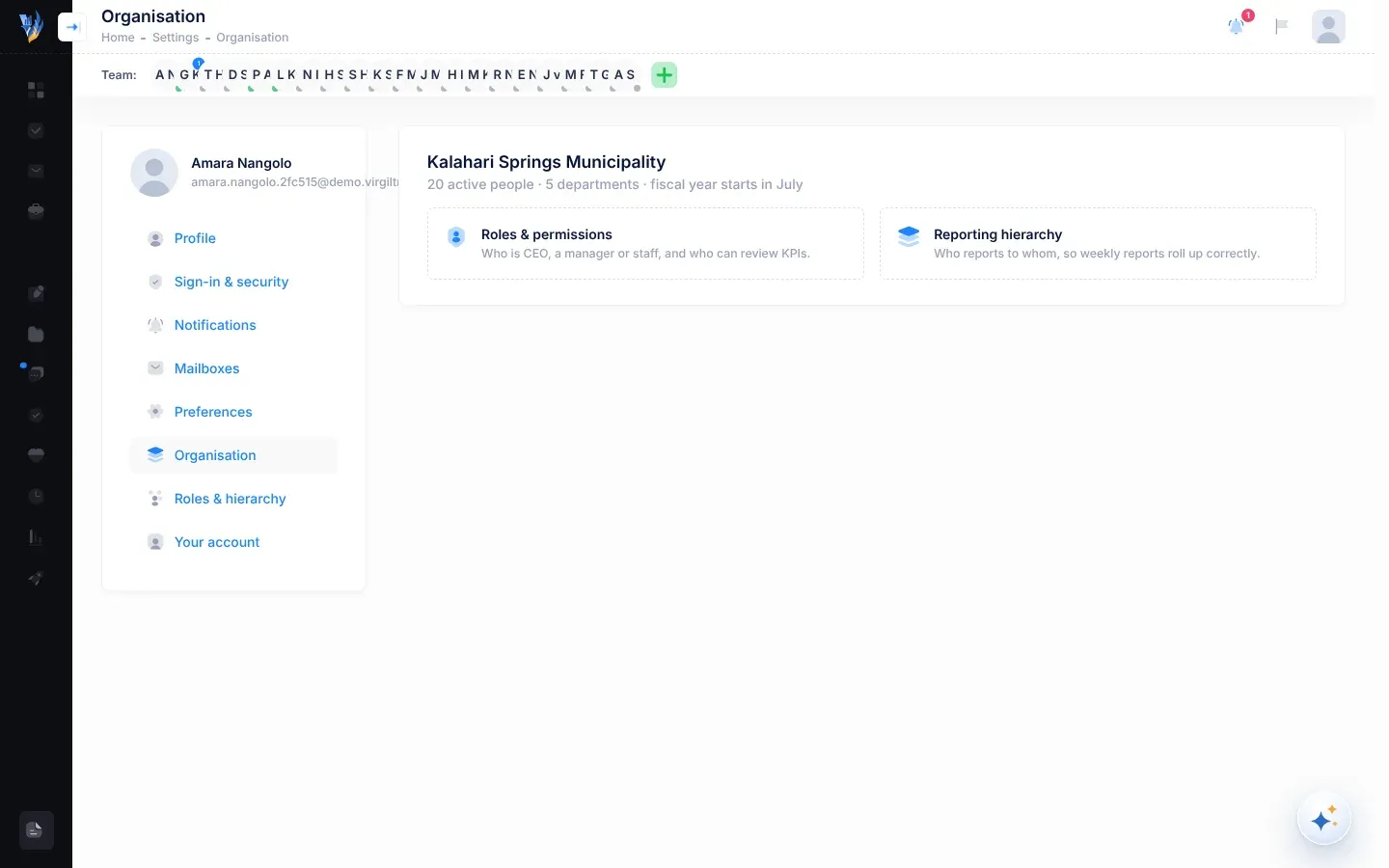
Who reports to whom in your organisation. It decides whose weekly reports reach each manager, and whose reach the CEO. The CEO or an administrator sets it under Reporting hierarchy in the account menu, which opens Roles & hierarchy in Settings. See Work reports and records.
A task status. The task’s due date has been moved. See Tasks.
A figure on the Manager Dashboard: how many of your department’s risks aren’t mitigated yet. See The Manager Dashboard.
The people who follow a risk until it is mitigated. They get its review reminders. See Add a risk.
The field where you choose how often a risk is reviewed: Ad-Hoc, Weekly, Biweekly, Monthly, Quarterly, Semi-Annually or Annually. See Risk reviews and reminders.
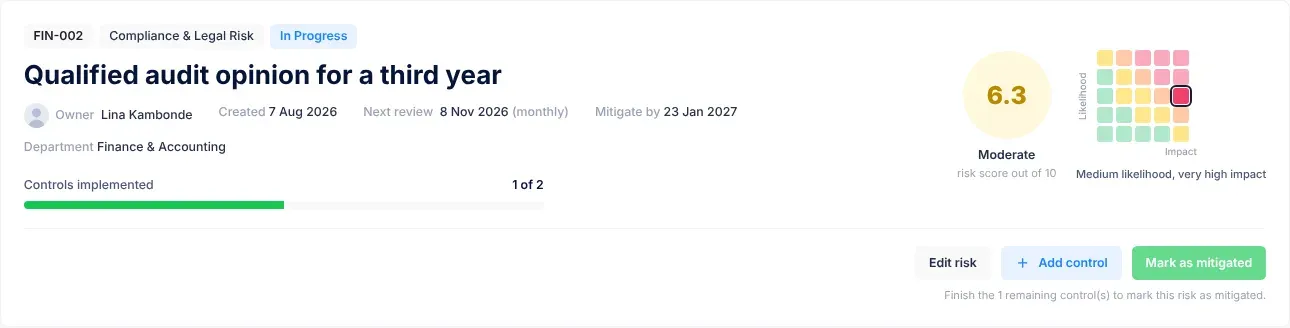
Something that could go wrong and stop your organisation doing its work or reaching its goals, such as “Collections fall short of the budget”. See Managing risks.
A department’s list of its risks, with their scores, controls, status and next review. Open it with Risk Register in the menu. See The risk register.
Risks that VirgilTrack suggests for your organisation, for example risks its AI found in your strategic plan (badge Strategic AI Suggestion). You copy the ones that apply into your register. Open it with Risk Repository in the menu. See The risk repository.
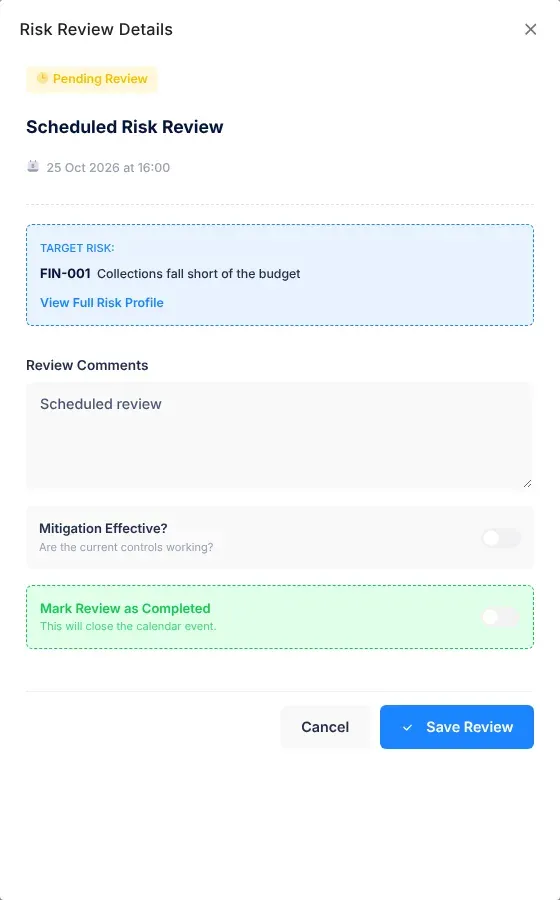
A regular check of a risk: has its likelihood or impact changed, and are its controls working? See Risk reviews and reminders.
A number from 1.0 to 10.0 that shows how serious a risk is. VirgilTrack multiplies the risk’s likelihood by its impact, which gives a number from 1 to 25, and spreads that over the scale from 1.0 to 10.0. See How risk scores work.
What you are in VirgilTrack: Employee, Manager, CEO or Administrator. Your role decides your menu, your dashboard and what you can change. See Roles and what each can do and Who can do what.
Why a risk could happen. You describe it when you add a risk. See Add a risk.
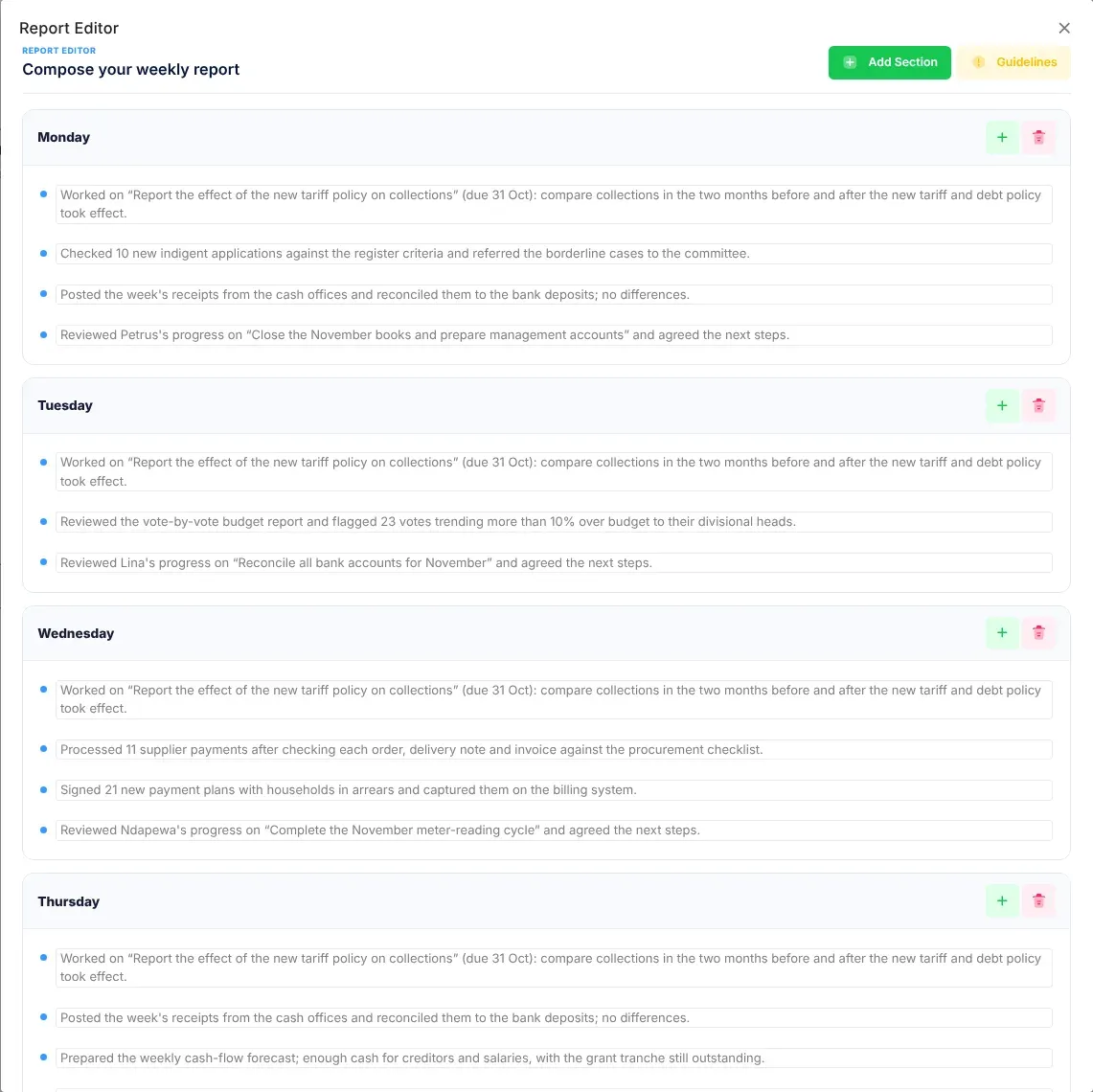
A group of points in a work report. In a weekly report, each day with work has its own section. See Your weekly report.
The part of an initiative’s allocated budget that is confirmed, entered as Secured Amount. See The Budget page.
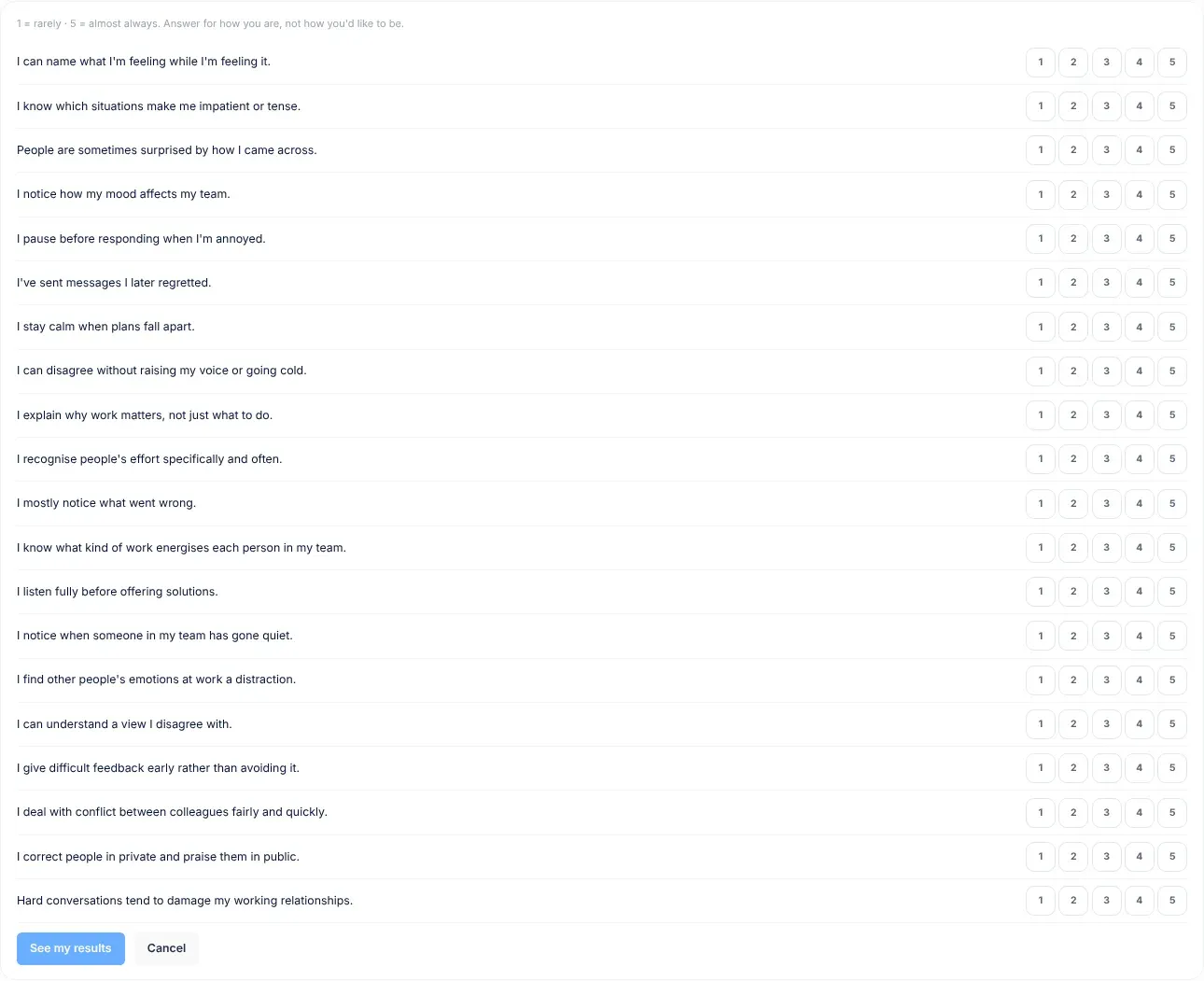
Twenty statements on the Emotional Intelligence page that show where you are on each of its five skills. Only you see your answers and scores. See Take the self-assessment.
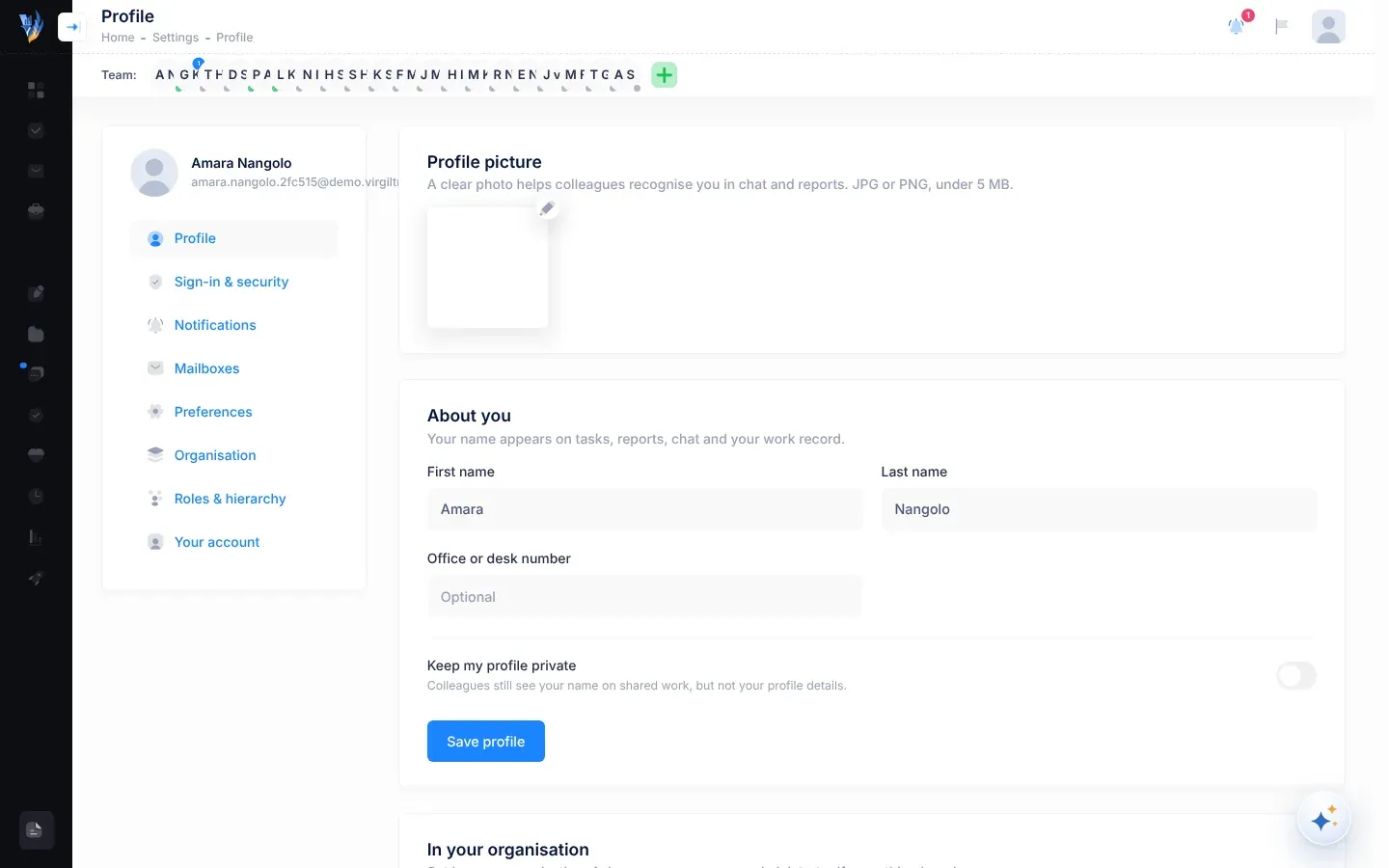
Where you look after your own account: your profile, sign-in details, time zone, notifications and mailbox. The CEO and administrators also manage roles and reporting lines here. Open it by selecting your picture in the top-right corner, then Settings. See Settings.
To sign in is to open VirgilTrack with your email address and password, on the Sign In page. To sign out, select Sign Out in the account menu. See Sign in and sign out.
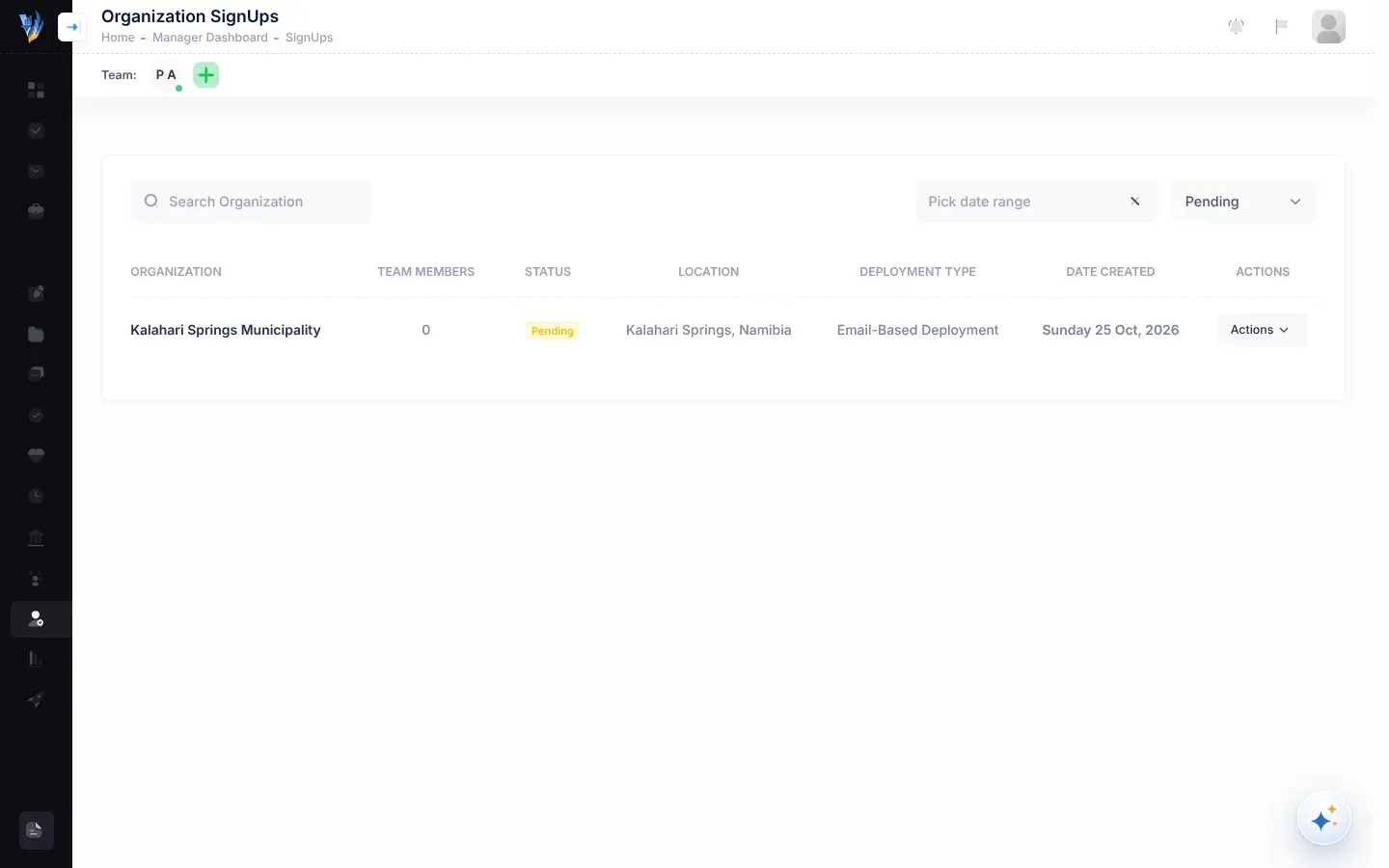
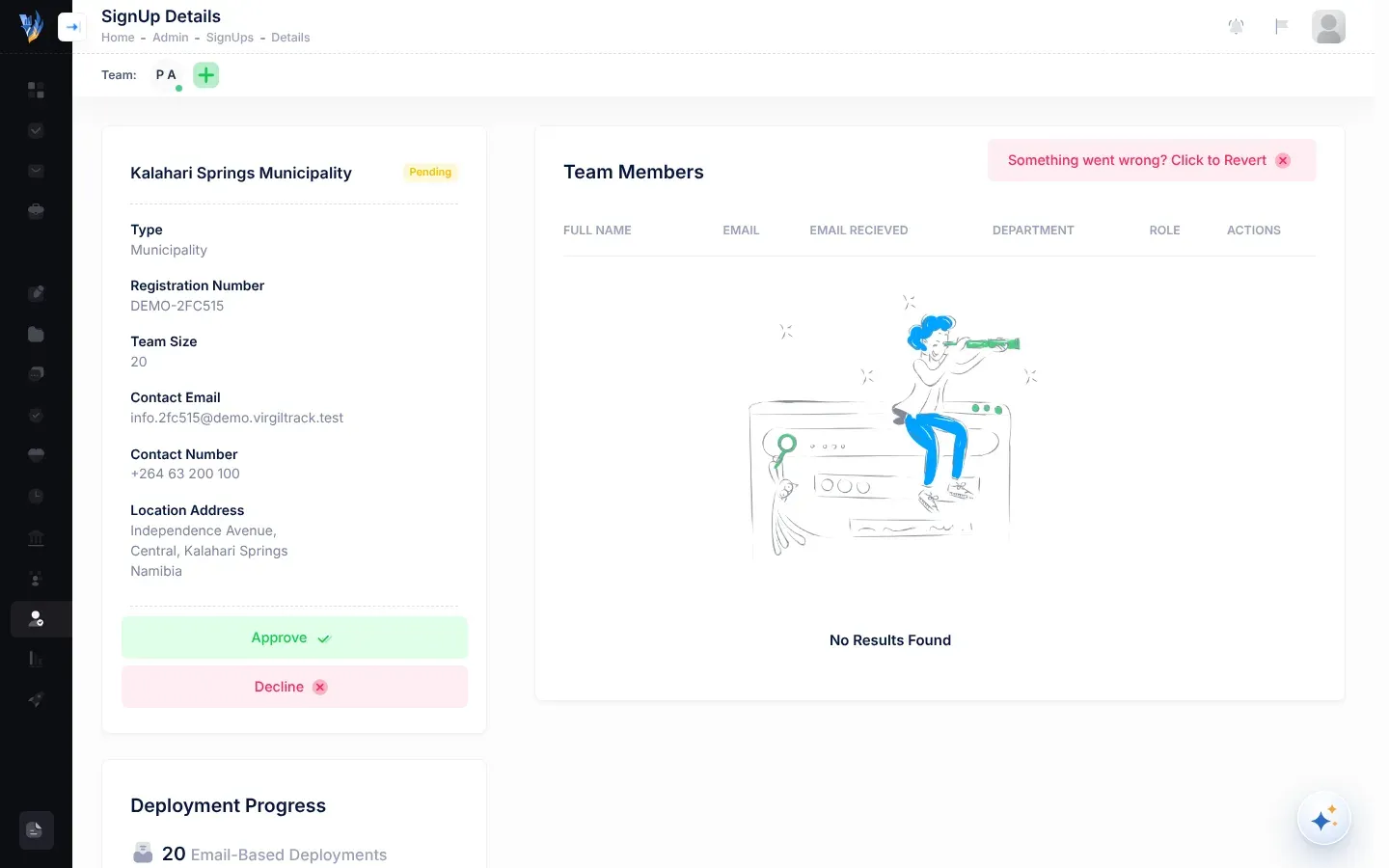
An organisation’s request to start using VirgilTrack, sent with the sign-up form. It waits with the status Pending until a platform administrator approves or denies it. Approving it invites everyone the organisation listed. See Sign up your organisation and Review sign-ups.
A checklist that breaks a task into smaller pieces. The person the task is for and its leads type a step in “Add a step, then press Enter” and press Enter to add it. See Tasks.
Your organisation’s plan for the next few years: its themes, objectives, KPIs and initiatives. VirgilTrack reads it from a PDF, and it becomes the active plan once approved. See Bring in your strategic plan.
A risk that threatens one or more objectives in your strategic plan. Compare operational risk. See The risk register.
A task under an initiative of your strategic plan. These are the tasks on the Tasks page, and each has its own page. See Tasks.
A work report you have sent on. The person you report to can now read it. Until then, it is a draft. See Work reports and records.
Another name for activity prompts. On an employee’s weekly report they appear in the Suggested by your manager card, even though VirgilTrack writes them from your own work. See Suggestions and activity prompts.
The Key Achievements and Challenges or Issues of a work report, written from the whole report. See Submit your weekly report.
An organisation status. A platform administrator suspends an organisation to pause its access, for example when a subscription is unpaid. Nothing is deleted. In this version, it doesn’t stop the organisation’s people signing in. See Known limitations.
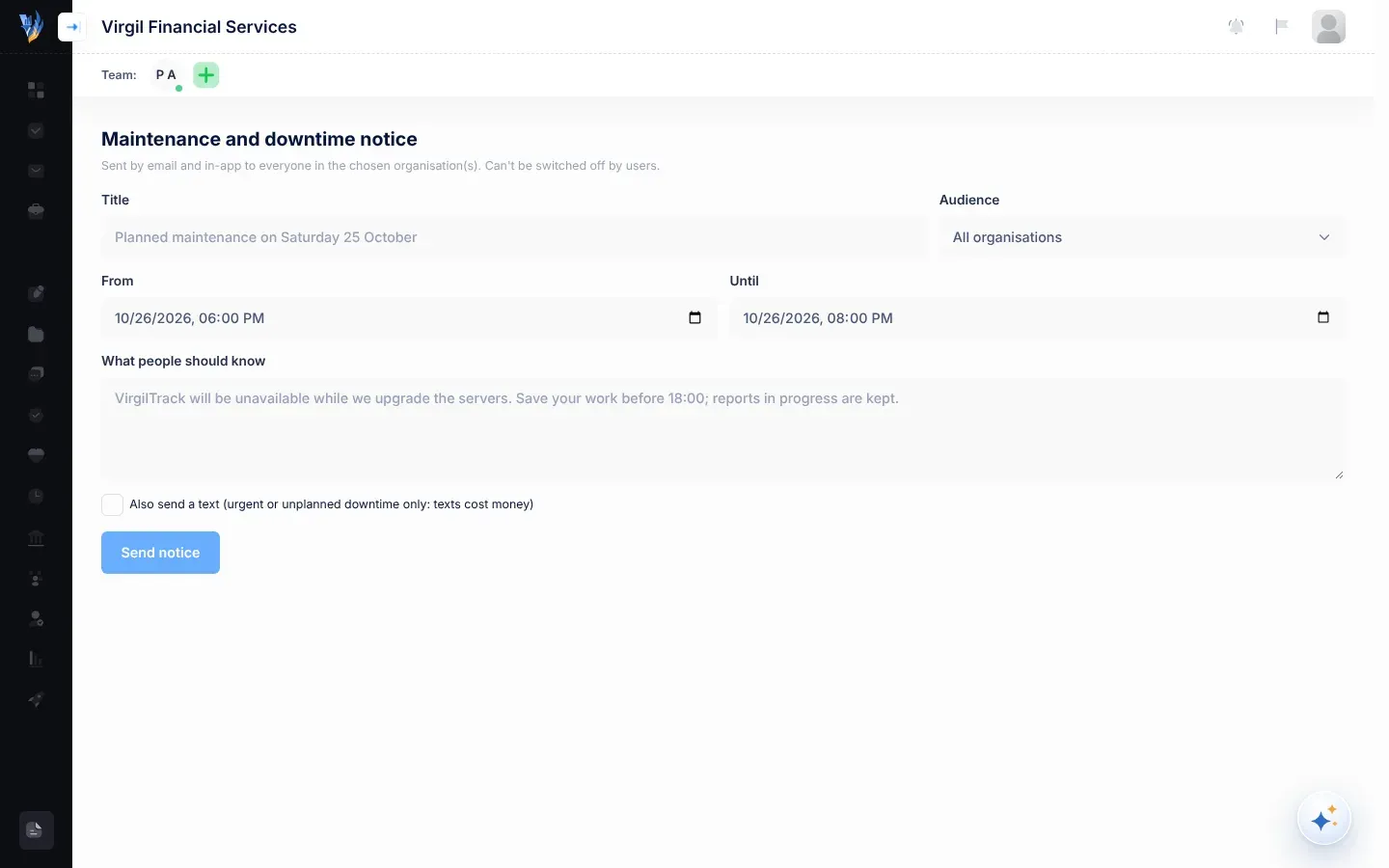
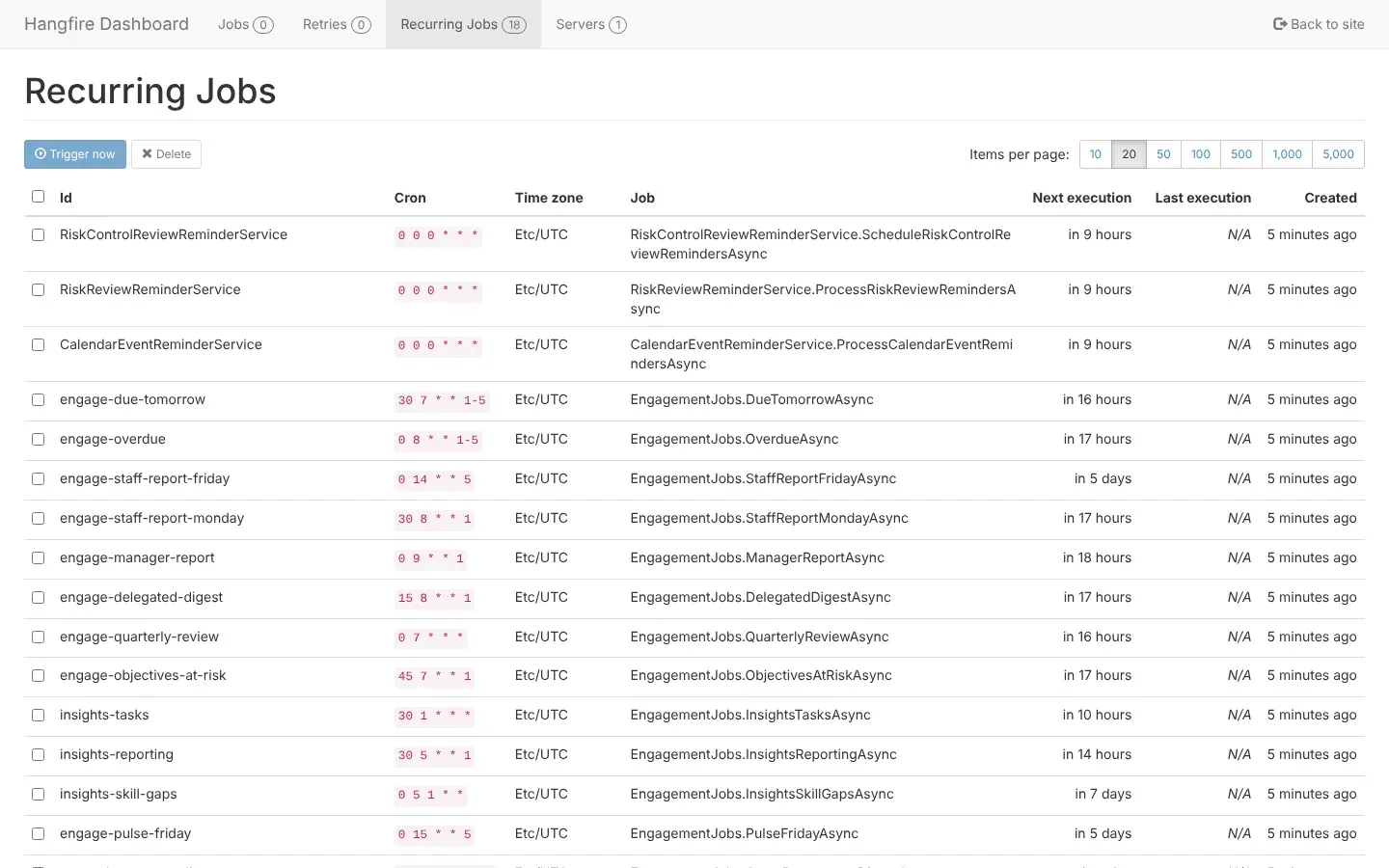
A platform administrator whose account can also manage demo links, send maintenance notices and see VirgilTrack’s scheduled jobs. Other administrators see “Only system administrators can …”. See Platform administration.
A label on a risk, such as IpsasReadiness, shown on the risk’s page. A risk copied from the risk repository keeps the suggestion’s tags. See IPSAS readiness risks.
The result a KPI should reach in a plan year. A KPI can have a different target for each year of the plan. See The KPIs page.
A piece of work that someone asks a colleague to do, by a due date. VirgilTrack keeps track of three kinds: strategy tasks, calendar tasks and risk controls. On the Tasks page, “task” means a strategy task. See Tasks.
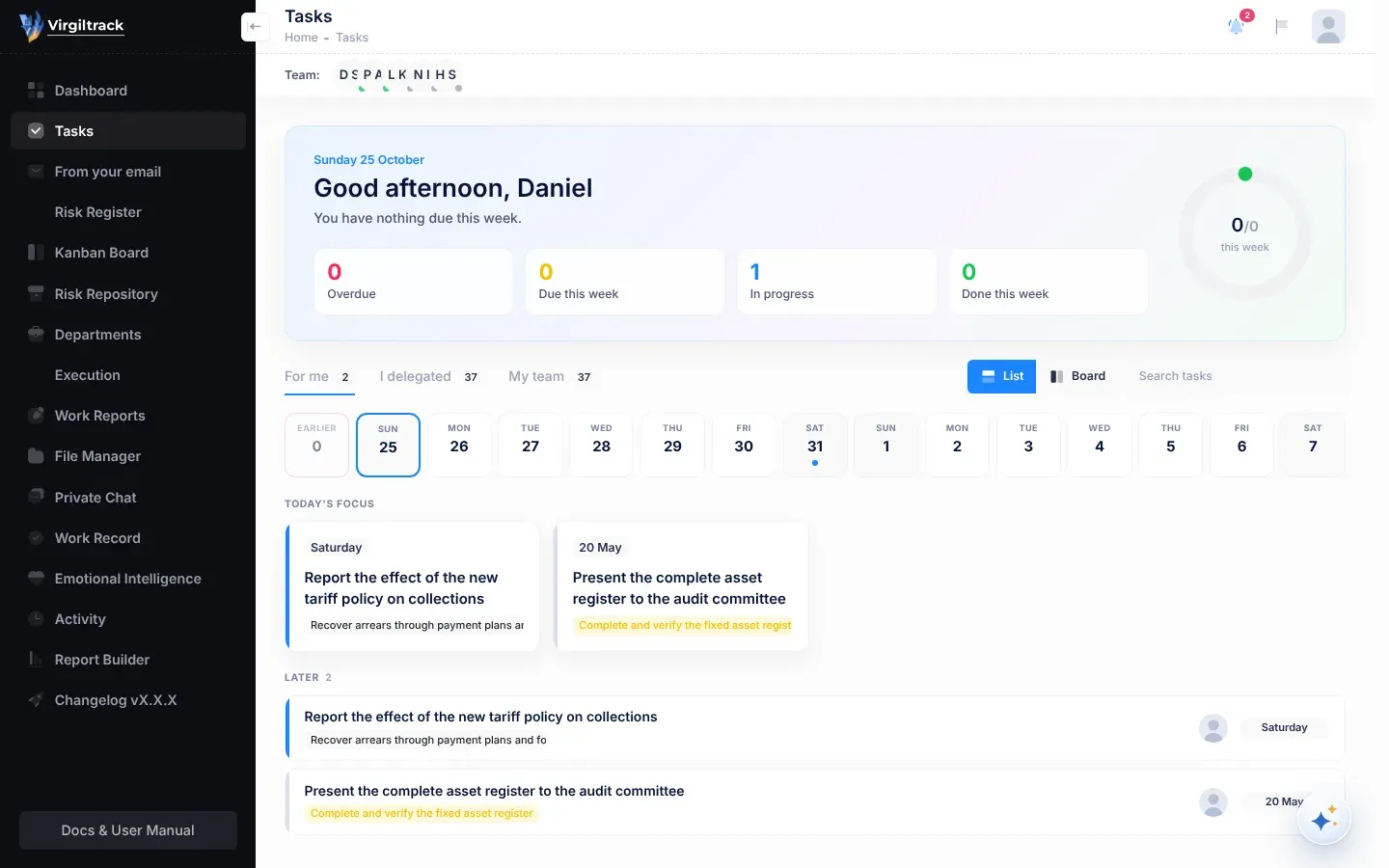
The Team: bar just under the header, with the pictures of the people you work with. A dot on each picture shows whether the person is online, away or offline. Select a picture to chat. The CEO, and administrators who belong to a department, also see Invite a team member there. See Find your way around.
A manager who has people reporting to them, without managing a whole department. In the reporting hierarchy, someone who gains people reporting to them becomes a Team Manager. Compare department manager.
A manager’s own weekly report, built from the points they tick in their team’s reports. The manager edits it in the Report Editor and submits it to the person they report to. See Submit your team report.
A broad area of focus in your strategic plan that groups objectives. See Strategy and execution.
Your time zone, set under Preferences in Settings. VirgilTrack uses it for quiet hours, for Virgil Copilot’s clock, and for reminders you ask Virgil Copilot or the quick bar for. Its regular emails and reminders, such as Due tomorrow, Overdue, report reminders and event reminders, go out at fixed times by VirgilTrack’s own clock instead. See Your profile and sign-in details.
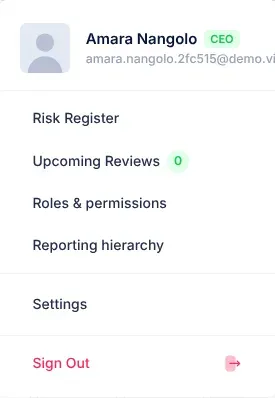
An item in your account menu (select your picture at the top right). Its number counts your risk reviews from today onwards. You can’t select it; it is there to remind you. See Risk reviews and reminders.
A finished task that a lead has checked with Verify the work. The task then shows Verified by and the lead’s name. See Tasks.
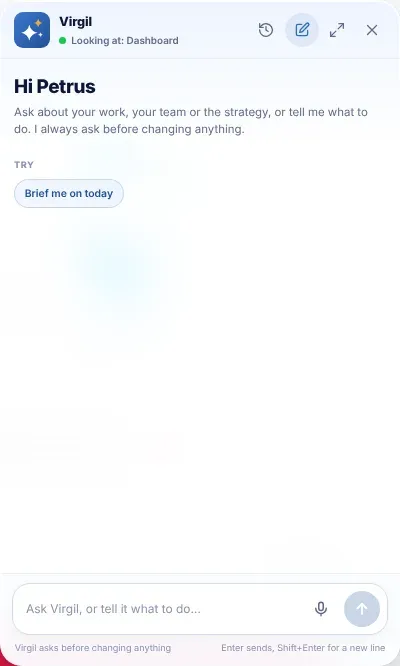
VirgilTrack’s AI assistant. Open it with the round Virgil Copilot button in the bottom-right corner, or with Ctrl + K. Ask it questions, or ask it to prepare work for you to confirm. See AI assistant.
The question “How was your week?” on the Me tab of Emotional Intelligence. Your answer is private unless you tick Share this with my manager. Either way, it counts towards your manager’s team pulse. See The weekly check-in.
What you did in a week, which VirgilTrack turns into a short report for the person you report to. Open it with Work Reports in the menu. See Your weekly report.
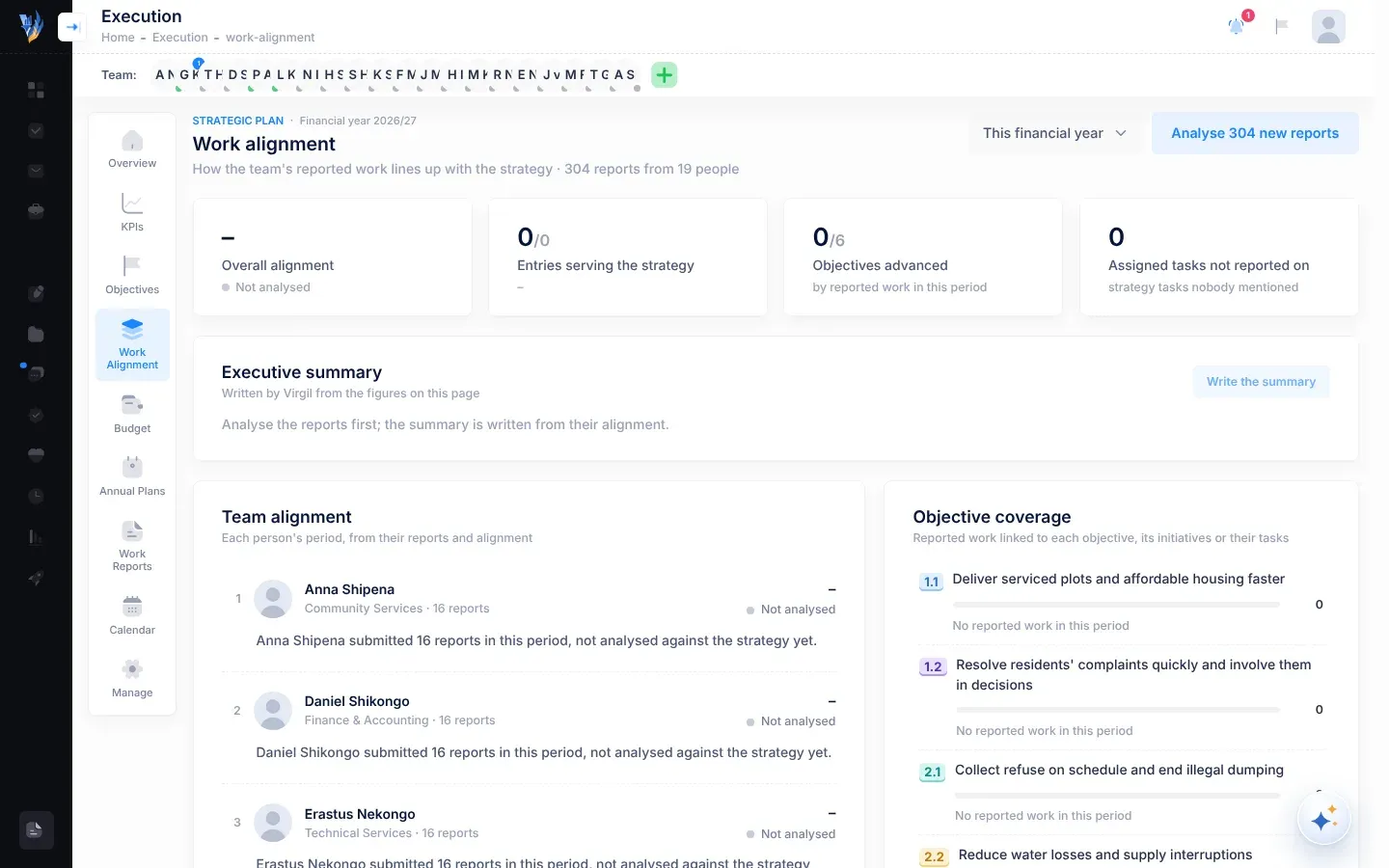
How people’s reported work lines up with the strategic plan. The Work Alignment page in Execution is for the CEO, or for people the CEO gives access to. See Strategy and execution.
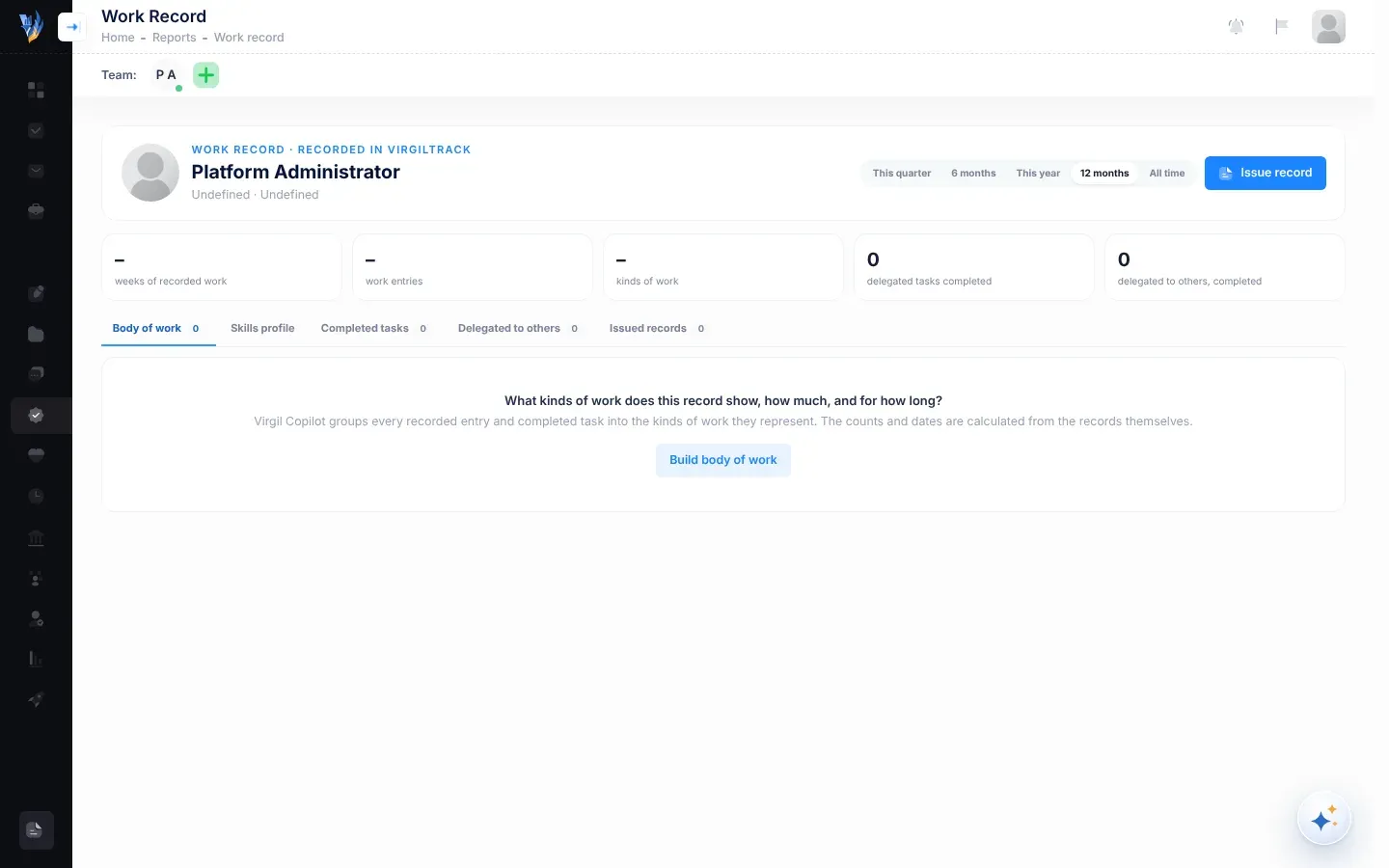
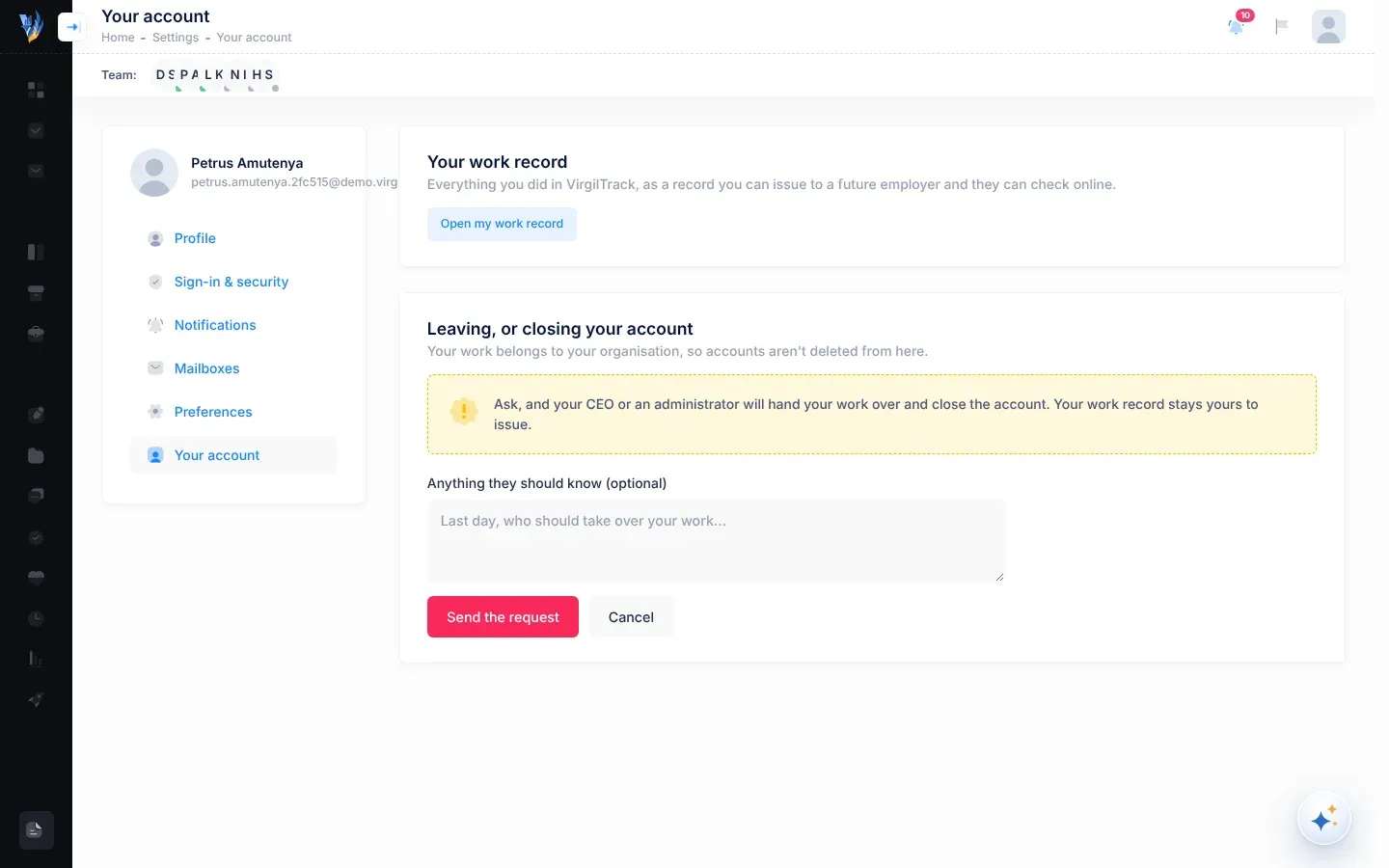
A record of the work you finished in VirgilTrack, which can be issued as a PDF with a code that an employer can check online. You, the person you report to, your department’s managers and the CEO can see it. In this version, the Work Record screen only opens for platform administrators. See Your work record.
A report of work done: a weekly report from staff, a team report from a manager, or the CEO’s monthly report to Council. See Work reports and records.
The part of Execution›, then Manage where the CEO gives people extra Execution pages on top of their role, such as Budget or KPIs. See Find your way around Execution.
A strategic plan is split into years. Targets and budgets are set for each year, and most Execution pages show the current one. See Strategy and execution.
The names of the first two columns on the Kanban board. Yet to Start holds risks with the status New; Under Control holds risks that are In Progress. See The Kanban board.